All content © 2017, cmotion GmbH. All specications subject to change without notice. http://www.cmotion.eu
49/112
4.4. Motor Calibration
Motors must be calibrated each time a motor is attached or if the lens motor has been moved/
adjusted manually.
You can either calibrate all attached motors simultaneously, individually or perform special
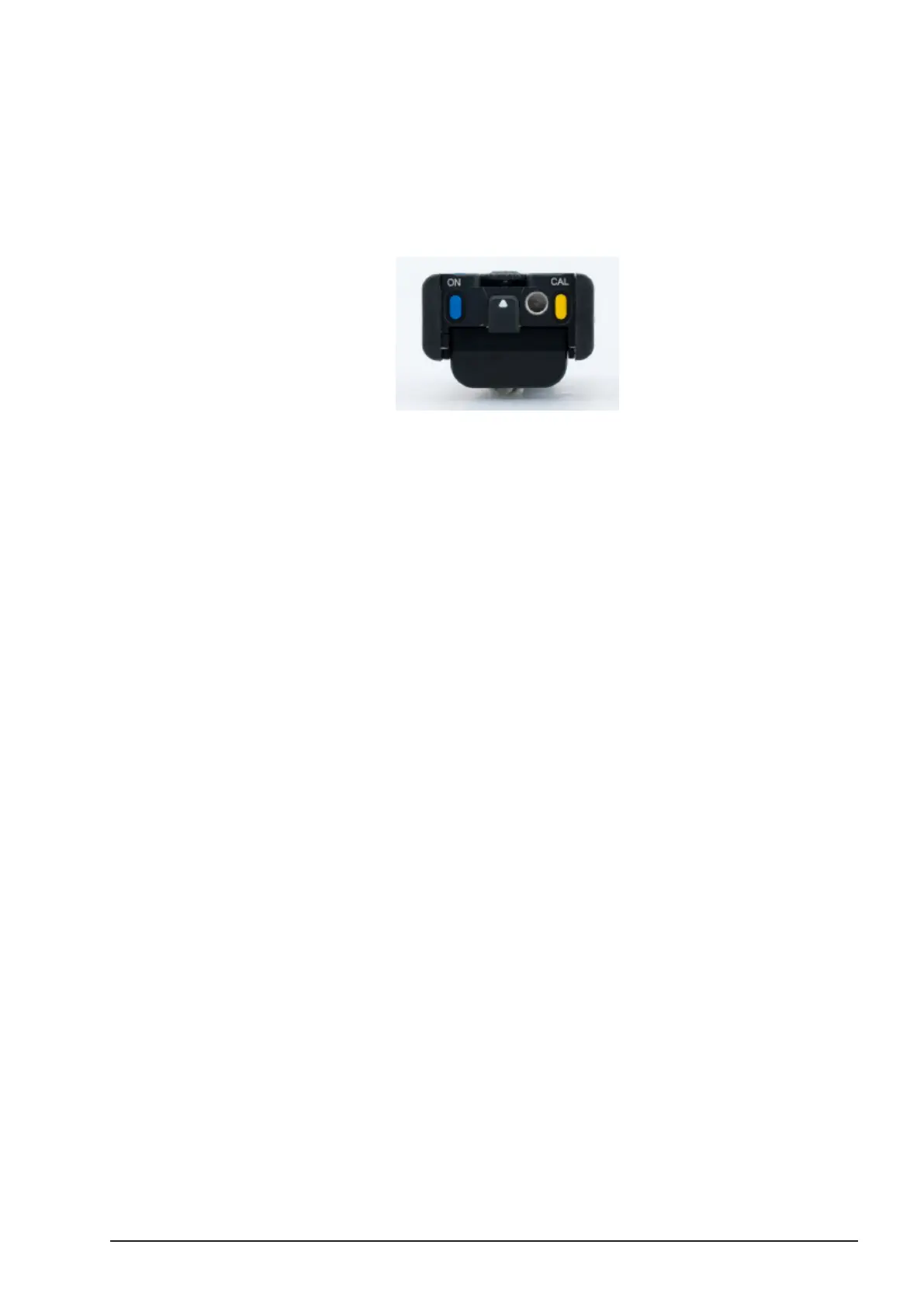
calibration options from the CAL menu. The CAL button is located at the bottom of the cvolution
hand unit.
Note: When working directly with ARRI Alexa Plus and Alexa Mini
cameras, the motor calibration process is dierent. Please refer to
section 5 on page 79 for more information.
Note: Lens motors will not calibrate if the system receives information
that camera is recording or the ‘Record Simulation’ feature has been
used to trigger the camera.
4.4.1. Single Motor Calibration
■Push and hold the CAL button and press the respective controller LENS Button
that is assigned to the motor you wish to calibrate.
4.4.2. Multiple Motor Calibration
■Hold down the yellow CAL button for three seconds and release.



 To Next Page