All content © 2017, cmotion GmbH. All specications subject to change without notice. http://www.cmotion.eu
40/112
3.4. cvolution zoom and cvolution handle
The cvolution zoom is the zoom control unit of the cvolution lens control system. There are two
ways to integrate the cvolution zoom into the cvolution lens control system.
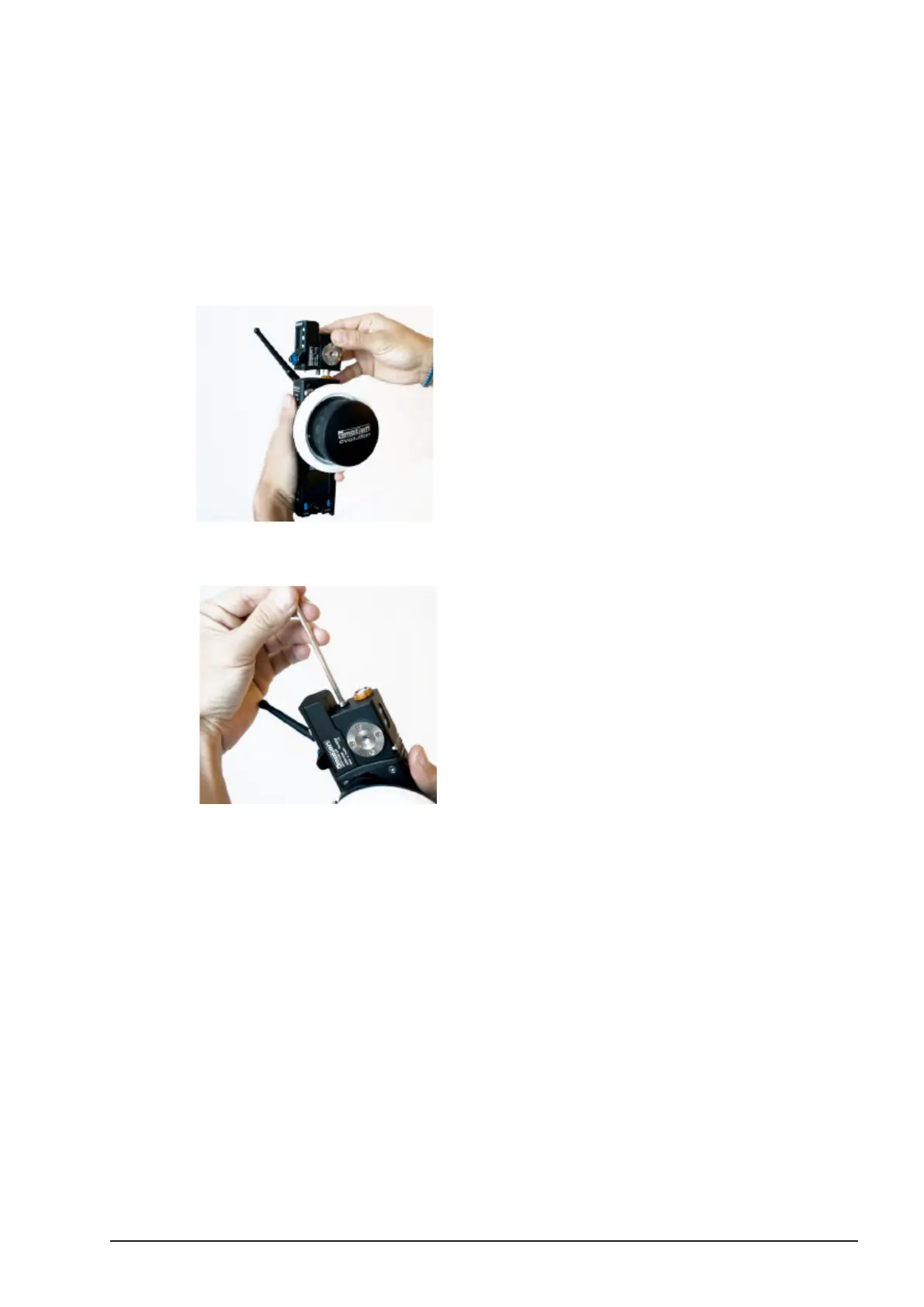
3.4.1. Attaching the zoom unit on the hand unit
You will nd the CBUS connecter at the top of the cvolution hand unit.
■Attach the cvolution zoom to the CBUS connector on the cvolution hand unit.
■Securely fasten the screw located on top of the cvolution zoom using
a 4mm Allen key.



 To Next Page