All content © 2017, cmotion GmbH. All specications subject to change without notice. http://www.cmotion.eu
58/112
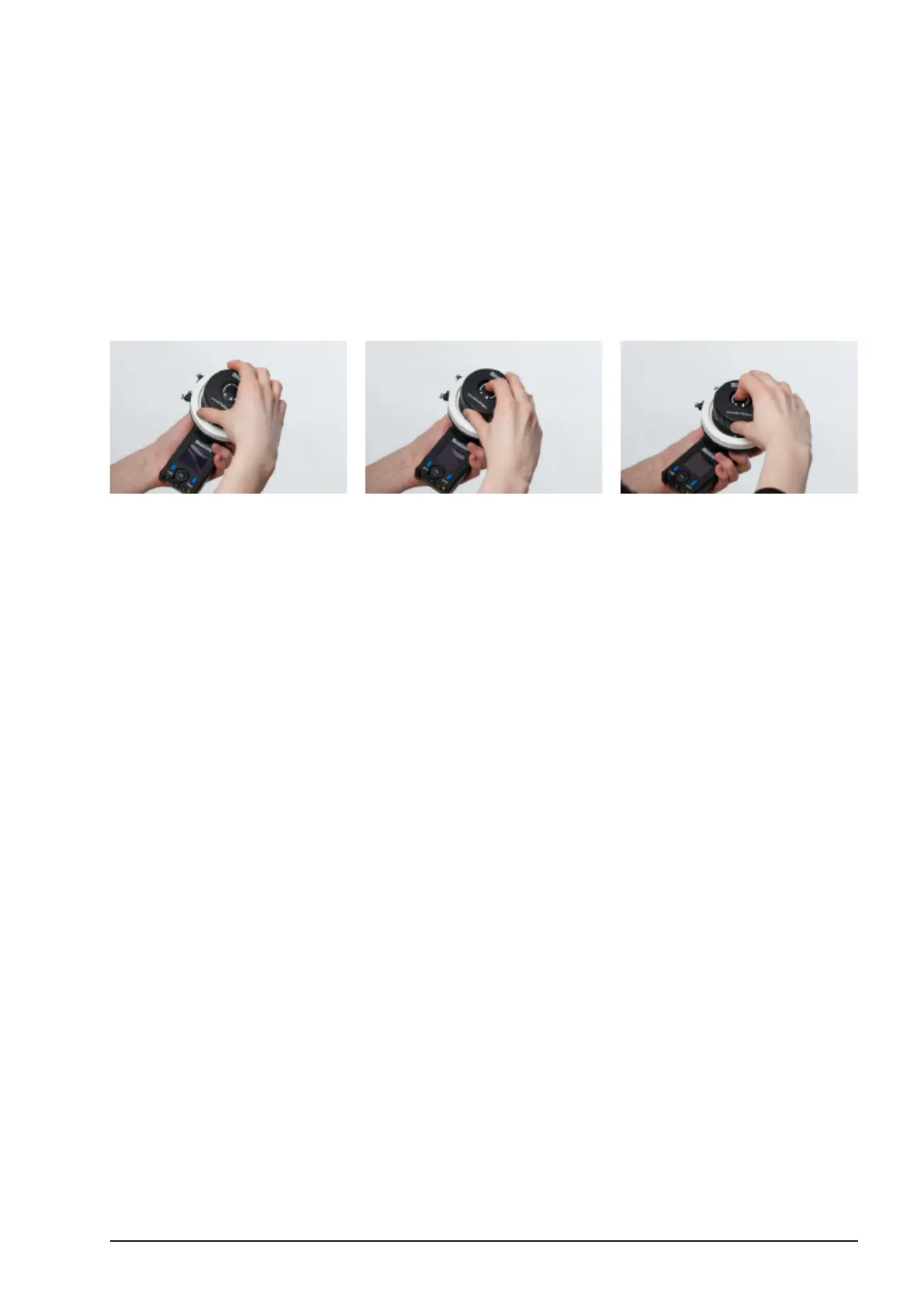
4.10. Adjust advanced knob Torque
■To adjust the torque of the knob, push the button in the middle of the knob and
slightly turn the knob until you feel it engage.
■Hold the button down and turn knob clockwise to increase friction,
counterclockwise to decrease friction.
■When you are satised with the torque of the knob, release the button.
Note: When you reach the end of the knob rotation while adjusting
torque, release the button, turn the knob to the opposite end and
continue adjusting as described above.
4.11. advanced knob Illumination
■Press the Select button to enter the menu.
■Scroll to “KNOB”, select “Illumina”, and select desired brightness.
■Press the MENU SELECT WHEEL to conrm.



 To Next Page