All content © 2017, cmotion GmbH. All specications subject to change without notice. http://www.cmotion.eu
54/112
4.7. Camera Run
4.7.1. Camera Run Button
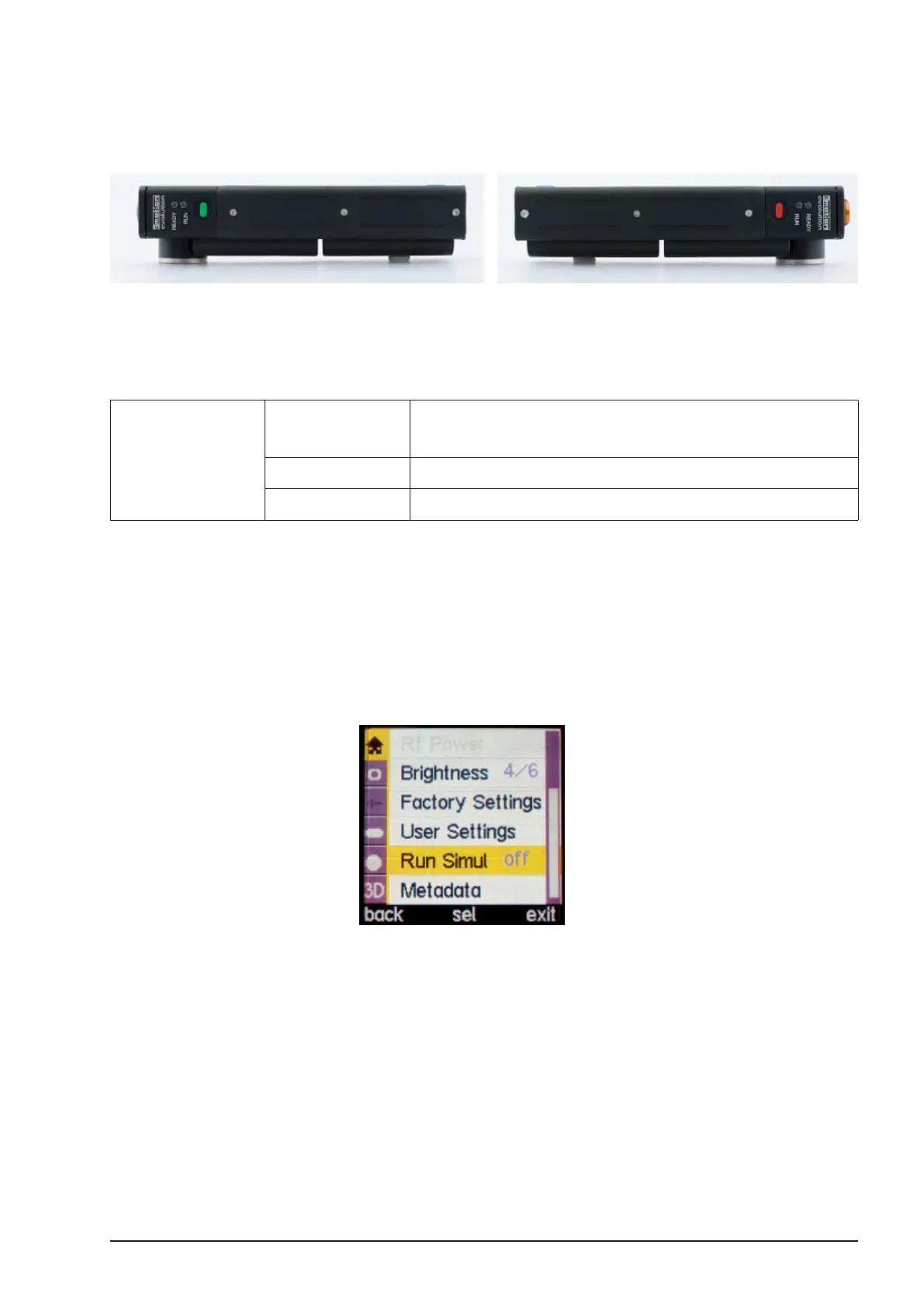
The Camera Run Button is located on the front or back side of the cvolution hand unit, depending
on your hand unit’s conguration.
■The function of each button can be congured in the menu BUTTONS.
■To start/stop the camera, push the red or green Button, whichever is assigned to REC.
RUN LED OFF No RUN signal received from camera or
Camera in standby mode
GREEN Camera running
RED Camera error or camera is changing speed
Note: You cannot start the camera when motors are calibrating.
4.7.2. Camera Run Simulation Function
The RUN LED indicates the recording status of the camera. Once the run button has been
pressed, a pulse signal is sent from the camera to indicate the camera status. However, not all
cameras relay this information. In this case, you can use the “Run Simul” mode. This feature
will simply indicate when you have pressed the RUN button.
Note: When using Run Simul, make sure that the camera is recording
when indicated on the hand unit.



 To Next Page