All content © 2017, cmotion GmbH. All specications subject to change without notice. http://www.cmotion.eu
91/112
6.3.3. Setting the Zero Point
To congure your rig properly, ensure that both cameras line up perfectly on your rig.
■Line up both cameras on your rig. Make sure they both show precisely the same
2D picture.
■Enter the MAIN MENU by pressing “Select” twice.
■Scroll to and enter “3D MODE” by pressing “Select”.
■Select “Zero Point” and press “Select”.
■Conrm by pressing “Yes”.
6.3.4. Blocking Negative Values
When you have properly dened the zero point, you might want to keep the rig from reaching
negative Convergence and Interaxial values.
■Enter the MAIN MENU by pressing “Select” twice.
■Scroll to and enter “3D MODE” by pressing “Select”.
■Select “BlockNeg” and press “Select”.
■Select “on” or “o”
■Conrm by pressing “sel”.
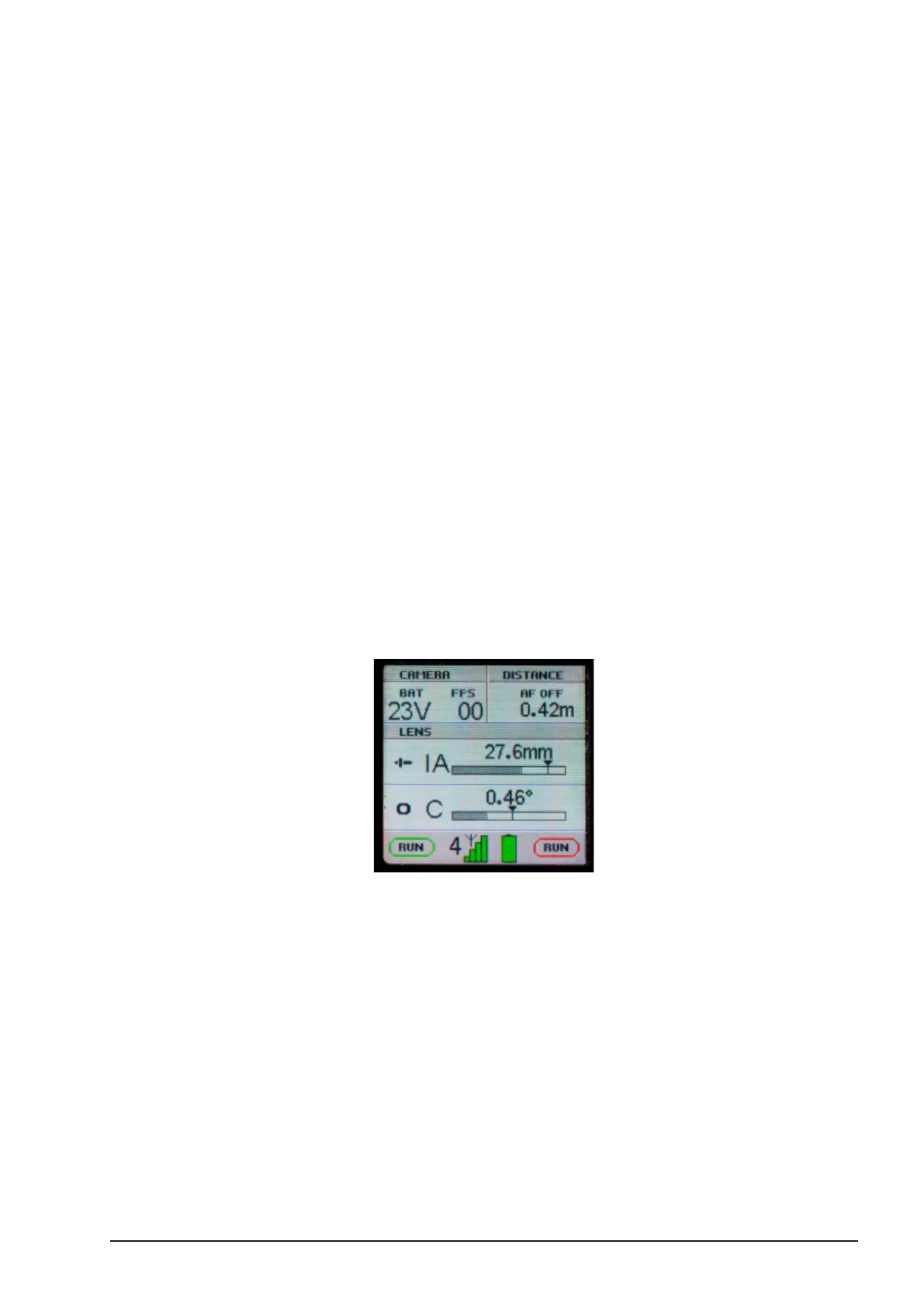
The main display will now show the negative scale areas grayed out and you will not be able to
move the motors into negative values.



 To Next Page