All content © 2017, cmotion GmbH. All specications subject to change without notice. http://www.cmotion.eu
46/112
4.2.3. hand unit
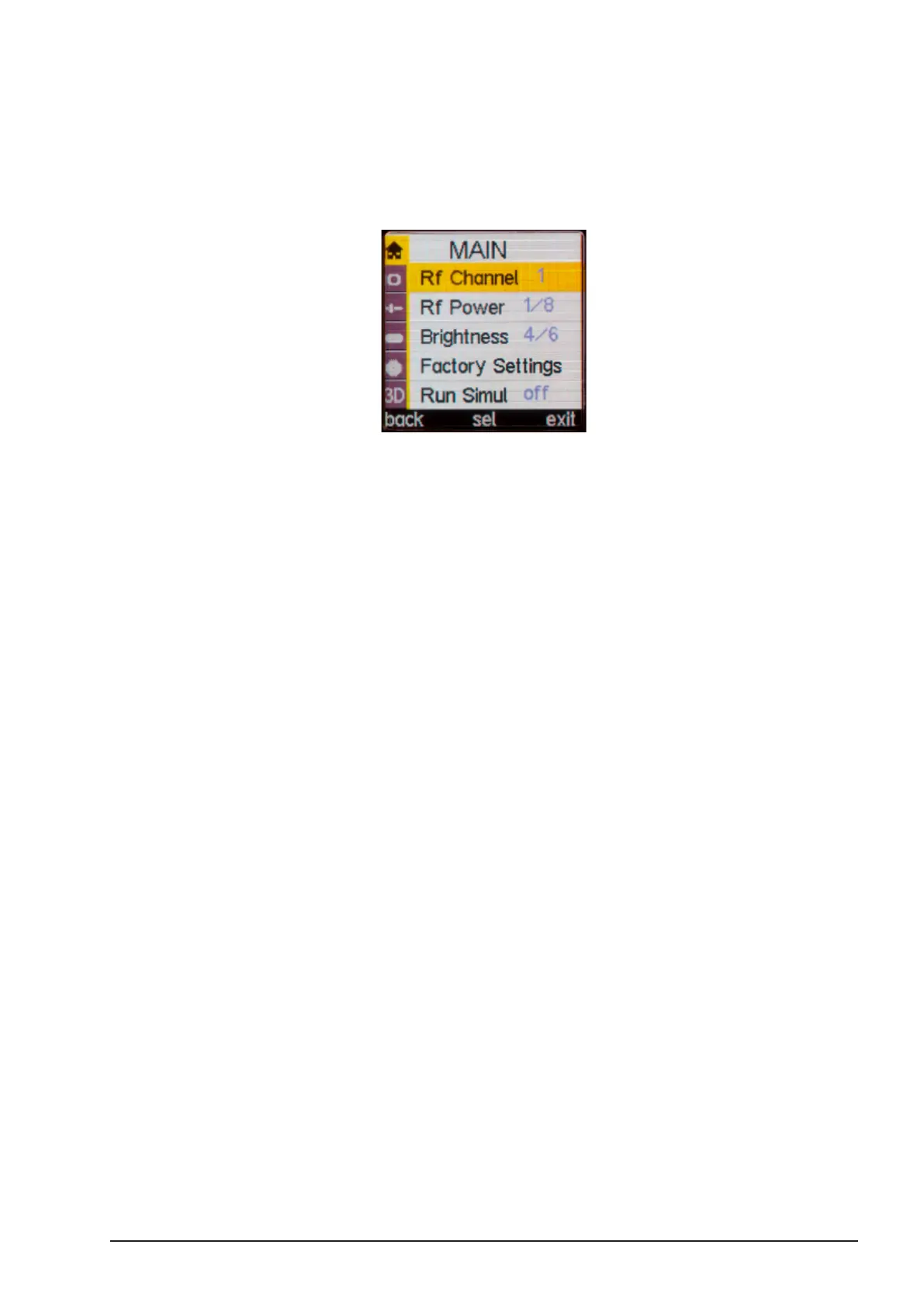
The channel selection is done in the menu.
■Press the “SELECT” button twice to enter the menu.
■Select MAIN, “Rf Channel” and select the appropriate channel, according to your
camin settings.
Note: The cvolution hand unit can also be used in cable mode. It can
be connected to the camin by means of a CBUS cable (Le 8p, Le 8p).
As soon as the CBUS cable is connected, the system’s RF module will
turn o automatically.
Note: Please be aware that CBUS cables are available in dierent
lengths and with dierent connectors. Plugs with orange sleeves match
the 8 pin Lemo connector of the cvolution camin and newer cdisplay II
units. Plugs with blue sleeves match the CBUS Fi 7p found on cnder,
cnder II and coperate LCS units.



 To Next Page