All content © 2017, cmotion GmbH. All specications subject to change without notice. http://www.cmotion.eu
67/112
4.16. Creating/Editingalensle
using the cvolution hand unit
“Create lens” is a cvolution feature that allows you to quickly and accurately create and save up
to 24 imperial or metric focus scales for use with regular or pre-engraved marker rings. These
created lens les can be named and saved within the internal memory of the cvolution hand
unit.
“Edit lens” allows you to change preset parameters on a lens le stored on the hand unit. Editing
a lens le follows the same procedure as “create lens” described below.
In order to edit a lens le, please also refer to section 4.18.8. on page 75 of this manual.
NOTE: The lens le needs to be unloaded from the camin before it can be edited. Only lens les
created on the hand unit can be edited.
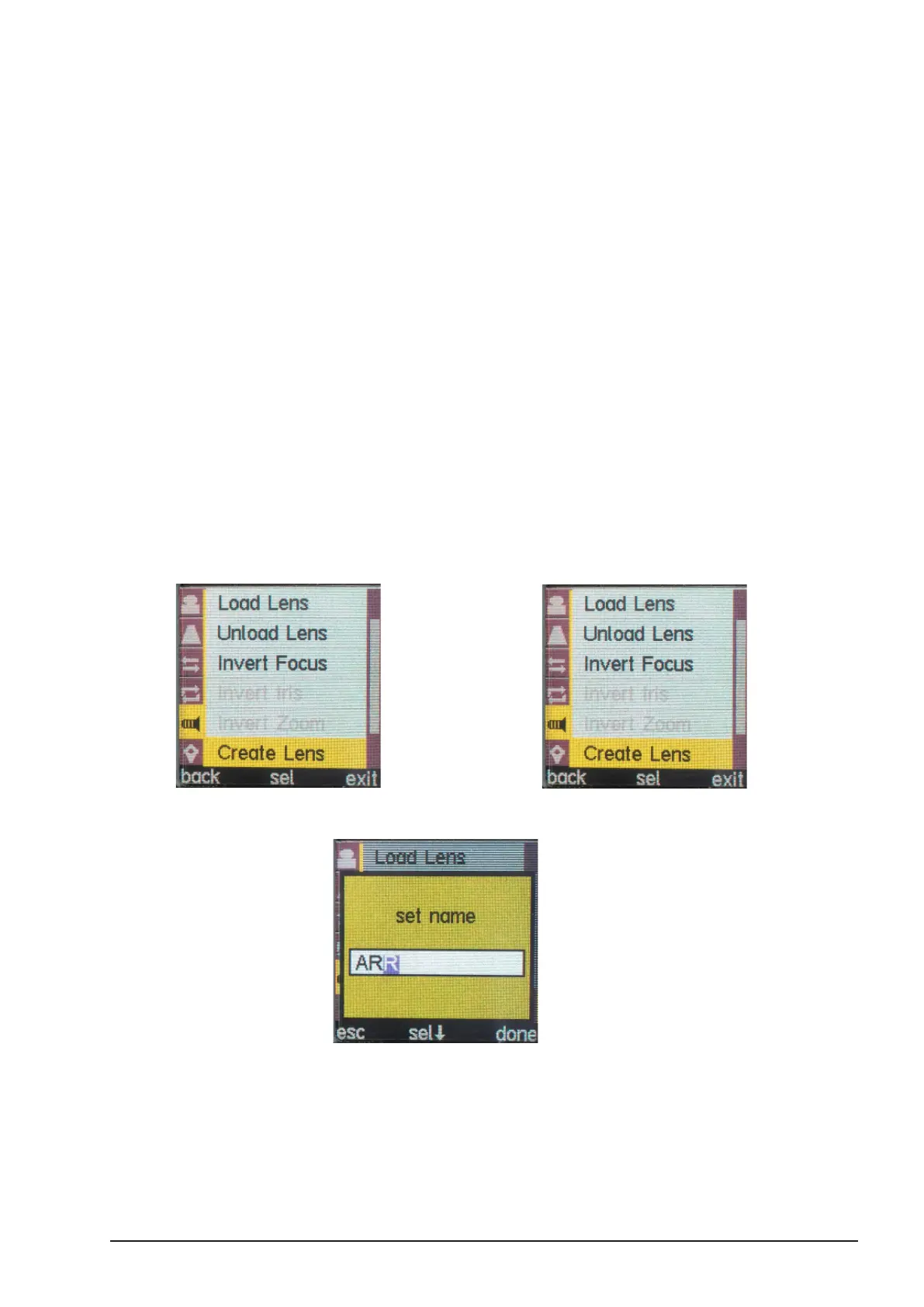
In order to create a lens le using the cvolution hand unit proceed as follows:
■ Press the MENU SELECT WHEEL twice to enter the Menu
■ Select “Create lens” within the LENS menu
...............................................................................................................................................
■ Scroll through the alphanumerical characters using the MENU SELECT WHEEL to
create a name for each lens.
■ - Press “sel” using the MENU SELECT WHEEL if you want to edit the next digit
■ - Press “done” once nished
■ Select the unit type of the lens (imperial or metric)



 To Next Page