Appendix – Examples Control Station Duetto
144 2.0/0518
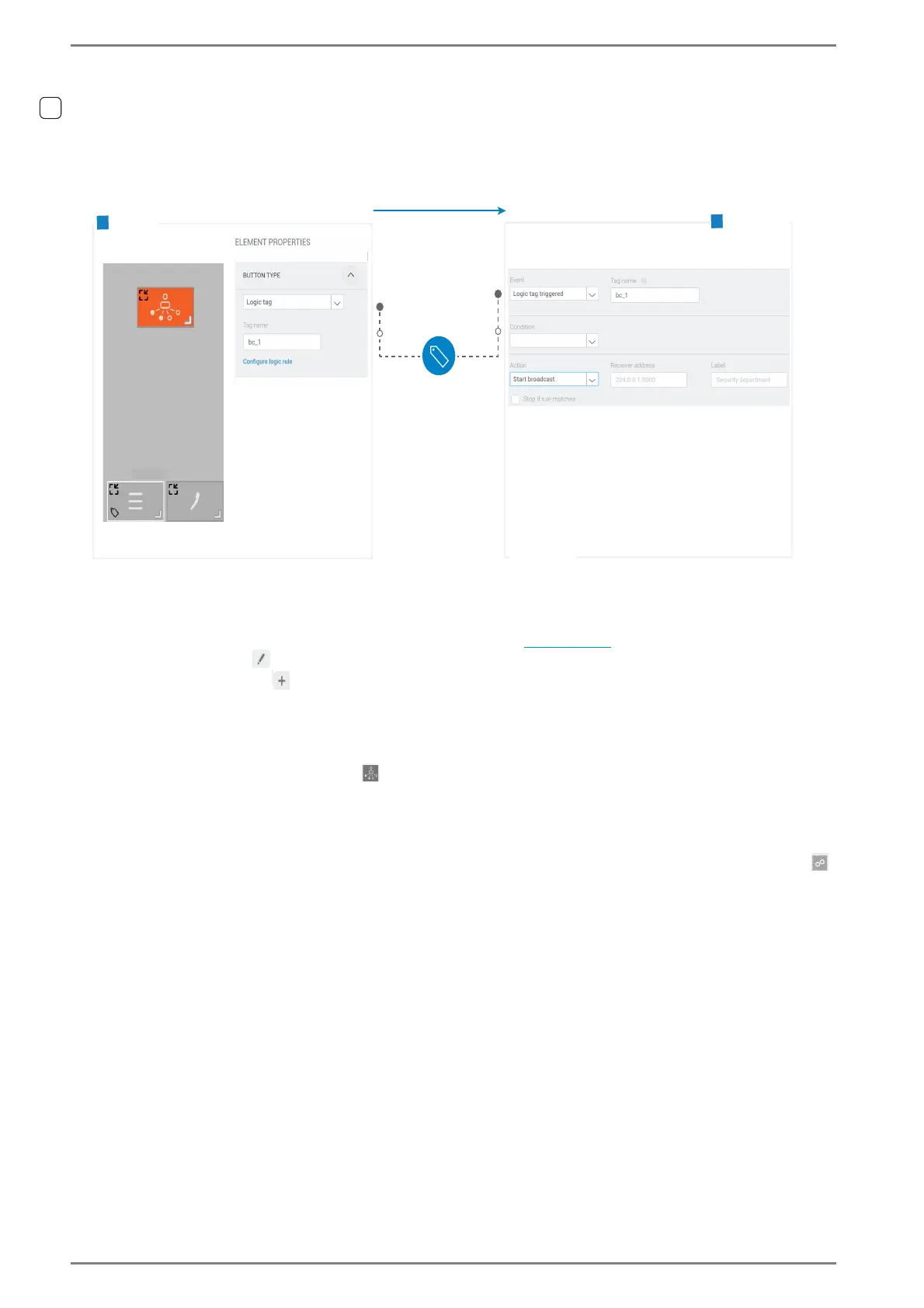
Configuration of a broadcast button
Configuration of functions with logic tags: Creating a button which starts a broadcast on the DUETTO
device.
Example “Configuration of a broadcast button”
a: Create a button
Go to: Customization > Screens in the web interface (see page 57).
Click on the button to configure the respective screen.
Click on Add Button .
b: Customize the visual appearance of the button
Click in the desired button to open the dialogue Element Properties.
In the dialogue Element Properties, click on the tab LOOK AND FEEL.
Click on Icons and select the icon for broadcasts.
➥ Click on Save.
a: Allocate a logic tag to a button
Click in the desired button to open the dialogue Element Properties (also the attached button
closes and opens the dialogue).
In the dialogue Element Properties, click on the tab Button Type.
A
B
Screen
Start a broadcast
Logic tag
Logic tag
triggered
Triggers
logic rule
Tag name: bc_1
„My Screen“
Press button
Logic rule
Functionality



 To Next Page