Web interface – SIP Control Station Duetto
34 2.0/0518
Password: Enter the password for registration and authentication.
Show password: Activate to show the characters entered in the field Password.
Add up to 2 fallback servers to the configuration. To do this, choose with the button Fallback mode
how the device falls back on the available servers. For more information on sequential mode,
see “Ex-
ample 5: Multiple SIP server registration” on page 152.
Fallback mode: Choose, how the device falls back on the available servers.
Parallel: The device registers on all available SIP servers.
Cisco: The device verifies periodically the operational readiness of all configured SIP servers.
It always registers on the currently accessible SIP server with the highest priority.
Sequential: The device registers only on the currently accessible SIP server with the highest
priority. It only periodically queries the operational readiness of this SIP server. As long as it is
operational, other servers will not be queried.
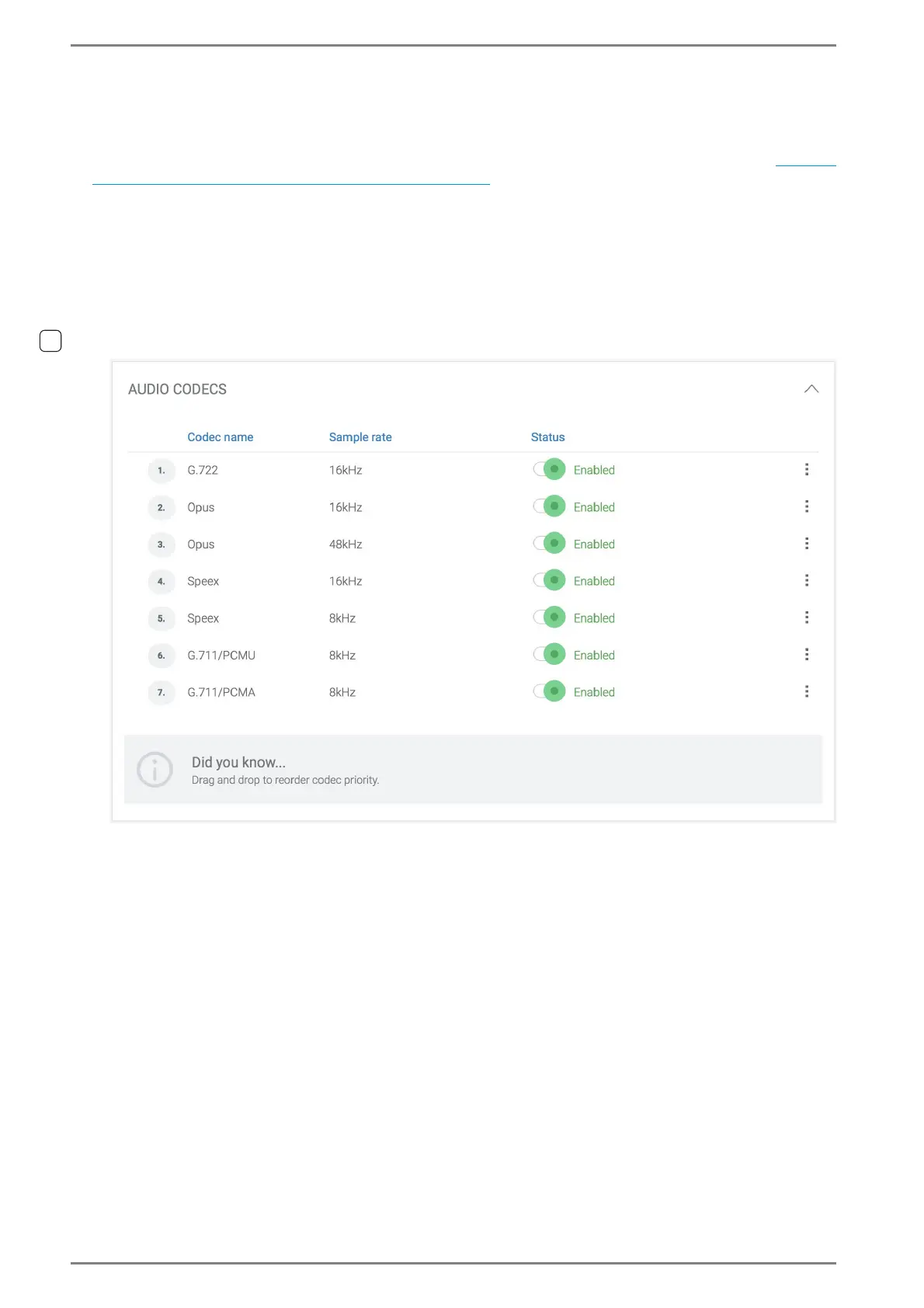
AUDIO CODECS
The priority for codec negotiation can be defined by drag and drop. The priority of the audio codecs
is listed in descending order. When initiating a SIP call, the DUETTO device requests to establish the
conversation using the audio codec with the highest priority. If the other subscriber is able to inter
-
pret this audio codec, the conversation is established with this audio codec. Otherwise, the DUETTO
device suggests the audio codec with the next highest priority. These steps will be repeated until an
audio codec has been found that can be used by both subscribers.



 To Next Page