Control Station Duetto Web interface – SIP
2.0/0518 35
Deactivate the checkbox of an audio codec in order to disable it for SIP conversations.
The following audio codecs are available:
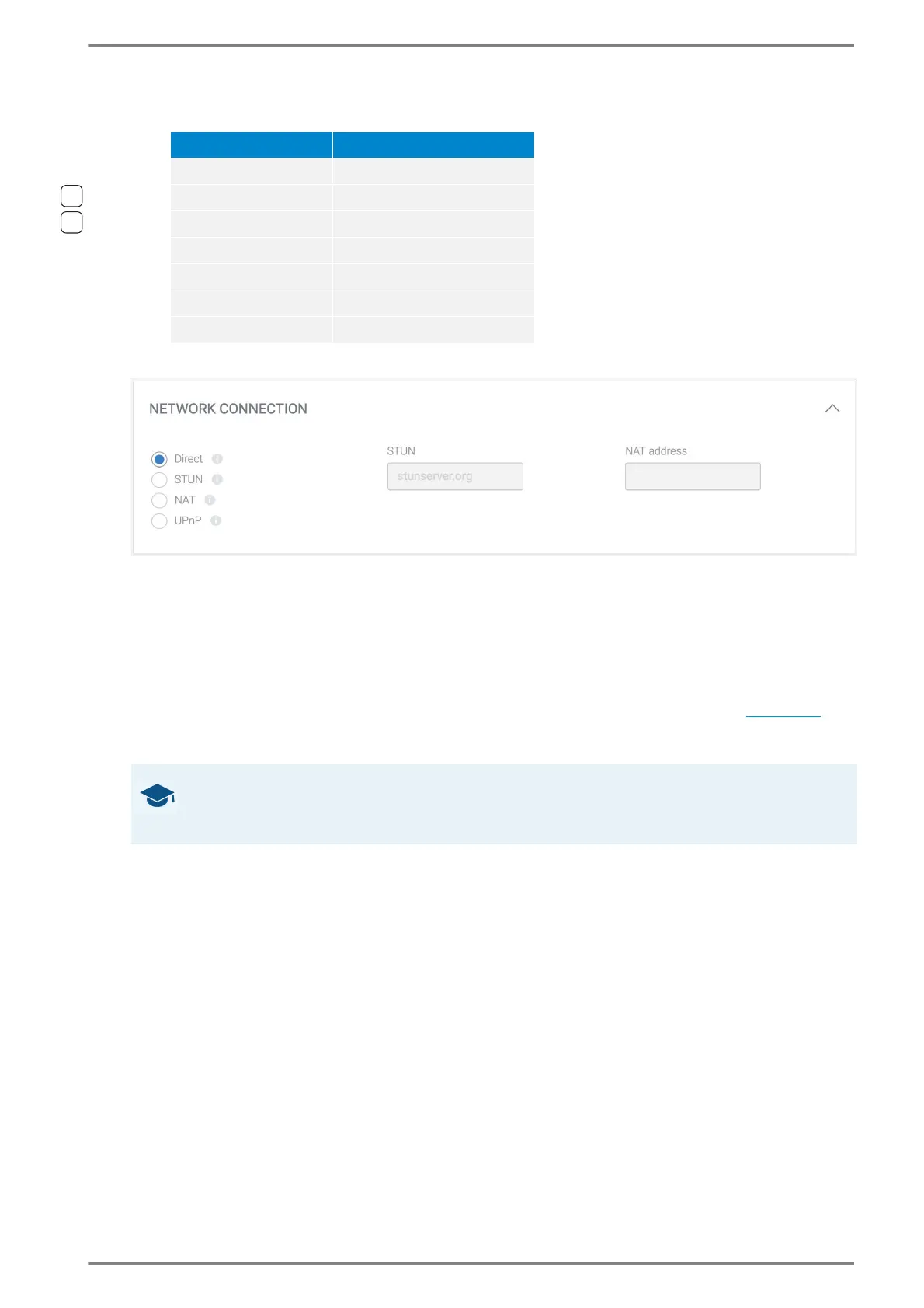
NETWORK CONNECTION
Select the desired radio button to set up the connection depending on the firewall state in order to
use the phone without changing the local network security settings. The following connections are
available: → By default: direct
Direct: No firewall is active. The fields STUN and NAT address will be disabled.
STUN: Select STUN if the DUETTO device will detect the public IP address via a STUN server.
The field NAT address will be disabled.
NAT: Select NAT to enter the public IP address of the NAT server in the field NAT address
behind which the DUETTO device is located. The field STUN will be disabled (
see below).
UPnP: Select UPnP to use the auto-discovery protocol for network devices. The fields STUN
and NAT address will be disabled.
STUN: Enter the IP address or domain of the STUN server.
→ By default: stunserver.org
NAT address: Enter the public IP address of the NAT router.
Codec Sample rate
G.722 16 kHz
Opus 16 kHz
Opus 48 kHz
Speex 16 kHz
Speex 8 kHz
G.711/PCMU 8 kHz
G.711/PCMA 8 kHz
GOOD TO KNOW: Firewall settings are not required in IPv6 networks
If the DUETTO device is located in an IPv6 network and has an IPv6 address, no additional firewall set-
tings are required. In this case, select the entry “direct”.



 To Next Page