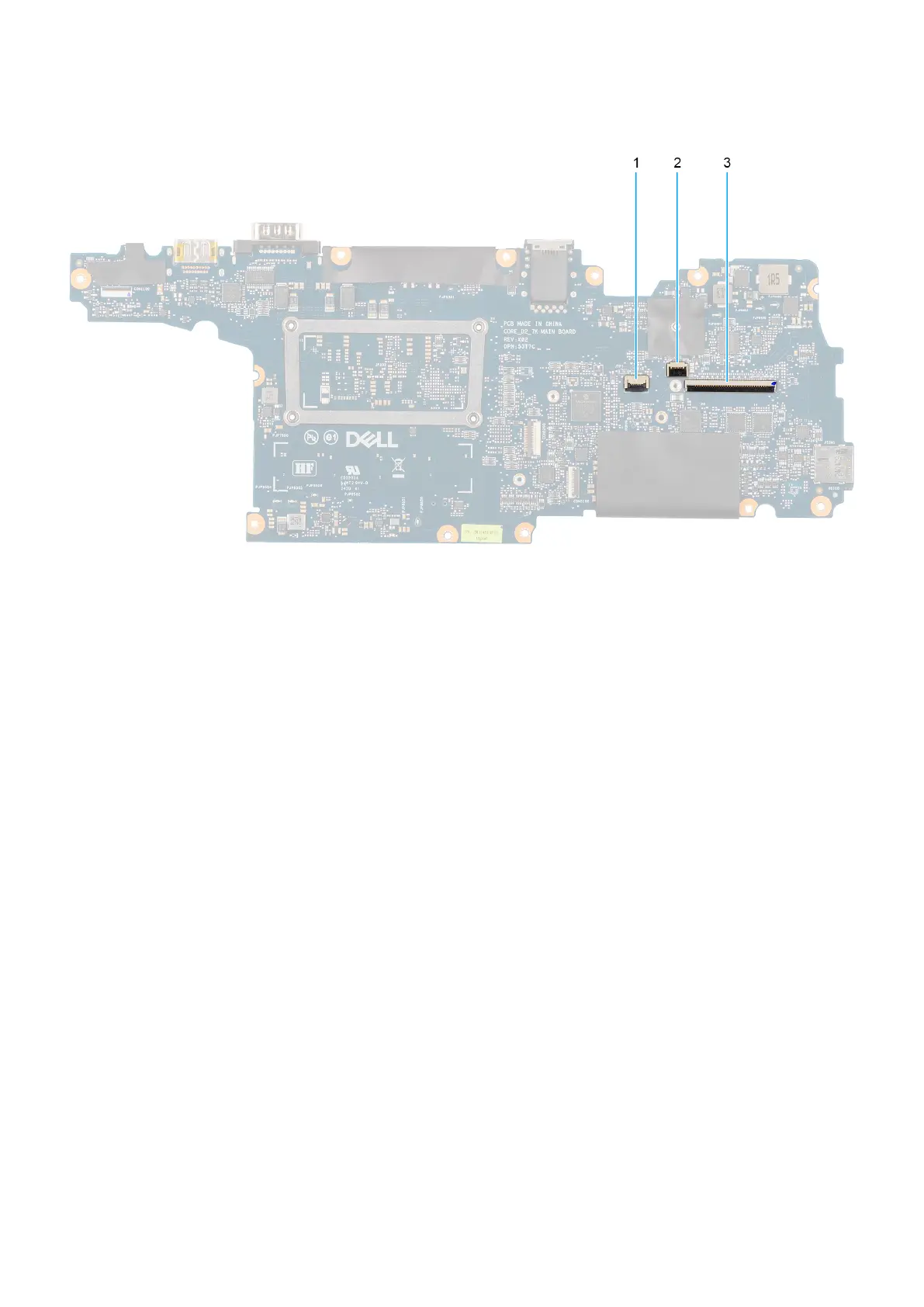
Figure 89. System board connectors
1. Touchpad cable connector
2. Backlight flat printed cable connector
3. Keyboard cable connector
The following images indicate the location of the system board and provide a visual representation of the removal procedure.
128
Removing and installing Field Replaceable Units (FRUs)











 To Next Page