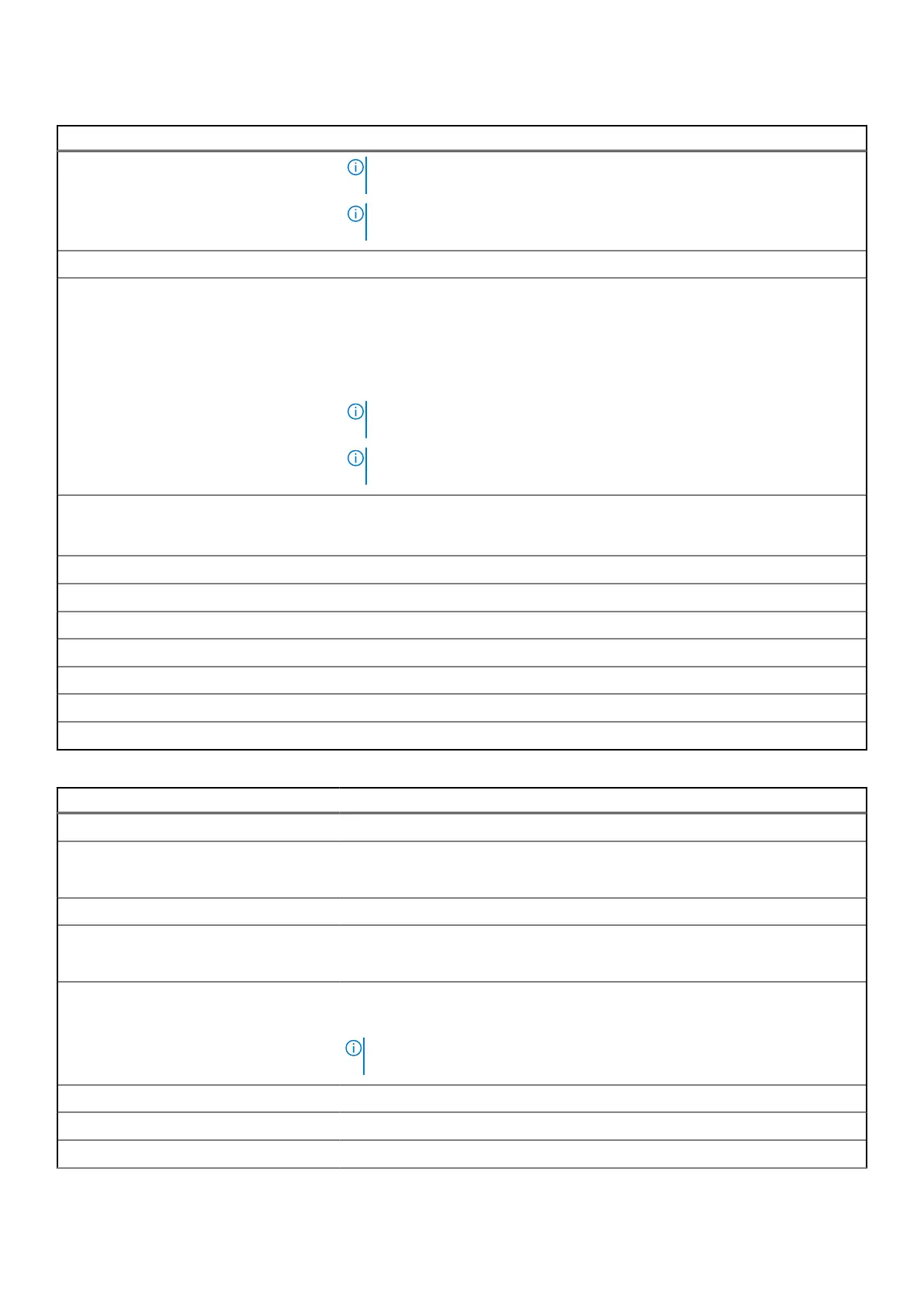
Table 51. System Setup options—Integrated Devices menu(continued)
Integrated Devices
NOTE: On computers with collaboration touchpad, the Collaboration
Touchpad is disabled when the Unobtrusive Mode option is enabled.
NOTE: To view this option, enable Advanced Setup mode as described in
View Advanced Setup options.
Stealth Mode
Enable Stealth Mode Enables or disables the stealth mode. When enabled, all system light and sound
are turned off. Toggling <Fn>+Shift+<B> enters and exits unobtrusive mode. If
this option is grayed out and needs to be enabled, please ensure Collaboration
Touchpad (Go to Pre-Boot Behavior) is disabled first. Then turn on the stealth
mode.
By default, the Enable Stealth Mode option is enabled.
NOTE: On computers with collaboration touchpad, the Collaboration
Touchpad is disabled when the Stealth Mode option is enabled.
NOTE: To view this option, enable Advanced Setup mode as described in
View Advanced Setup options.
Disable onboard LEDs Configures the Dell Stealth Mode feature. Checking Enable Stealth Mode
enables this feature. All other controls on this page may only be configured when
stealth mode is enabled.
Disable onboard LCD Screen Enables or disables the onboard LCD Screen.
Disable onboard speakers Enables or disables the onboard speakers.
Disable onboard fans Enables or disables the onboard fans.
Disable Bluetooth radio Enables or disables the Bluetooth radio.
Disable GPS Receiver Enables or disables the GPS Receiver.
Disable WLAN radio Enables or disables the WLAN radio.
Disable WWAN radio Enables or disables the WAN radio.
Table 52. System Setup options—Storage menu
Storage
SATA/NVMe Operation
SATA/NVMe Operation Sets the operating mode of the integrated SATA hard drive controller.
By default, the Raid On option is selected.
Storage Interface Displays the information of various onboard drives.
Port Enablement Enables or disables the M.2 PCIe SSD option.
By default, the M.2 PCIe SSD option is enabled.
Smart Reporting Enables or disables the Smart reporting option.
By default, the Smart Reporting option is disabled.
NOTE: To view this option, enable Advanced Setup mode as described in
View Advanced Setup options.
Drive Information Displays the information of onboard drives.
Enable MediaCard
Secure Digital (SD) Card Enables or disables the SD card.
BIOS Setup 173











 To Next Page