87
10.3 Description of the menus
10.3.1 Start
Enter the IP address of the AST40 sequence controller (e.g. "http://10.10.25.108") in the
browser's address bar and press Enter to load the web-based user interface. The IP
address can be found in the system data, see 9.2.5.1 System data. The browser now
establishes a connection with the AST40 sequence controller and loads the home page.
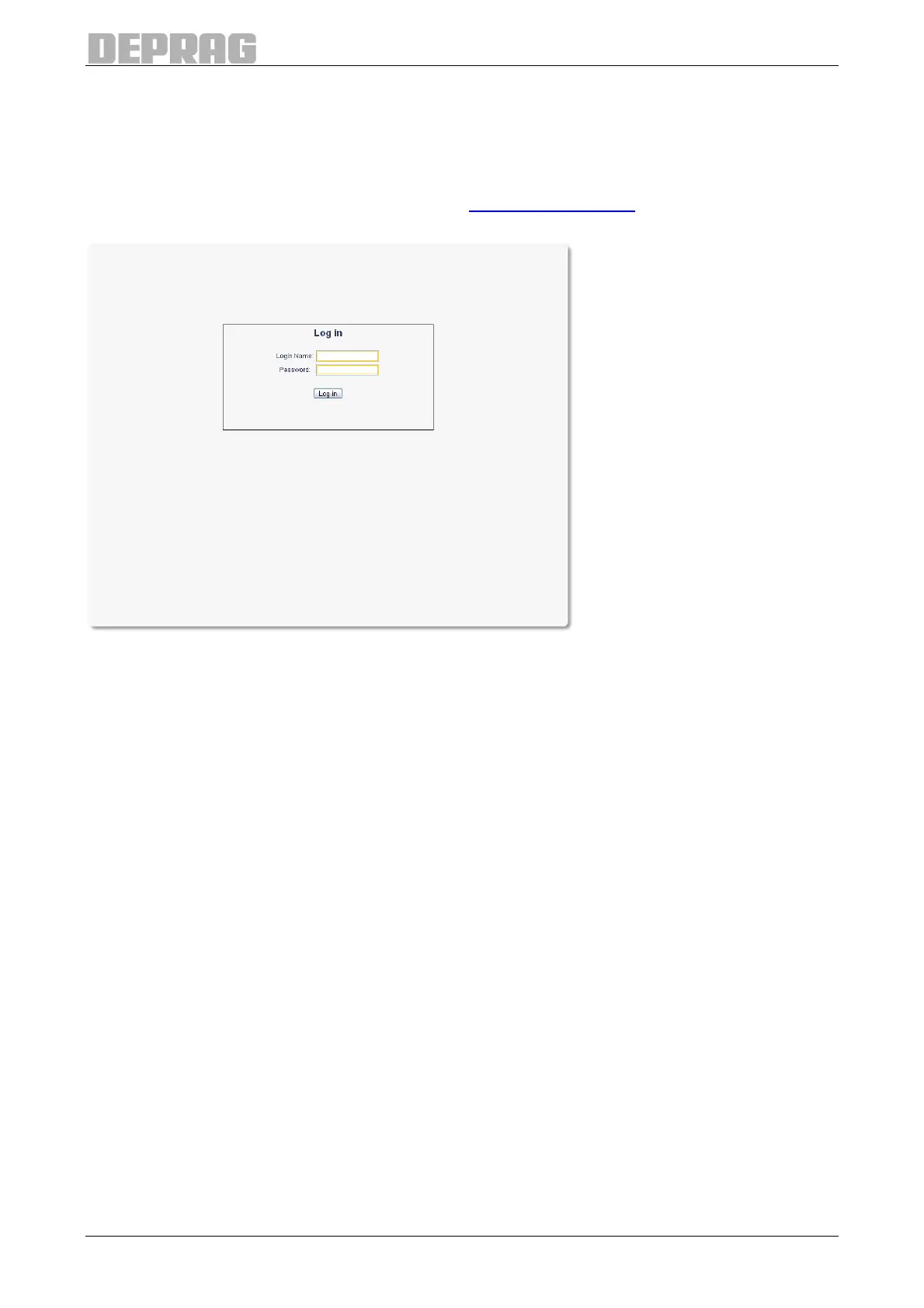
Figure 77: The home page
If you plan to change any settings, enter user name and password. The standard
password at the time of delivery is "0000". If you only want to view data without changing
it, you do not need to enter a user name or password and can leave the entry fields blank.
Now click on the Login button or press Enter.
Subsequently the home page is displayed.


 To Next Page