95
Log in as the user "admin" (see 10.3.1 Start, if you are not yet logged in or 10.3.3.7 Log in,
if you are already logged in as a normal user). The password for the administrator in the
delivery condition is 0000.
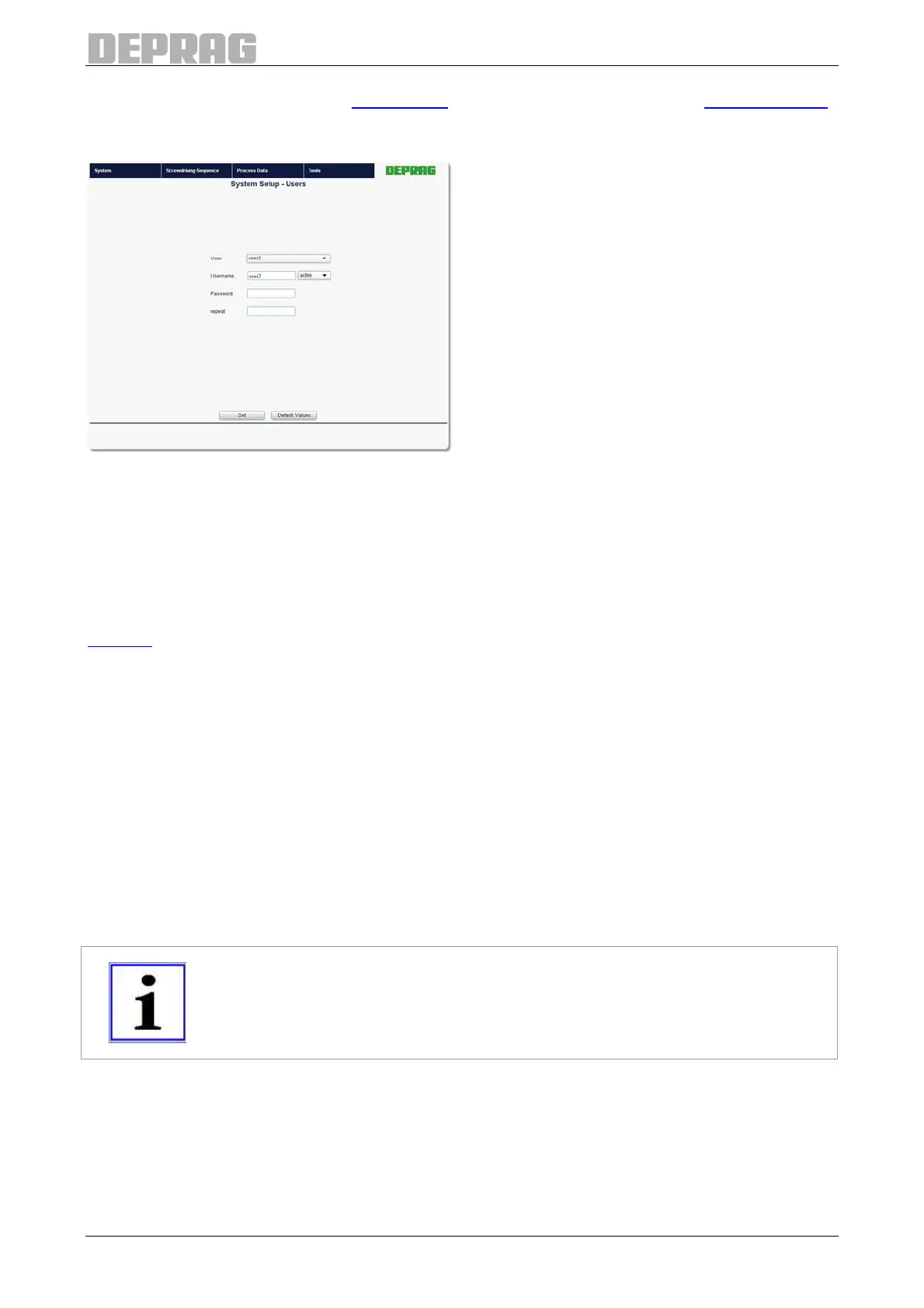
Figure 89: User Administration
First of all, select the User you want to create or want to modify from the drop-down list.
Users that have not already been created or have been deleted again can be recognized
by the fact that they are set to "inactive" in the drop-down box.
Click on the drop-down box and then select "active".
Now enter a user name in the "User name" field and the password for the user in the
"Password" field. Repeat the password in the field "repeat". Select the User type (see
8 Users) and then click on "Set".
10.3.3.2.5 Create / Load Backup
Go to page System Setup General.
You can save your settings in the lower part of the page in order to be able to transfer
them to other model AST40 sequence controllers, or to reload them again later.
After clicking the "Create Backup" button, a dialog is opened in which you can set the
name and location of the back-up file. The backup contains
• all general system settings,
• the general filedbus settings and
• the user data.
IMPORTANT
The specific fieldbus settings are not included in the backup.
To transfer a backup file to the AST40 sequence controller, enter the file name and the
path into the lower entry field and click on "Load Backup“. Alternatively you can select the
file by clicking the "Search..." button next to the input field.


 To Next Page