Instructions for use Perseus A500 SW 2.0n 113
Operation
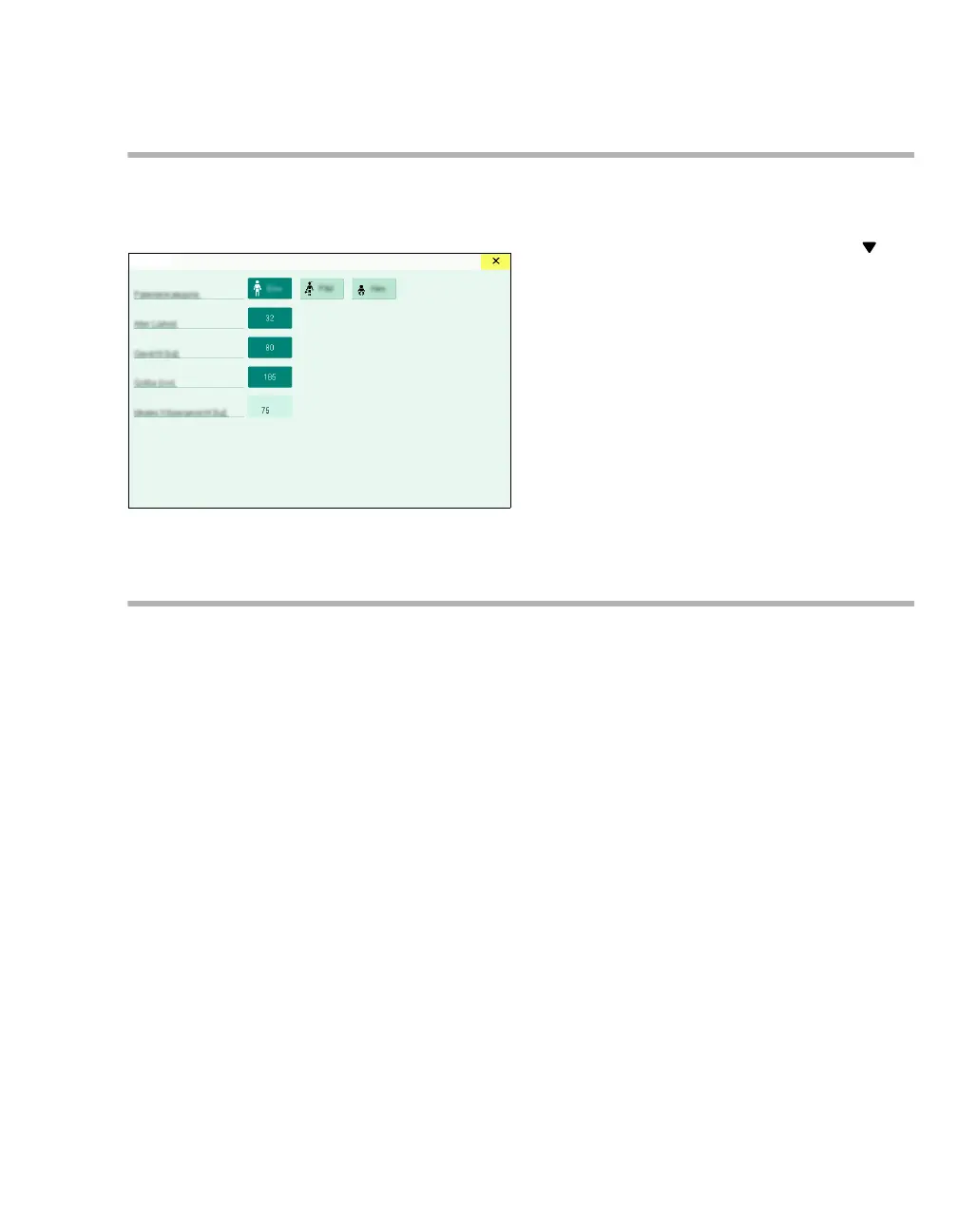
Changing the patient data
Patient data can be changed during operation.
1 Open the Patient dialog window.
2 Make the desired changes.
Changes influence, e.g., therapy suggestions, as
is recognizable by the position of the arrow at
the therapy controls.
The current therapy settings remain unaffected.
When patient category is changed, age, weight,
and height are adapted as needed so they remain
within the described limits, see page 157.
Exporting data
General information
Prerequisite: USB flash drive is connected to the
USB interface.
During a saving process, the button is displayed as
activated (dark green).
The data are stored in the "Draeger\ExportData"
directory.
Exporting the screen contents
The screen contents can be exported to a USB
flash drive as a screenshot.
Touch the Export screenshot button in the
main menu bar.
The screenshot will be saved as a ".png" file.
Exporting trends and data
In the Standby mode, the following data can be
exported to a USB flash drive:
– System test results
– Logbook
Selection from the following time periods is
possible:
– Last case
– Today
–All
– Alarm history
– Trends
10484













 To Next Page