•
•
•
•
6.2 Basic settings
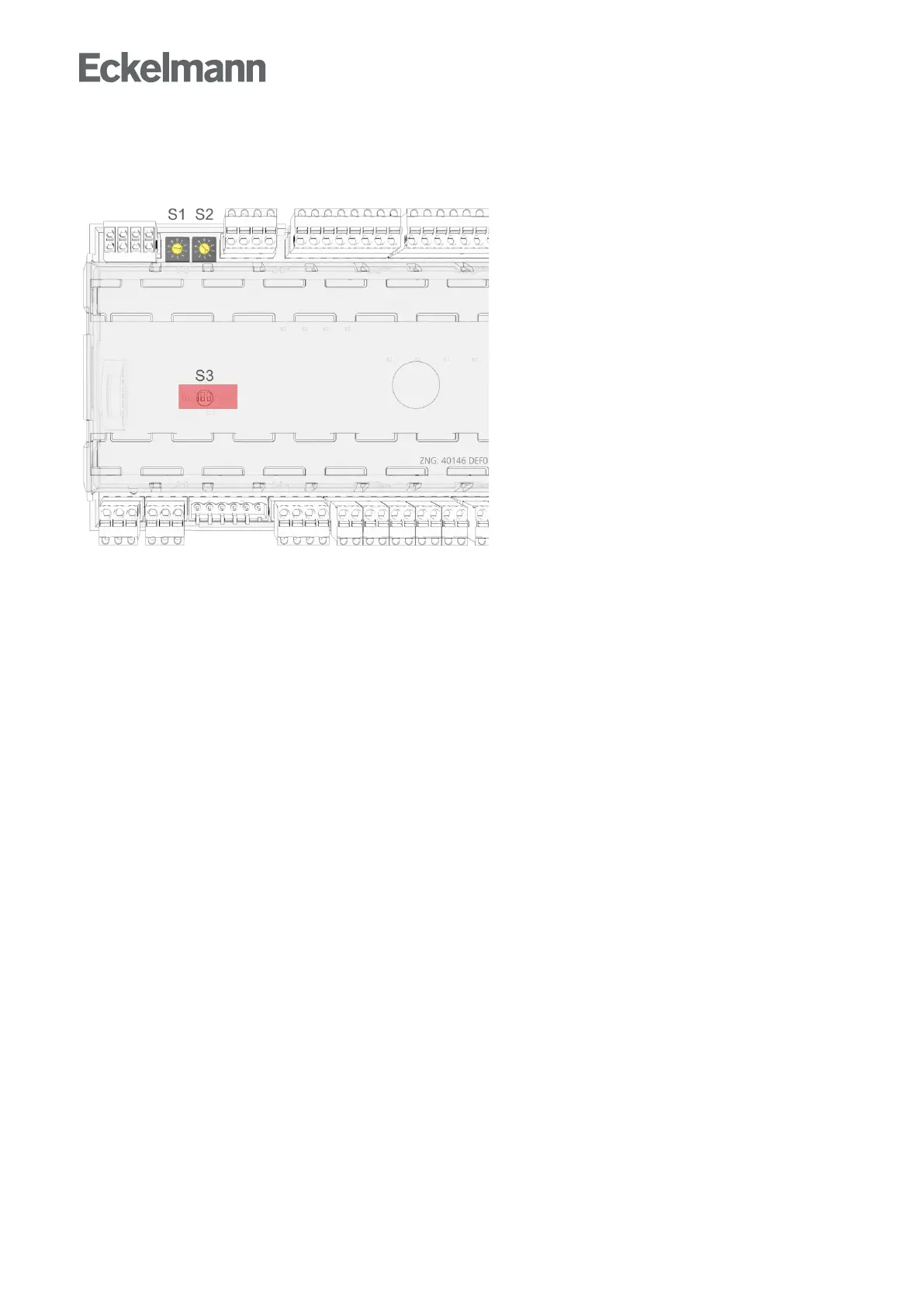
Settings BEFORE the connection of the power supply - S1, S2, S3
Decade switches S1 and S2:
-SettingoftheCANbusaddress(nodenumber)1..99,seechapterSetting the CAN bus address
DIPswitchS3:
-Controllertypesetting
-Master/Slavemode
-Settingofspecialfunctions,seechapterSetting the controller type and other functions
Settings AFTER application of the power supply
Erstanlauf - Regler auf Werkseinstellungen zurücksetzen(optionalsettingtodefaultvaluestoreacha
defined initial state for a running operation)
Configuration of the controller, see chapter Basic configuration of the controller



 To Next Page