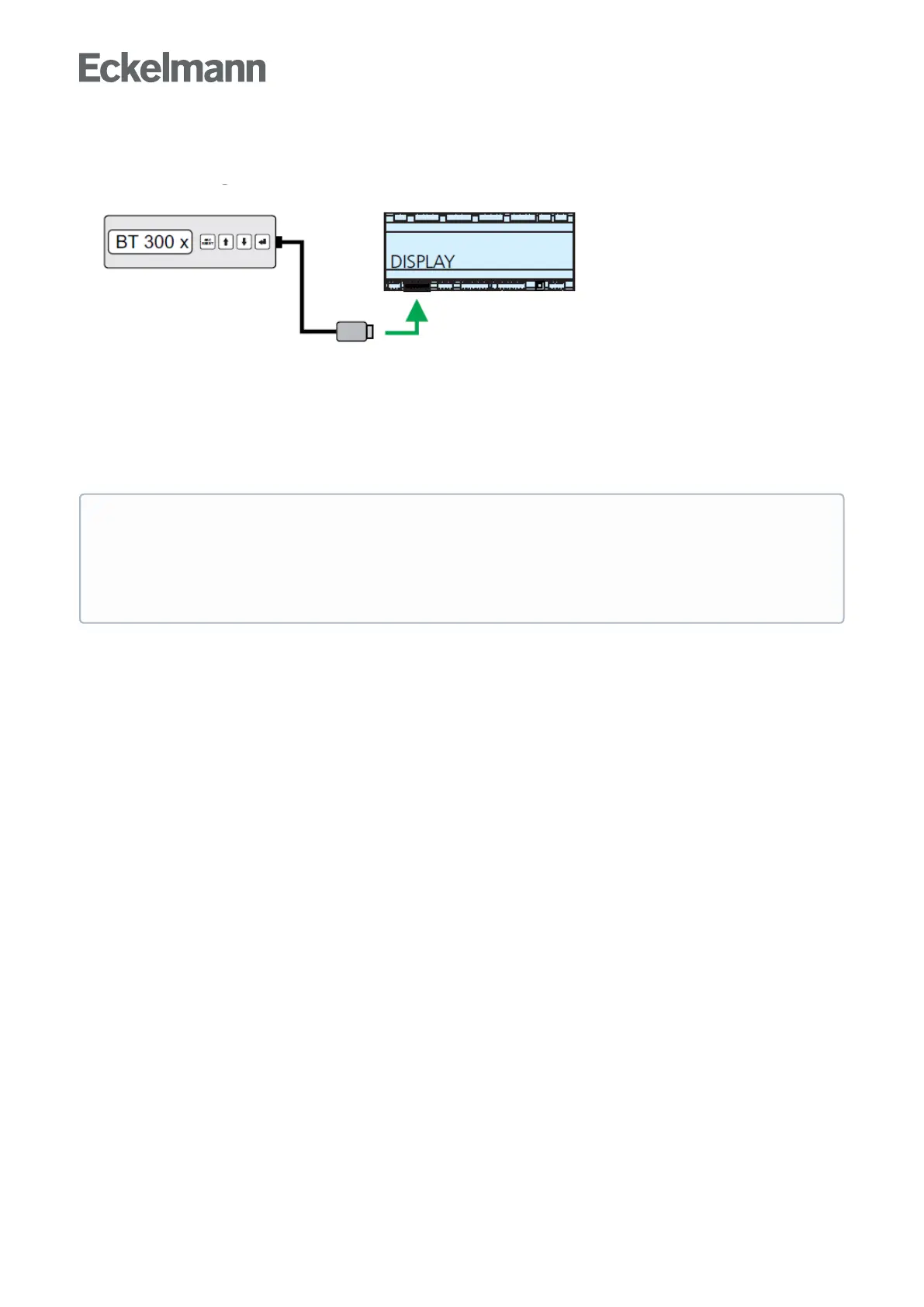
8.2 Local operation with a BT 300 x operator interface
An operator interface in the BT 300 series is connected locally via the DISPLAY interface. Thereby, the
controllercanbeoperatedstandaloneasshownoralsoconnectedtotheCANbus.
The operation here largely corresponds to the possibilities as described for the system centre, the store
computerandtheoperatorterminal;seechapterMenus and operating screensfordetails.
If no buttons are pressed, the display of the BT 300 x operator interface shows the name of the controller and
itspositiondesignation.TheENTER button (↵) must be tapped to return from the display of the operating
statusbacktotheOperationmenu.
Device-specific limitations arise due to the smaller display (only 2 rows x 20 characters) and fewer
buttons as compared with the system centre, the store computer and operator terminal. Operation with
a system centre, store computer, operator terminal or the PC software LDSWin provides more
functional possibilities. Technical details about the operator interfaces can be found in their Operating
Manuals.



 To Next Page