8.3.2 Calling the controller menu via remote control
8.3.2.1 System Centre
The terminal for remote control of the controller (Menu 2-2 or Menu 4-2) is called in the system centre as
follows:
Step 1:Tap"2-Systemoverview"or"4-Configuration"inthemainmenu.If"2"isselected,thevaluesbelow
areonlydisplayedasread-only,for"4",lock-downmustpreviouslyberemovedbyloggingin(Deactivating the
input lock-down)sothatsettingsbelowcanbemade.
Step 2:Tap"2Casecontrollers"andselecttherequiredcontrollerinthelistthatisthendisplayedusingthe
cursorbuttons(↑)and(↓).Inthescreenthatopens,thename,positiondesignationandthealarmpriorityofthe
controller can be input as required.
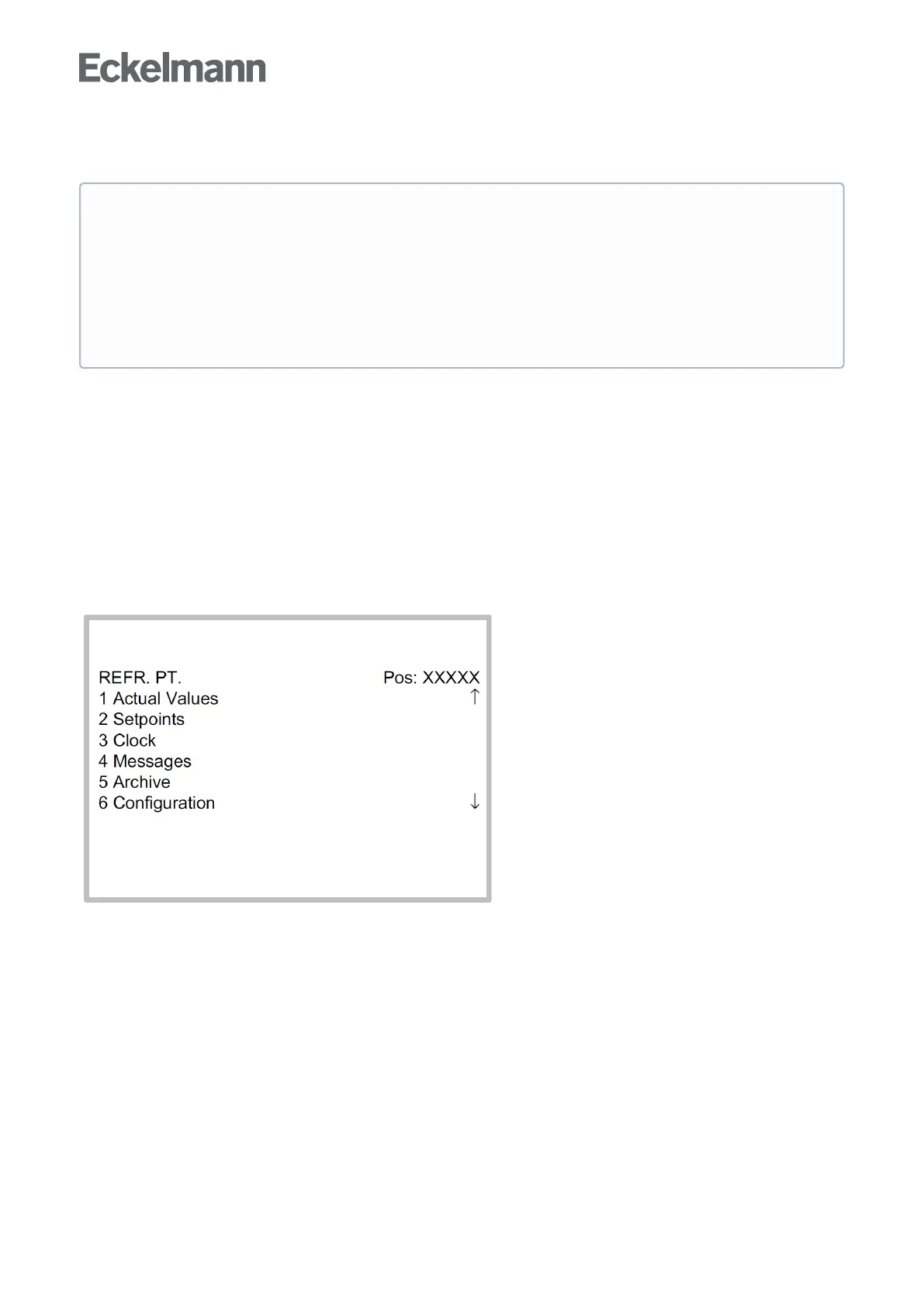
Step 3: The main menu of the controller is then displayed by tapping the "Remote control" button:
Ifthesystemcentre,storecomputeroroperatorterminalremainslockeddown,settingsonthe
controller are read-only. Changes and inputs are not possible.
However, if any parametrisation is required, the lock-down for the input must be removed, see chapter
Deactivating the input lock-down.
Tip: Detailed descriptions for the basic configuration of the controller and its position designation or
about the settings of important parameters can be found in chapter Basic configuration of the
controller.



 To Next Page