1.
2.
3.
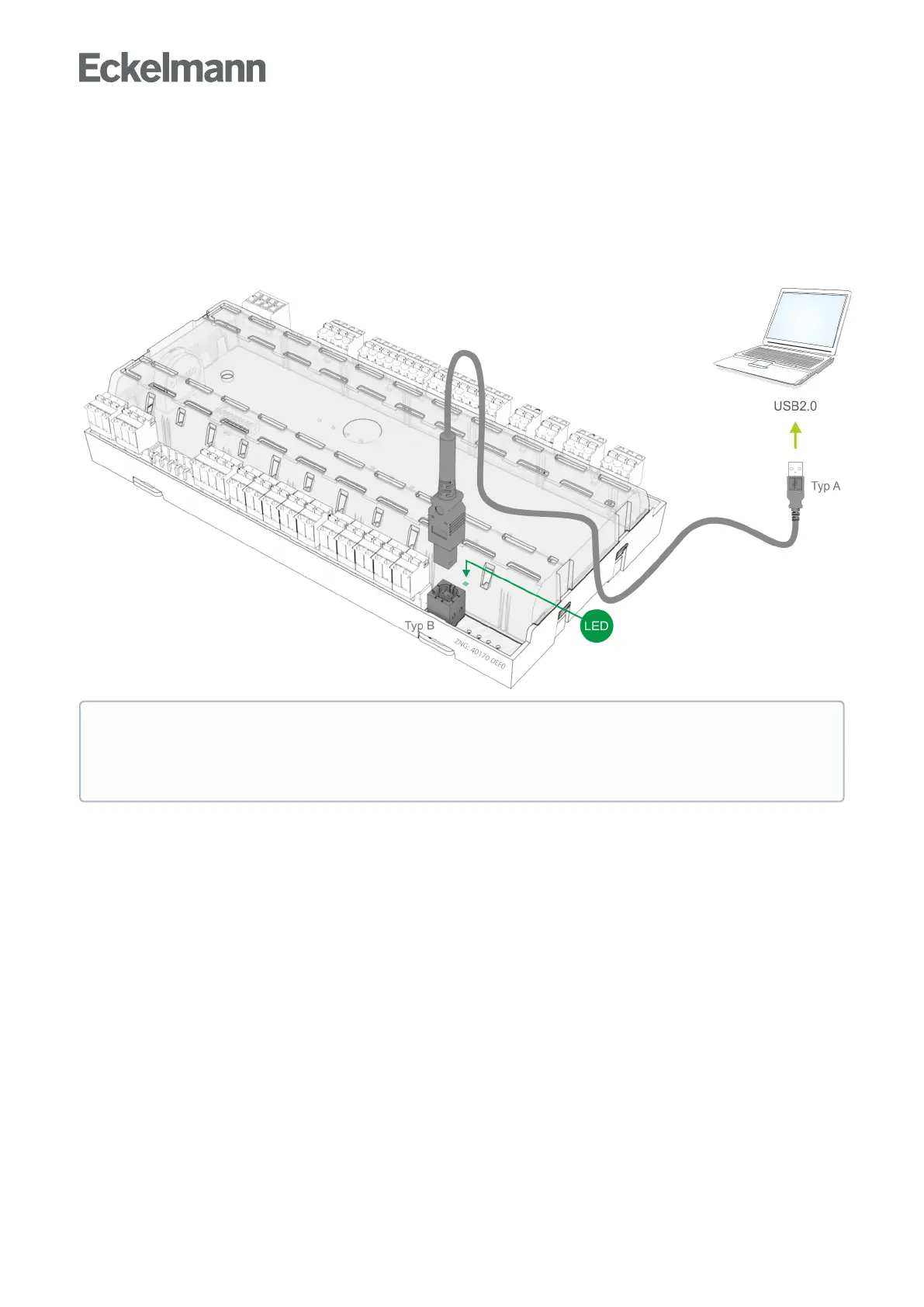
7.12 Assignment of the USB port
The USB port is used
for direct parametrisation of the case controller via LDSWin or
for performing a firmware update of the case controller or
for parametrisation of system components via CAN bus using LDSWin (USB2CAN). Furthermore, the
operating data of the case controller can be read out via the USB port using a PC equipped with LDSWin
IfthecontrollerisconnectedtoaPCviaUSB,thegreenUSBLEDlights.FordetailsseechapterStatus
LEDs A USB A-B cable (see Zubehör) is required for the connection to a PC. Refer to the LDSWin
operating manual for further information about the connection to LDSWin. A detailed description of the
firmware update is contained in chapter Firmware update.



 To Next Page