•
•
•
•
•
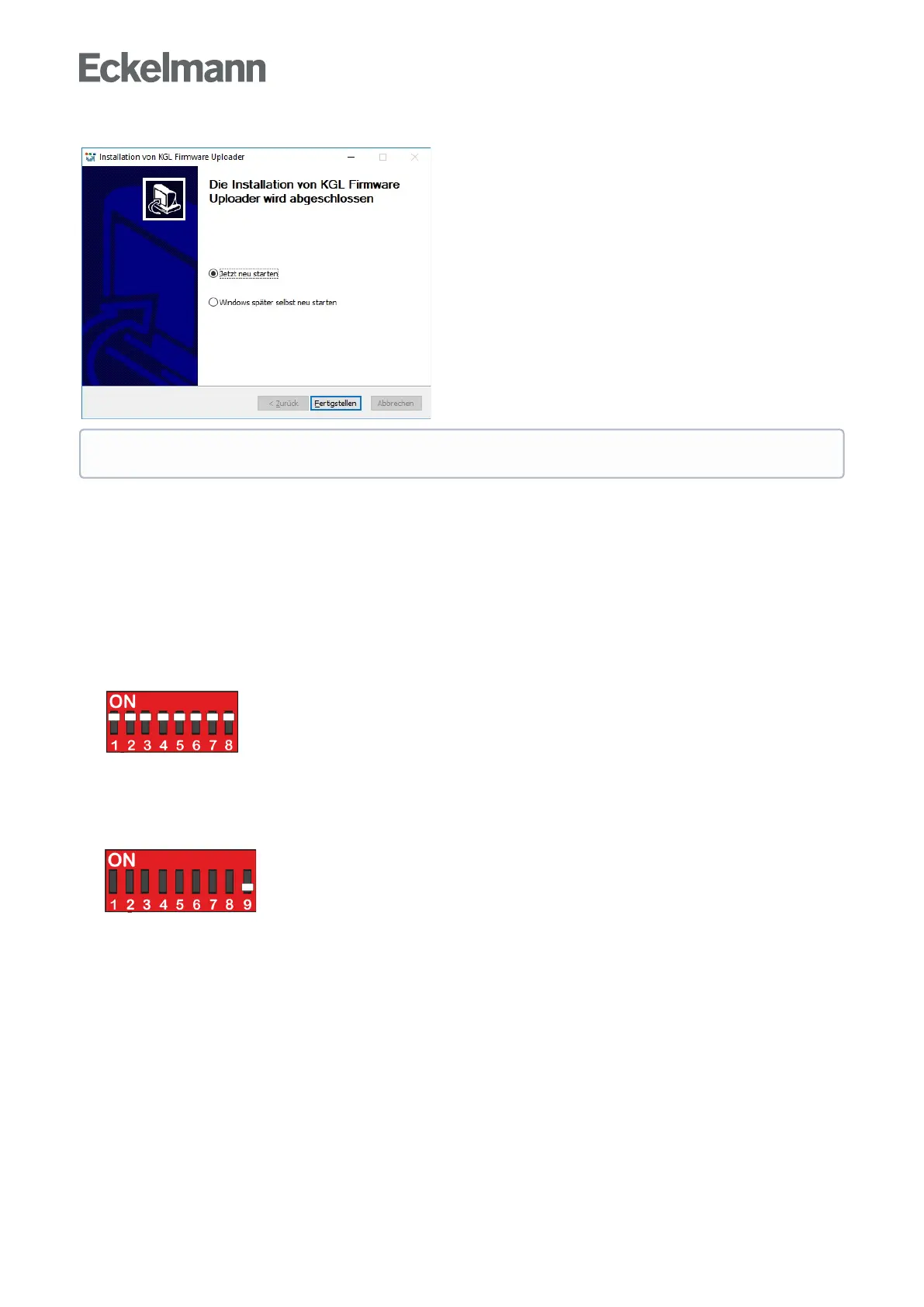
Step 2: The PC must be restarted after the installation process:
* Further information:
USB cable: see chapter Zubehör
Installation program & firmmware: see https://edp.eckelmann.de/edp/lds/_s1nNBB45xE
Tips for Rectification of driver problems
6.6.2 Installing firmware update
When installing the firmware update, a distinction is made between two device generations:
1st generation - Characteristic 8-position DIP switch:
UA 400 E CC / UA 410 E AC: since 2011
See Update for controller with 8-pole DIP switch
2nd generation - Characteristic 9-position DIP switch:
UA 400 E CC / UA 410 E AC: from Oct./Nov. 2018
UA 401 E CC: from Aug. 2019
See Update for controller with 9-pole DIP switch
No error message such as "USB device not found" should be displayed on the laptop or PC. *



 To Next Page