Entering text
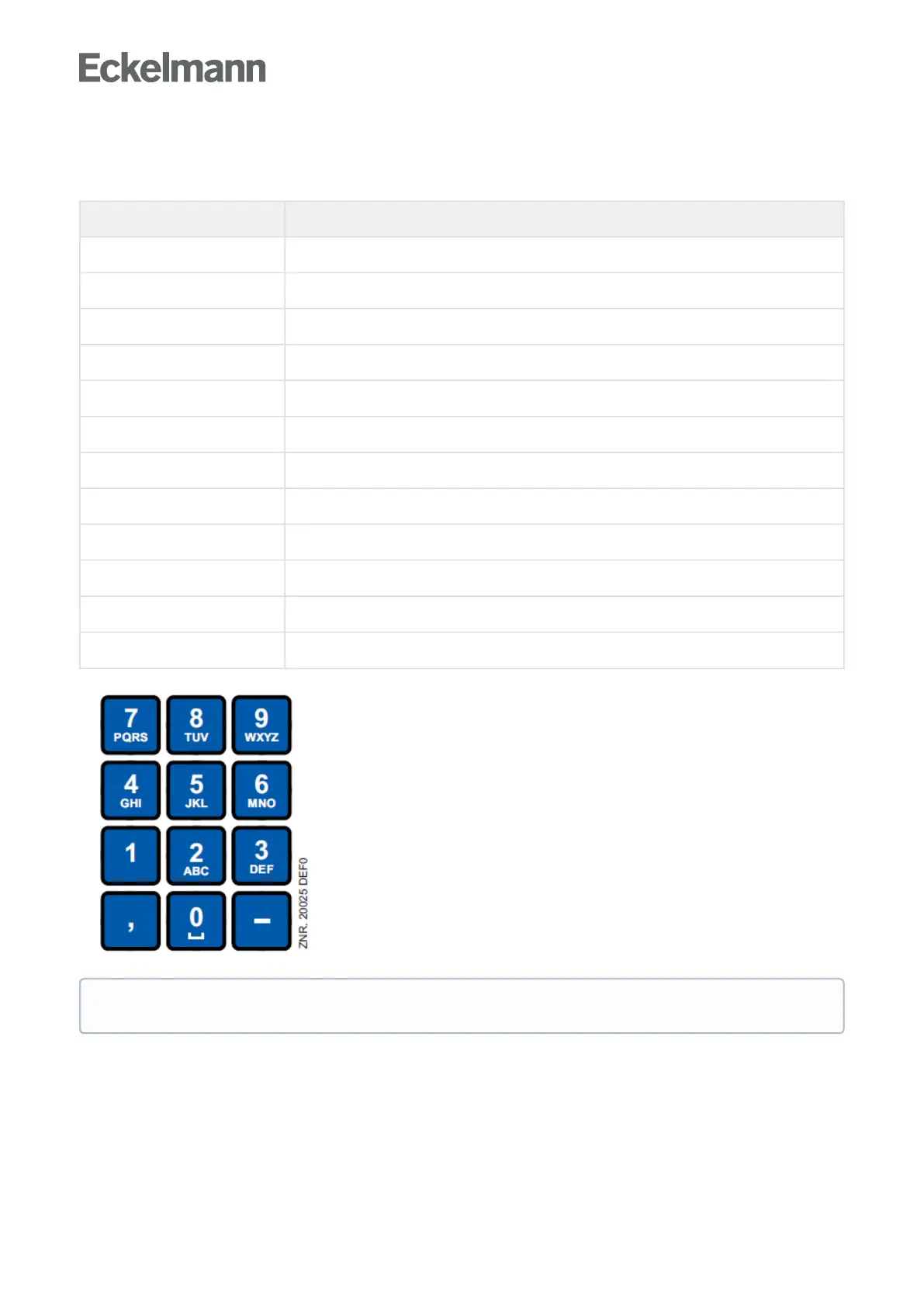
In fields that allow text entry, text can also be entered by the alphanumeric keypad. Repeatedly press the
numerickeystogenerateletters.PresstheENTERkey(↵) to confirm the entered value or text.
Key Letter/Character
0 äöüß0, space character
1 1
2 2ABC
3 3DEF
4 4GHI
5 5JKL
6 6MNO
7 7PQRS
8 8TUV
9 9WXYZ
- . _ -
, Insert space character
Exit from the menus and operating screens
Press the ESC key to exit the menu or screen you are in at any time. This returns you to the next higher menu.
All menus and screens are closed automatically if no key is pressed for 10 minutes. The display then jumps to
the Main Menu or to the Alarm menu if any fault report is currently active (only CI 3x00 / AL 300).
Upper case and lower case can be toggled by tapping the MODE button



 To Next Page