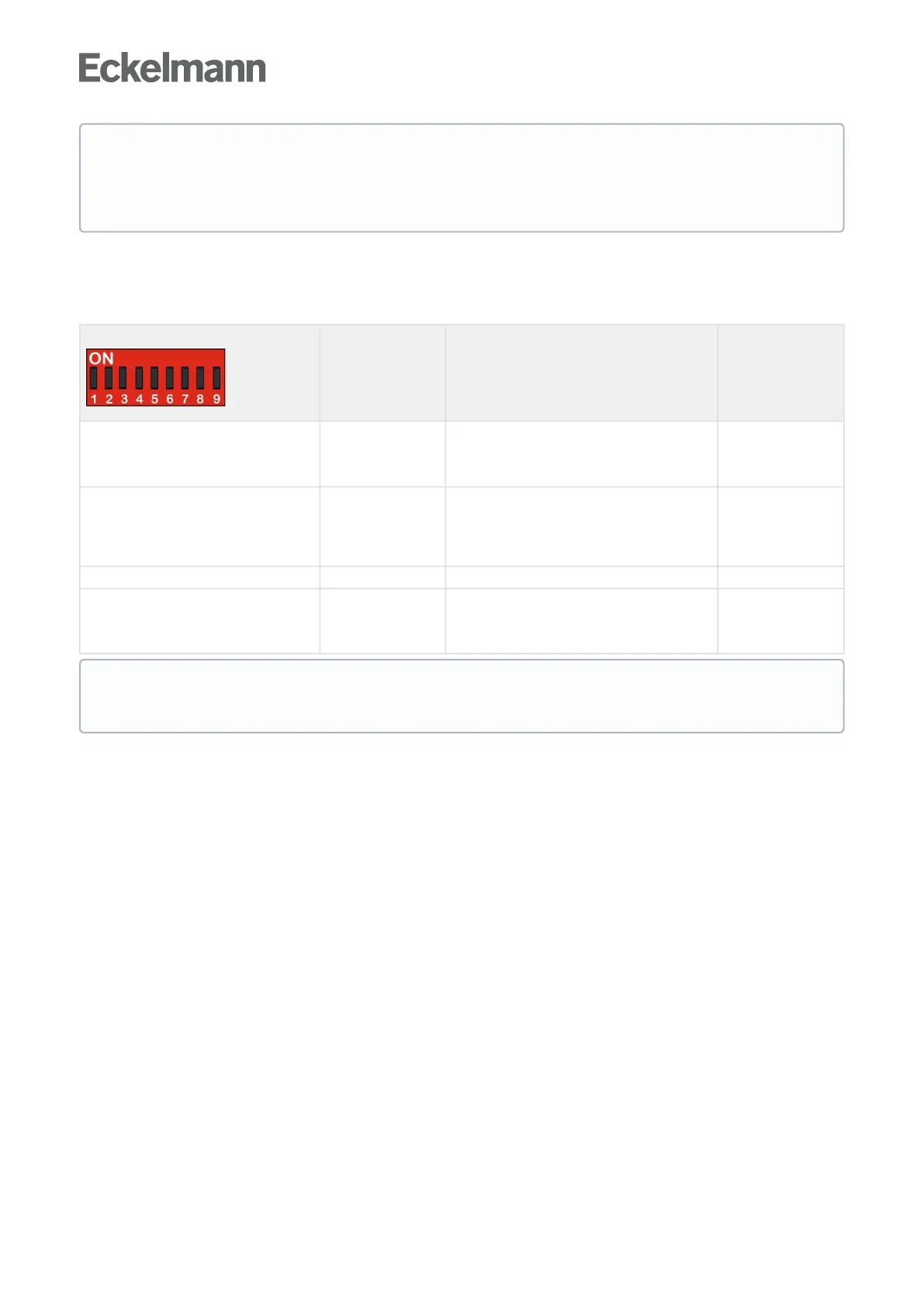
Due to the setting of the controller type, only a part of the functions and parameters of the case controller is
always available. In the case of any setting of coding switch combinations that are not present in the list, UA
131 E is automatically applied as controller type and an alarm message is created.
*Specialfunctions
DIPswitchS3
Coding
switch
Default
Master/Slave mode
see chapter Types of defrosting - an
overview
4 ON = Master/Slave mode ON
OFF = Master/Slave mode OFF
OFF
Configuration of the analogue outputs
see chapter Functions of the analogue
outputs 0..10 V
6
ON: Adjustable, fixed analogue value e.g. for
the fan speed
OFF: Output of the opening degree of the EEVs
OFF
Enable of special functions 8 Reserved OFF
Normal Operation / Firmware update
(only 2nd generation controllers)
9
ON=NormalOperation
OFF = Firmware Update
ON
ATTENTION
Operation with an unsupported DIP switch setting is not permitted. The UA 111 controller type is
covered by the UA 121 E. The UA 131 DD controller type is covered by the UA 131 E if the
parameterHG operation is set to ON.
After changing a coding switch, a restart - restart of the controller must always be Restart - restart of
the controllerperformedasthecasecontrollerdoesnotadoptchangestoDIPswitchS3untilafterthis.



 To Next Page