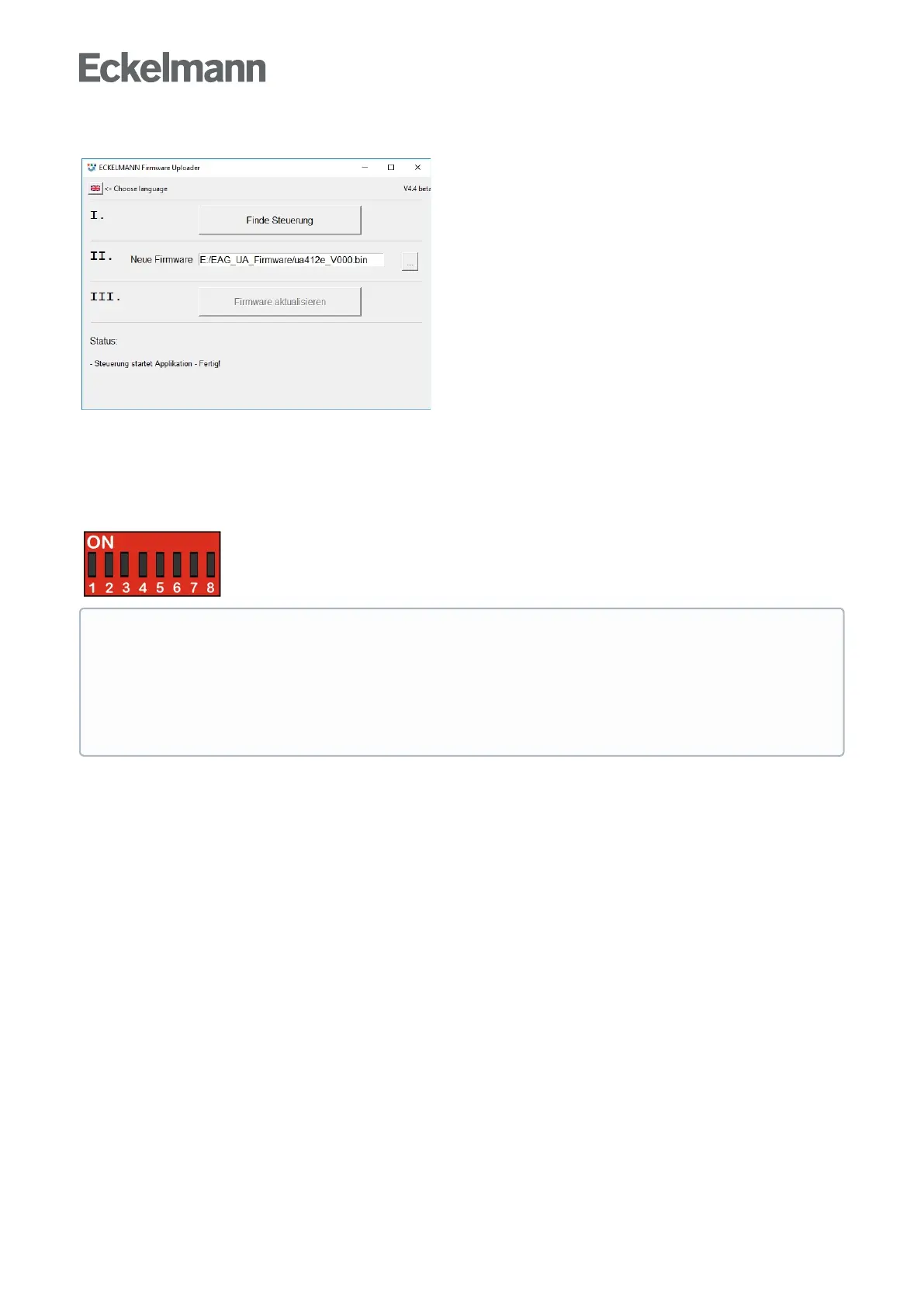
Theprogramcanbeendedafterthesuccessfulfirmwareupdatebyclosingthewindow.
The USB A-B cable can now be disconnected from the controller.
Step 4: DIP switch S3 in original position again
After the firmware update has been performed, all coding switches 1..8 of the DIP switch S3 must be returned
to their original position.
The settings depend on the controller type!
ATTENTION
Risk of controller failure! The controller only accepts the settings for DIP switch S3 after the
controller has been briefly disconnected from the power supply!
After the firmware update, the saved settings can be reloaded into the case controller from LDSWin as
required..



 To Next Page