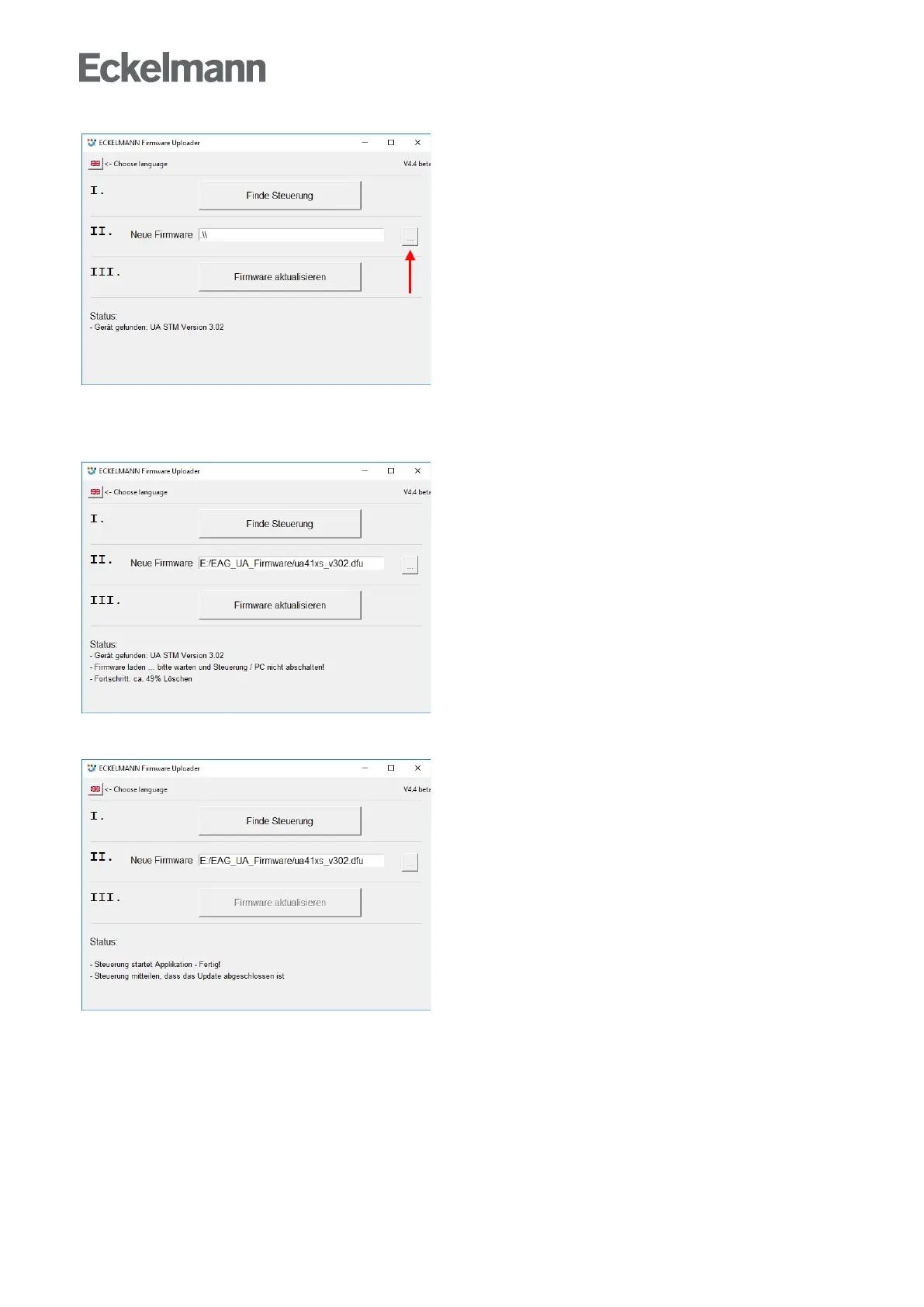
A notification is displayed in the status field if the controller has been found. Then select the current firmware
file ("xxx.hex") from the directory into which the ZIP file was extracted (see arrow).
After the conversion, tap the button "Update firmware" to start the firmware upload:
The program can be ended after the successful firmware update by closing the window.
The USB A-B cable can now be disconnected from the controller.



 To Next Page