•
•
•
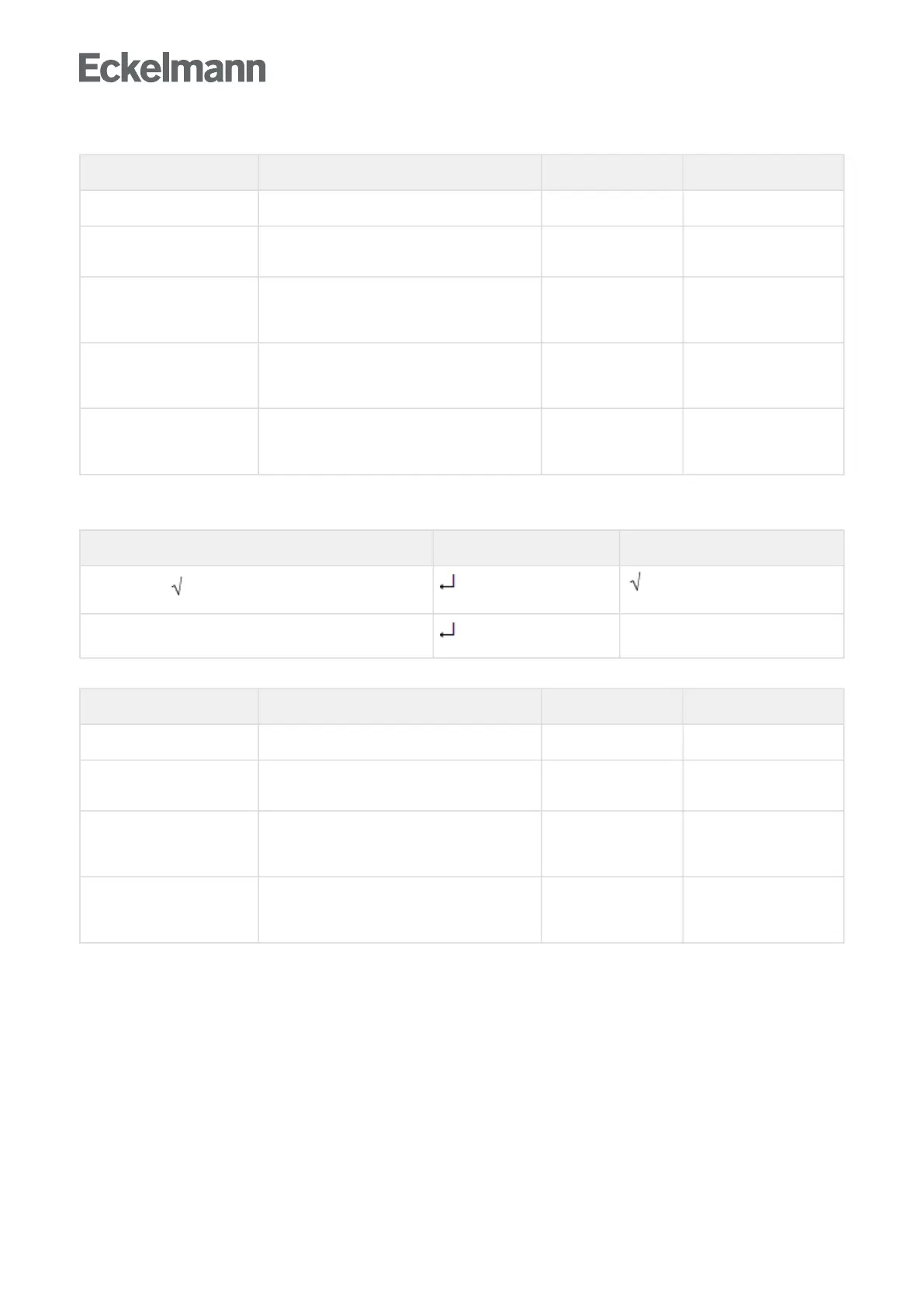
Menu 2-5-2 Frame Setpoints
SETPOINTS POS: XXXXX Entry Default
Mod: xxxxxxxxxxxx Displays set pane mode (Menu 2-5-1) fixed run time
Run Time XXX % Fixed on time; shown only when mod is set to
Fixed OT (Menu 2-5-1)
--, 0..100 100 %
emerg.run time XXX % On time in loss of humidity or room air
temperature (via CAN bus); shown only when
mode set to Enthalpy Control (Menu 2-5-1)
--, 0..100 100 %
enthalp. offs. XXX % Offset for on time when enthalpy control is
activated (via CAN bus); shown only when mode
set to Enthalpy Control (Menu 2-5-1)
-50..50 0 %
Invert Output xxx Inversion of the function of the frame heater
output
(terminals 91/92)
↑,↓
(ON/OFF)
ON
Menu 2-5-3 Toggle Mode
Selection is made according to entry. Checkmark shows current setting.
MODE ALT. POS: XXXXX Entry Default
Fixed run time
Enthalpy-ctrl rtm
Menu 2-5-4 Setpoint Toggle
TOG. SETP. POS: XXXXX Entry Default
Mod: xxxxxxxxxxxx Displays set pane mode (Menu 2-5-3) fixed run time
Run Time XXX % Fixed on time; shown only when mod is set to
Fixed OT (Menu 2-5-3)
--, 0..100 100 %
emerg.run time XXX % On time in loss of humidity or room air
temperature (via CAN bus); shown only when
mode set to Enthalpy Control (Menu 2-5-3)
--, 0..100 100 %
enthalp. offs. XXX % Offset for on time when enthalpy control is
activated (via CAN bus); shown only when mode
set to Enthalpy Control (Menu 2-5-3)
-50..50 0 %



 To Next Page