81
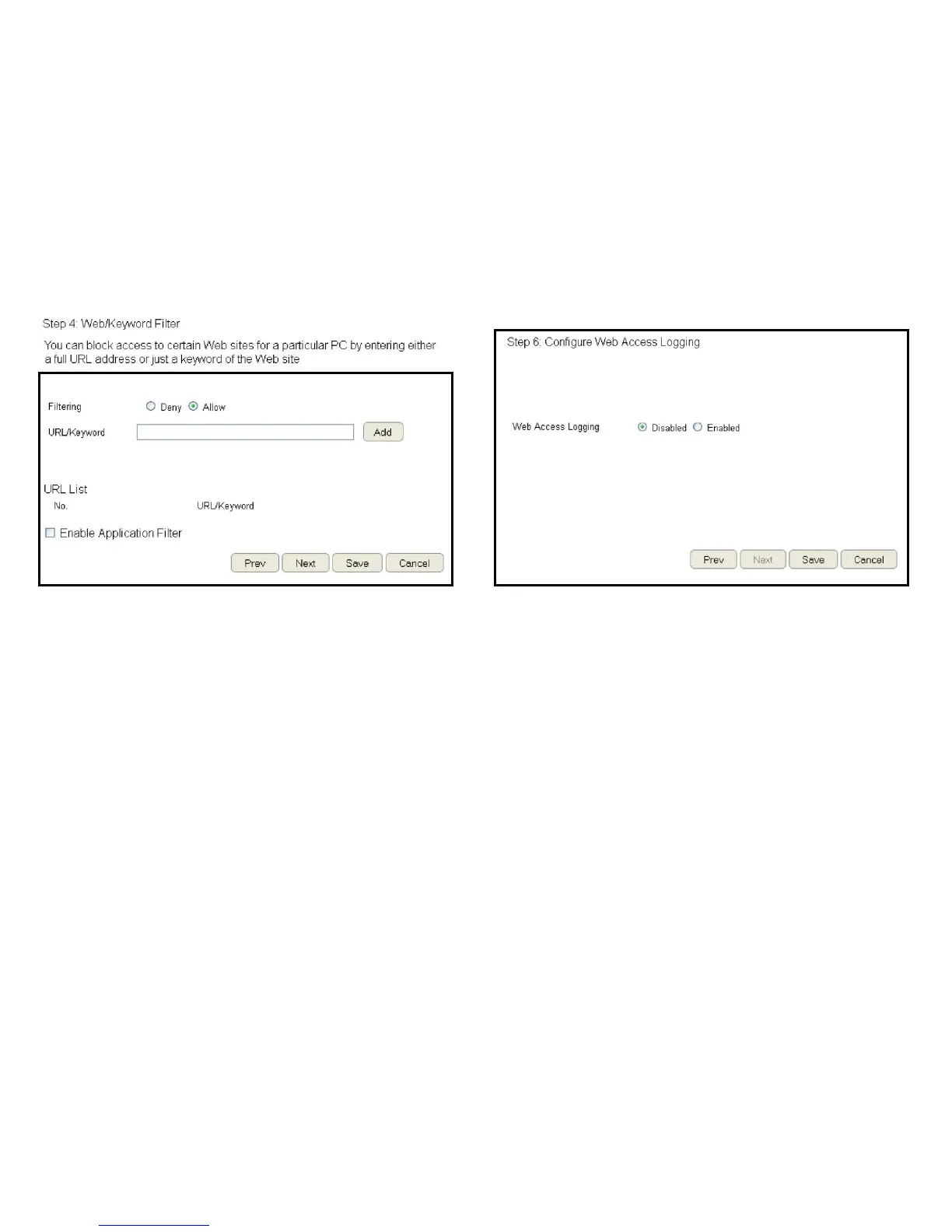
7.SetupakeywordandURLlterlist.
Tosetupakeyword/URLlterlist,followthesesteps:
a. Select Allow from the Filtering option.
b.EnterakeywordorURLintheURL/Keyword text eld.
c.ClicktheAddbuttontoaddtheltertothelist.
d. Repeat steps a through cforeachlter.
8.ClickEnable Application Filtertoltersoftwareapplications.
9.ClickPrev to return to the previous screen, Next to continue
the procedure, Save to save the changes, or Cancel to stop
the procedure.
10.Select Enabletosavewebaccessinformationtoalogleor
Disable to ignore the information.
11.ClickPrev to return to the previous screen, Save to save the
changes, or Cancel to stop the procedure.



 To Next Page