Setup & Operation 2. Part Names and Functions
20 RC620 Rev.8
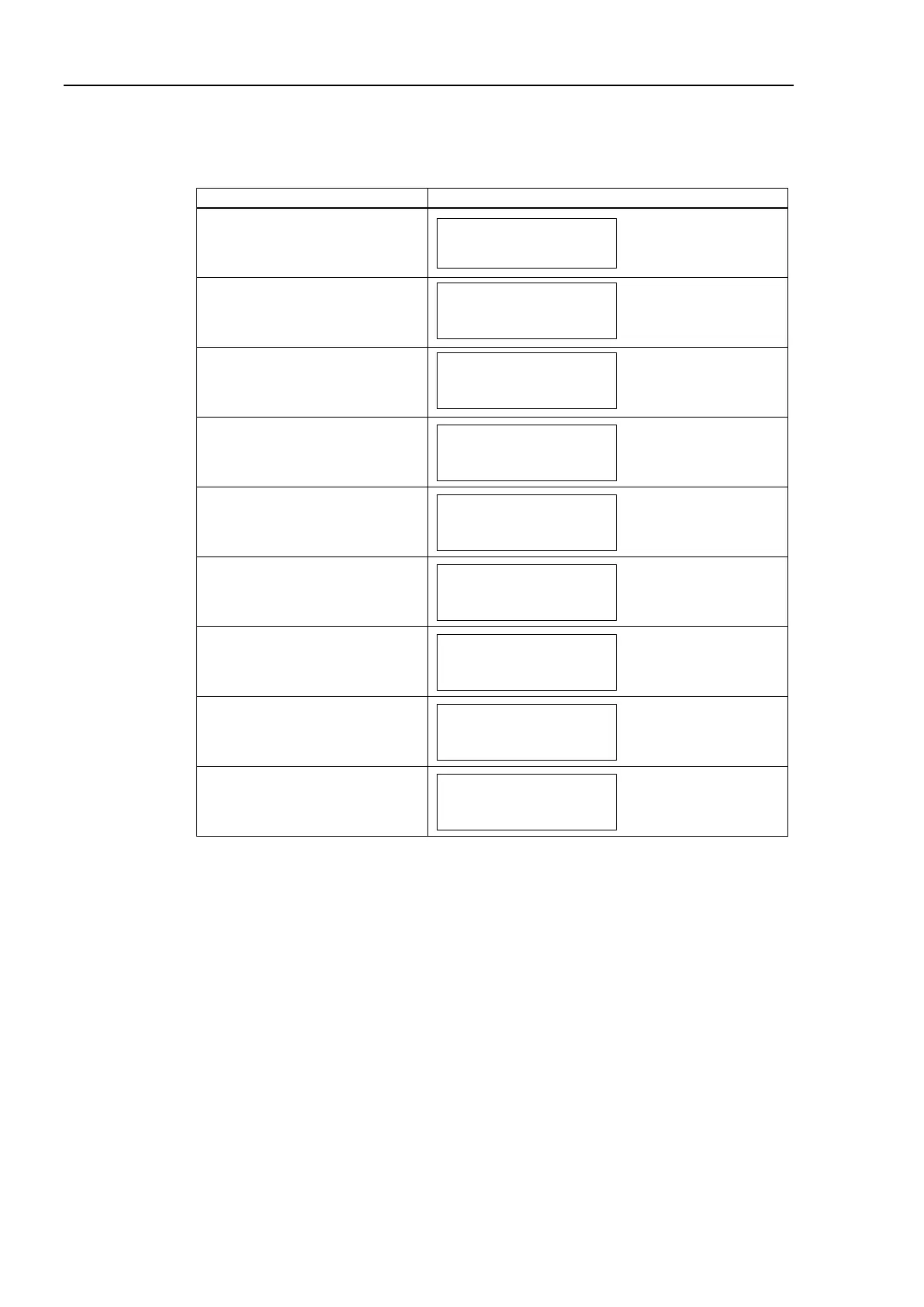
When several Controller statuses occurred at one time, the status indicated earlier on the
following table is displayed. For an example, when both “Error” and “Teach” occurred
at one time, “Error” is displayed.
Execute Controller status
storage function
to the USB memory
Complete Controller status
storage to USB memory
(for 2 seconds)
Failure of Controller status
storage to USB memory
(for 2 seconds)
Wait for RC+ startup
Error
Err2200 r01a03
Robot in use. Cannot
TEACH
READY
PAUSE
START
Task123 L1234
Tasks Running
*1 For error numbers and warning numbers, refer to SPEL
+
Language Reference manual.
The 1
st
line displays “Err” and 4 figures.
For the error numbers, refer to the SPEL
+
Language Reference manual.
XX in rXXaYY is a robot number and YY is an axis number.
00 is displayed for errors unrelated to the robot or axis.
The 2
nd
line displays the error message.
If the message is long, scroll the message for display.
*2 The 2
nd
line displays the firmware version number.
However if the warning occurs, it displays the warning number. It displays the user
message when Print #28 specifies the message.



 To Next Page