Tempo Source
Global: All Programs will subscribe to the Global Tempo setting.
Program: Programs will save with the current tempo BPM. Programs will load with the saved BPM value.
MIDI Clock: Tempo will be synced to MIDI clock from DIN or USB. Go to System Menu > MIDI (Section
7.4) to configure USB or DIN as the MIDI clock source.
Remember!
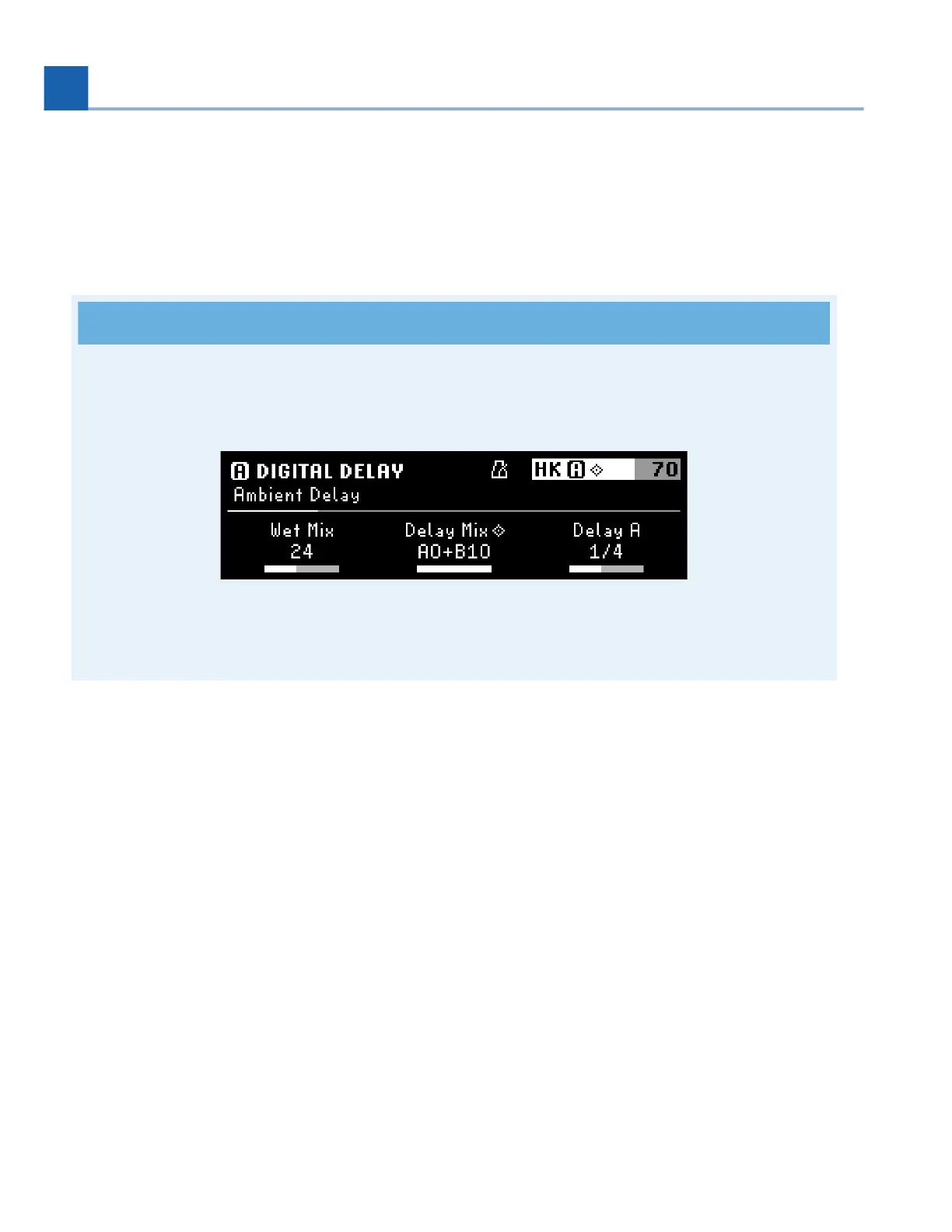
In Parameters Edit Mode, press the Presets and Parameters Buttons simultaneously to toggle Tempo
Sync on/off for a Program or Preset.
Fig. 8.3 A metronome icon will indicate that Tempo Sync has been enabled.
•
•
•
8. TEMPO MENU














 To Next Page