If you turn your iPad’s Bluetooth off, this will break the Bluetooth connection and turn the H90’s
Bluetooth off. Turn it on again in the H90’s Bluetooth menu to reconnect.
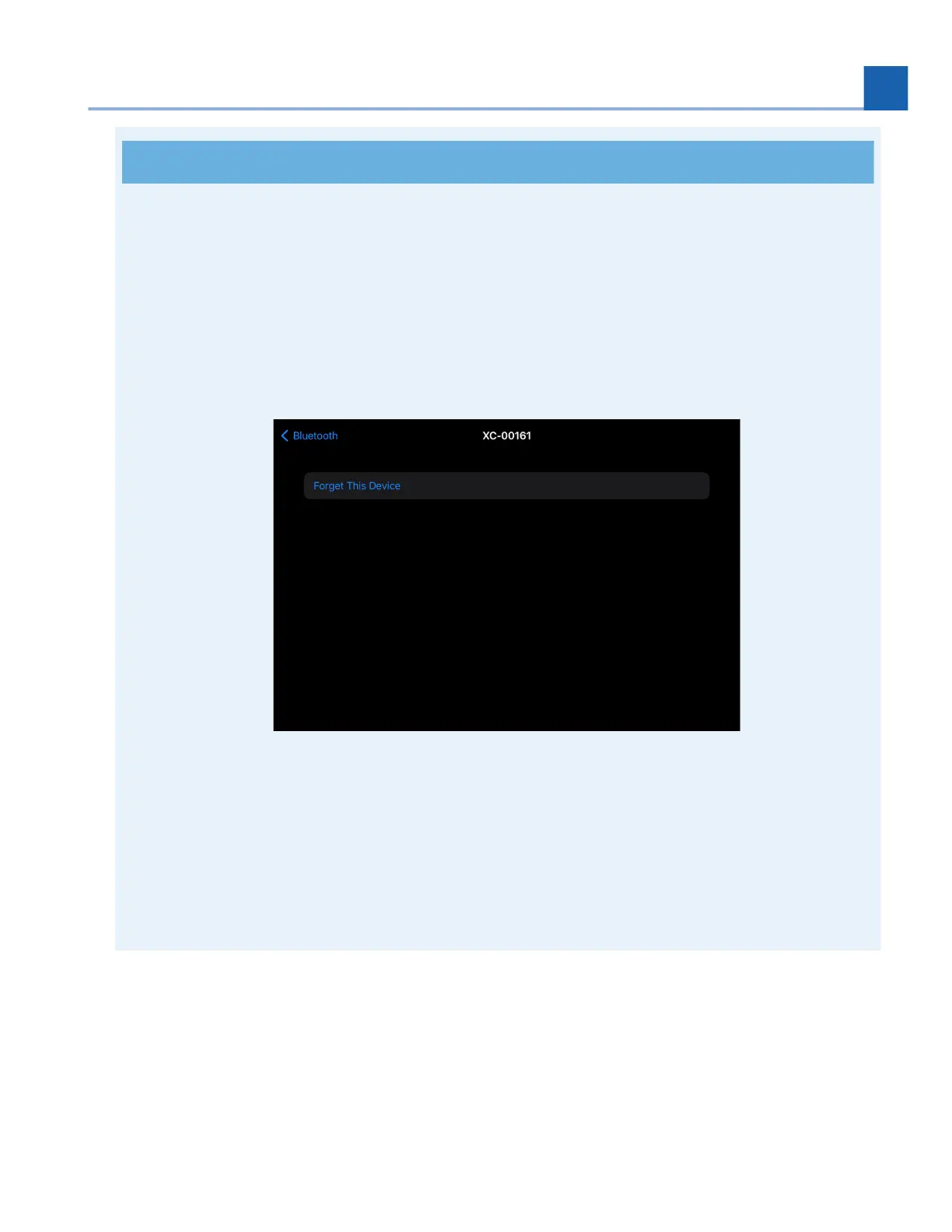
If you choose to “forget” the iPad your H90 is paired with, you must also remove the H90
Bluetooth device from the iPad’s Bluetooth settings before your H90 can reconnect. To do this, go
to the Settings > Bluetooth, locate the H90 Bluetooth device, click the “i” icon, and select “Forget
This Device”. After this, repeat the instructions to pair your H90 with the iPad using H90 Control.
Fig. 7.30 Forget the H90 on your iOS device before pairing again.
You cannot update your H90 using an iPad; you must use a computer with a USB connection to
update.
You cannot connect your H90 to your iPad via USB and Bluetooth simultaneously.
7.3.3. iOS Connection
To pair your H90 with an iOS device, you must download a 3rd party Bluetooth MIDI pairing app.
We recommend Korg - BLE MIDI.
1.
2.
3.
4.
1.
7. SYSTEM MENU














 To Next Page