Turn the Select Knob or press the A or B Footswitch to scroll up and down through the Playlist.
Press the P (Active) Footswitch, or the Select Knob, to load the highlighted Program. The Active LED and
the Program Number will blink until the selection is confirmed. The highlight will revert after a few
seconds if the Active Footswitch or the Select Knob are not pressed.
5.1.2. Bank Select
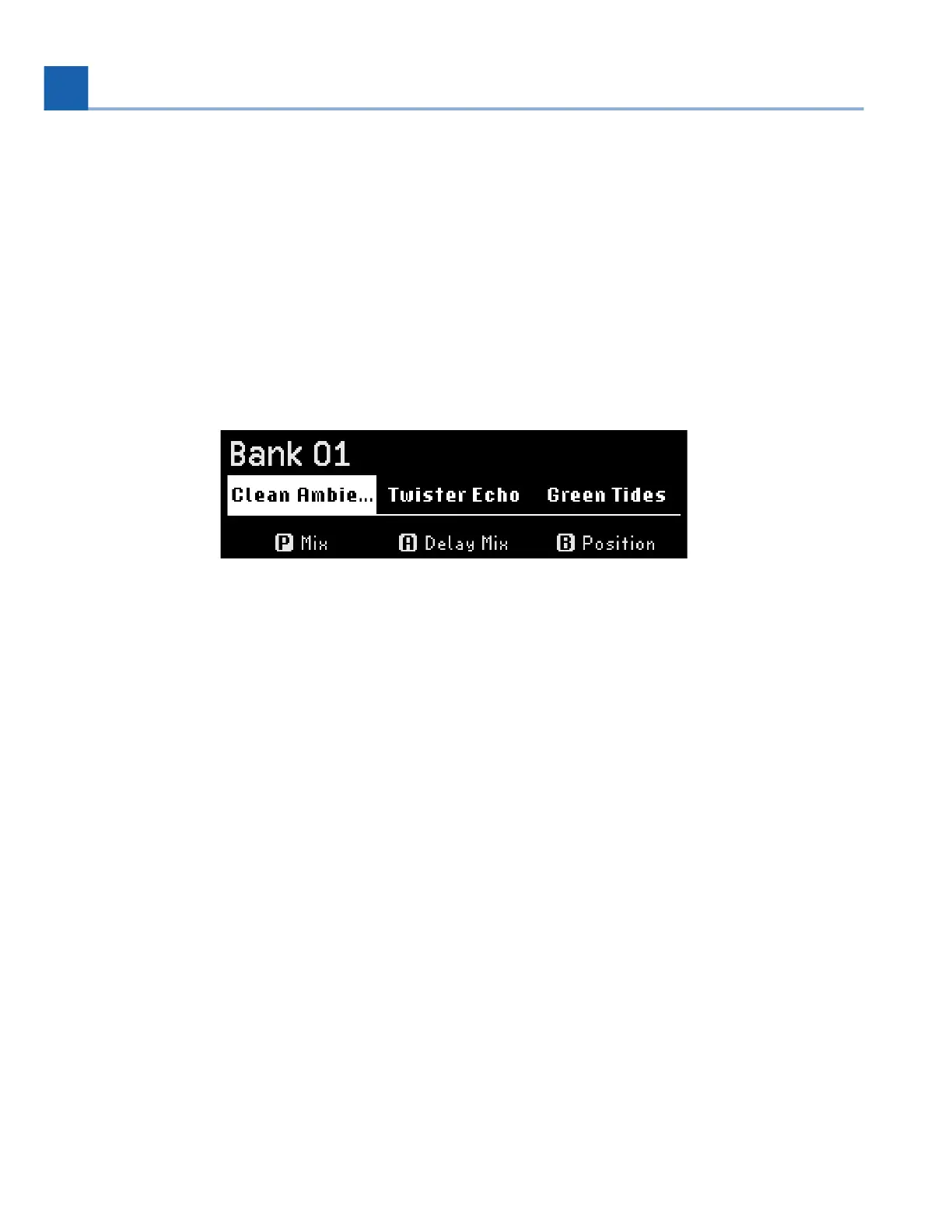
Bank Select Mode displays three Programs at a time by dividing the Playlist of 99 Programs into 33
banks of three Programs each.
Fig. 5.2 Bank Select display
Turn the Select Knob, or press and hold the A or B Footswitch to scroll through the banks.
Press any Footswitch to load one of the three Programs in the selected bank. The LED above that
Footswitch will illuminate to indicate that the Program is active.
Press the same Footswitch again to bypass the Program.
Press and hold the P Footswitch to go to Bank 1.
You can also configure an aux switch or MIDI controller to perform the Bank Up or Down functions using
the Global Control settings (Section C). This allows you to use the P/A/B Footswitches for activating your
Programs, while an additional controller scrolls through the Program banks.
5.2. Perform Mode
To enter Perform Mode, press the Perform Knob.
5. PLAY MODES














 To Next Page