7.3.1. macOS connection:
Turn Quick Knob 1 to turn the H90’s Bluetooth on. The left Bluetooth LED will illuminate blue.
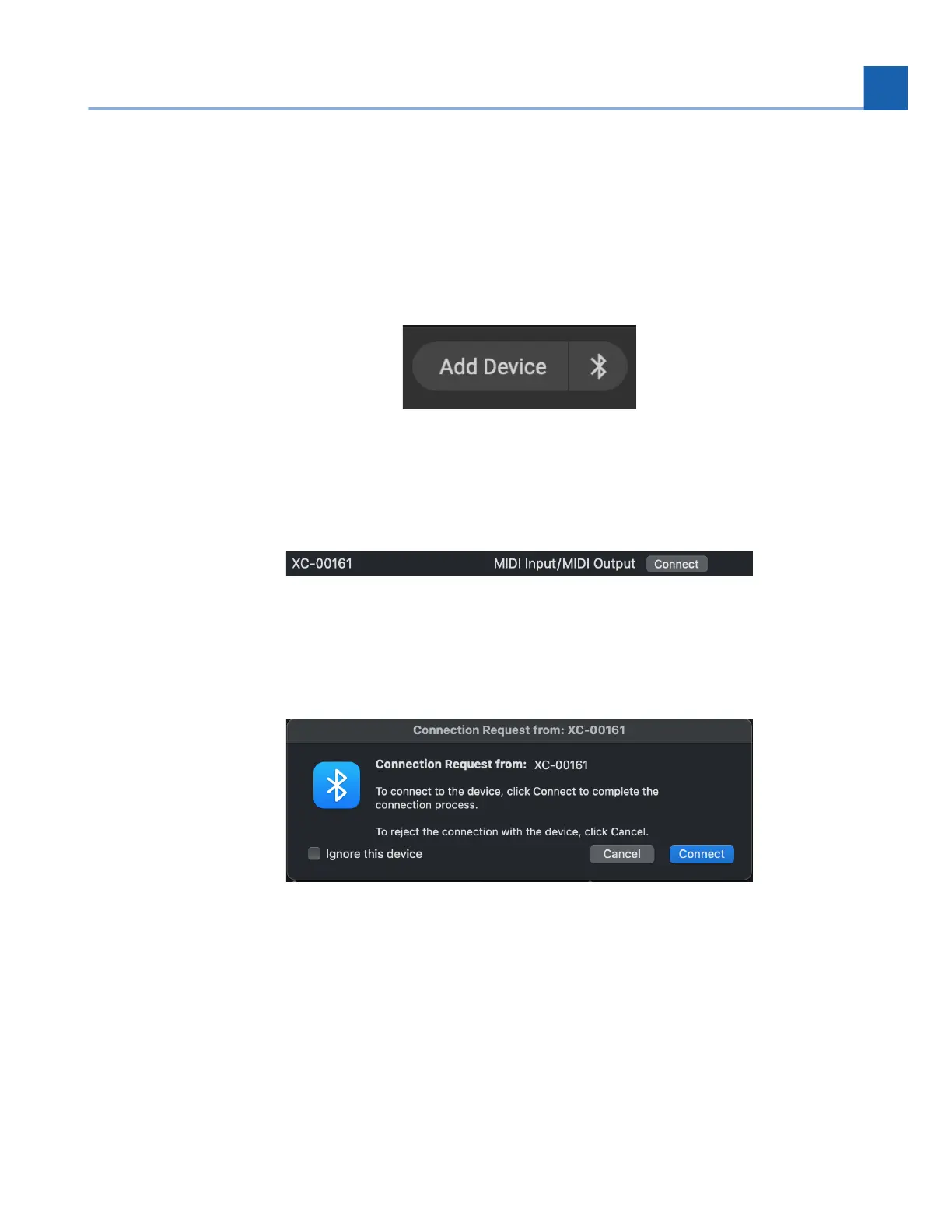
Open H90 Control, and click the Bluetooth pairing button. This will open the macOS Bluetooth
Configuration menu.
Fig. 7.14 Click the Bluetooth Icon to pair your H90 with your Mac.
In the Bluetooth Configuration menu, locate your H90 and click the “connect” button.
Fig. 7.15 Click the “connect” button.
You will be prompted with a connection request pop-up. Select the “connect” button.
Fig. 7.16 Click the “connect” button to pair your H90 to your Mac.
You will now be prompted to enter a 6-digit code that is displayed on the H90’s Bluetooth menu
under the Passkey. Enter the Passkey on your Mac and click the “connect” button. Your H90 should
pair to your computer successfully. The right Bluetooth LED on the H90 will illuminate blue to
indicate it is connected to a host.
1.
2.
3.
4.
5.
7. SYSTEM MENU














 To Next Page