Turn Quick Knob 3 to forget all paired devices.
Tip
Once you have forgotten a host device on the H90, you must also forget the H90 Bluetooth device
from the Host Device’s Bluetooth settings. You must then follow the instructions to pair the device
again.
H90 Control connection tips:
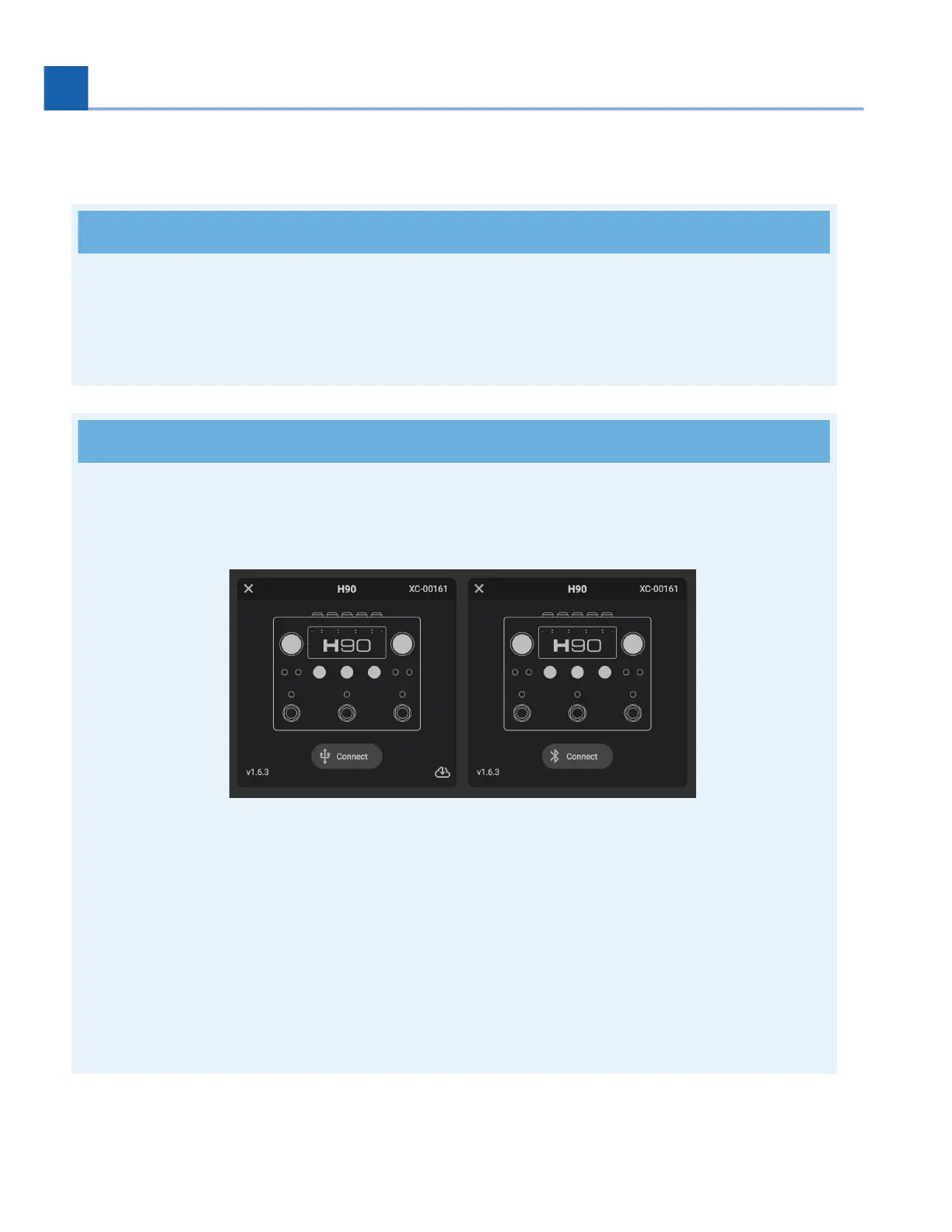
Your H90 will show up as two devices in H90 Control depending on the connection method: USB
or Bluetooth. This will be indicated by the connection icon below the device’s image.
Fig. 7.13 The USB Device can be seen on the left, while the Bluetooth device can be seen
on the right.
You cannot update your H90 via Bluetooth; you must use a USB connection to update. Click the
cloud icon in the bottom right corner of the USB device to update.
Do not connect your H90 to multiple devices running H90 Control via Bluetooth and USB
simultaneously.
•
•
•
7. SYSTEM MENU














 To Next Page