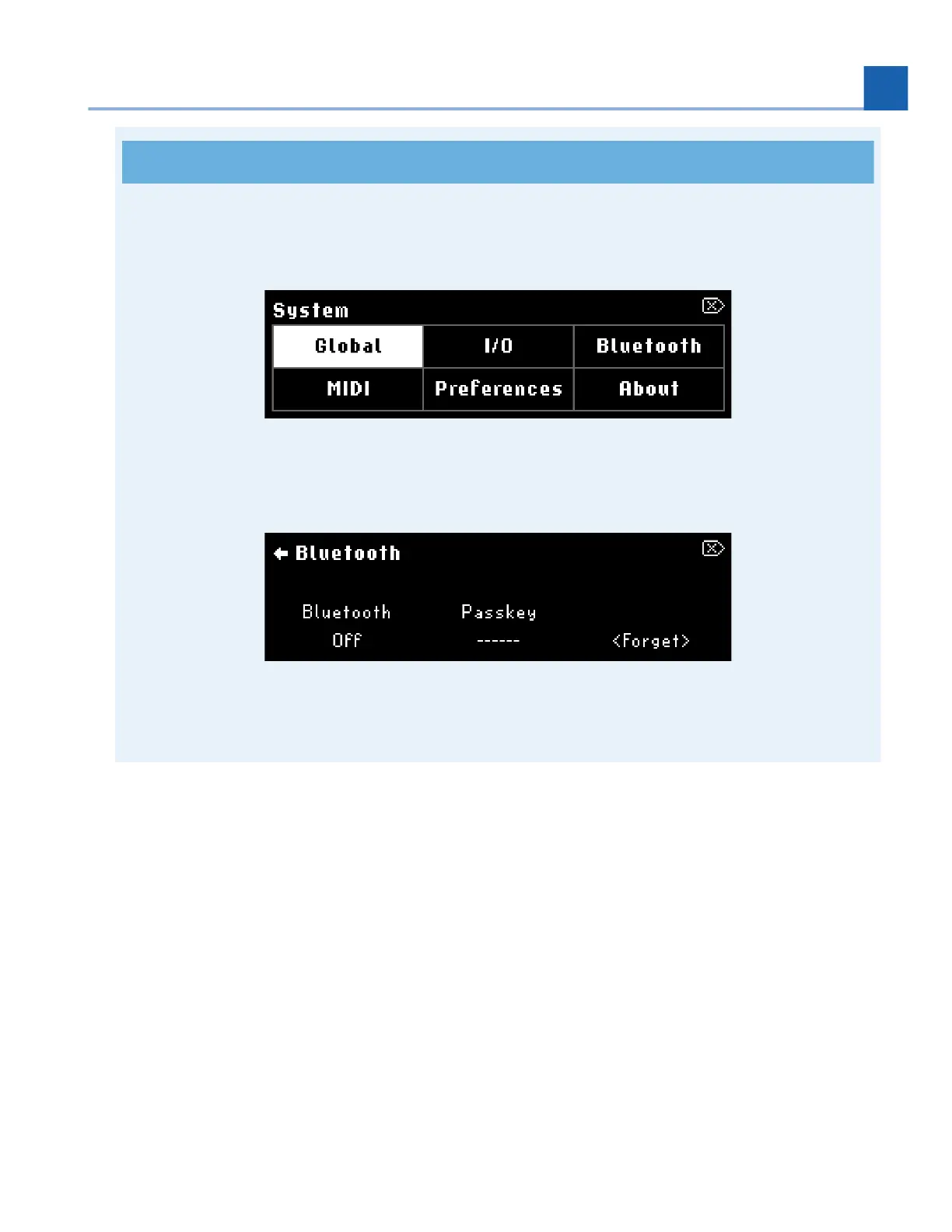
Press and hold the Programs and Routing buttons to enter the H90’s System Menu, then locate the
Bluetooth menu to enable Bluetooth and pair/connect your H90.
Fig. 7.11 Press and hold the Programs and Routing buttons to enter the H90’s System
Menu.
Fig. 7.12 Enter the Bluetooth menu to enable Bluetooth on your H90.
Bluetooth On/Off
Turn Quick Knob 1 to turn the H90’s Bluetooth advertising on/off. This allows you to pair and connect with
Bluetooth host devices such as a Mac computer or iOS device. The left Bluetooth LED illuminates blue when
on.
Passkey
Displays a pairing passkey while you are pairing with a new host device.
Forget
7. SYSTEM MENU














 To Next Page