6. EDIT MODES
6.1. Programs
Programs Edit Mode allows you to search through and audition the Programs on the H90.
Press the Programs Button to enter Programs Edit Mode. Press any Footswitch to exit.
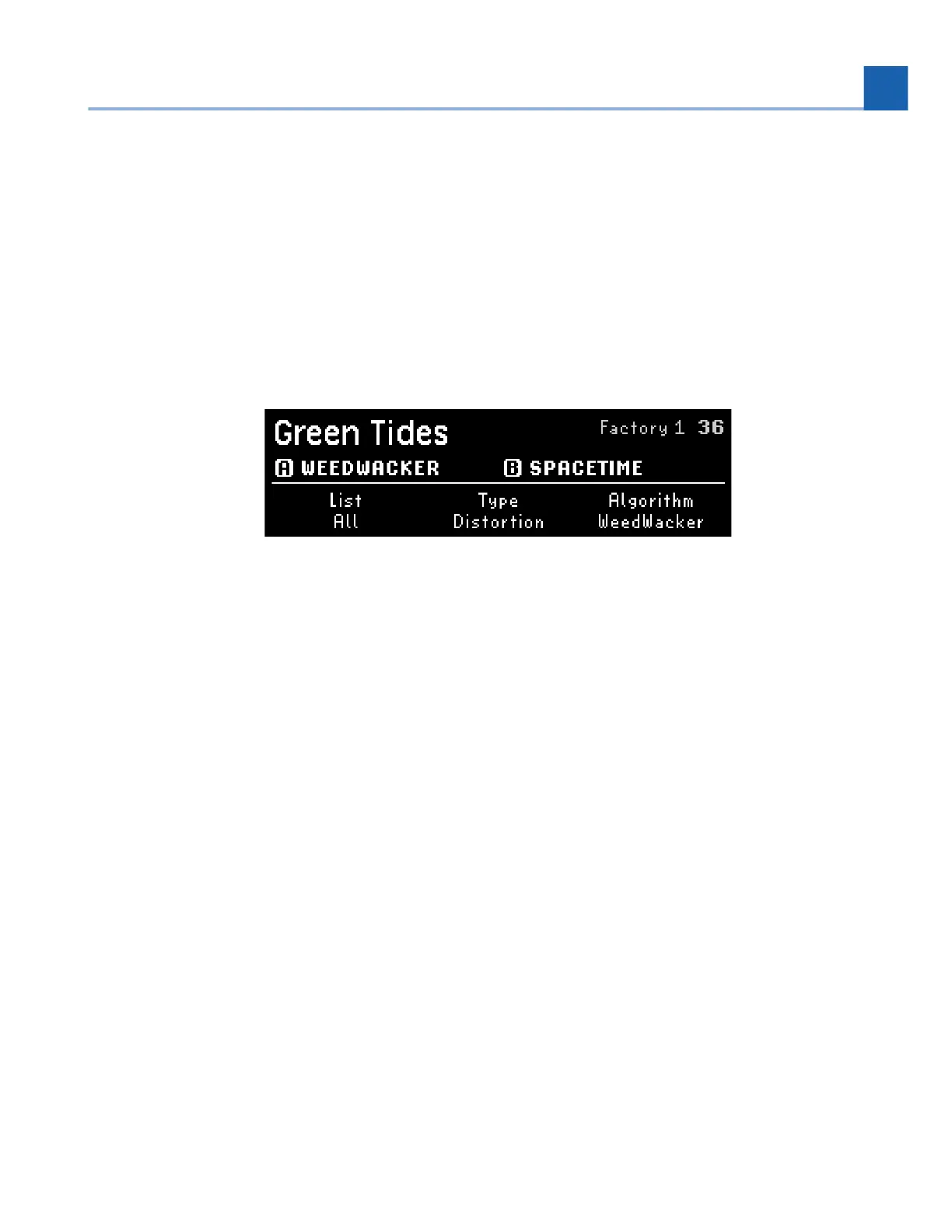
Fig. 6.1 The upper right corner displays the List and location of the Program.
The three Quick Knobs filter the List of Programs:
Quick Knob 1 selects the List. This includes both Factory Lists and User Lists.
Quick Knob 2 selects the effect type for which to search.
Quick Knob 3 selects the Algorithm for which to search.
Turn the Select Knob to scroll through the filtered List, which auto-loads each Program for quick
auditioning.
Press the P LED Button to activate/bypass the Program. Press the A or B LED Button to activate/bypass
each Preset within the Program.
•
•
•
6. EDIT MODES














 To Next Page