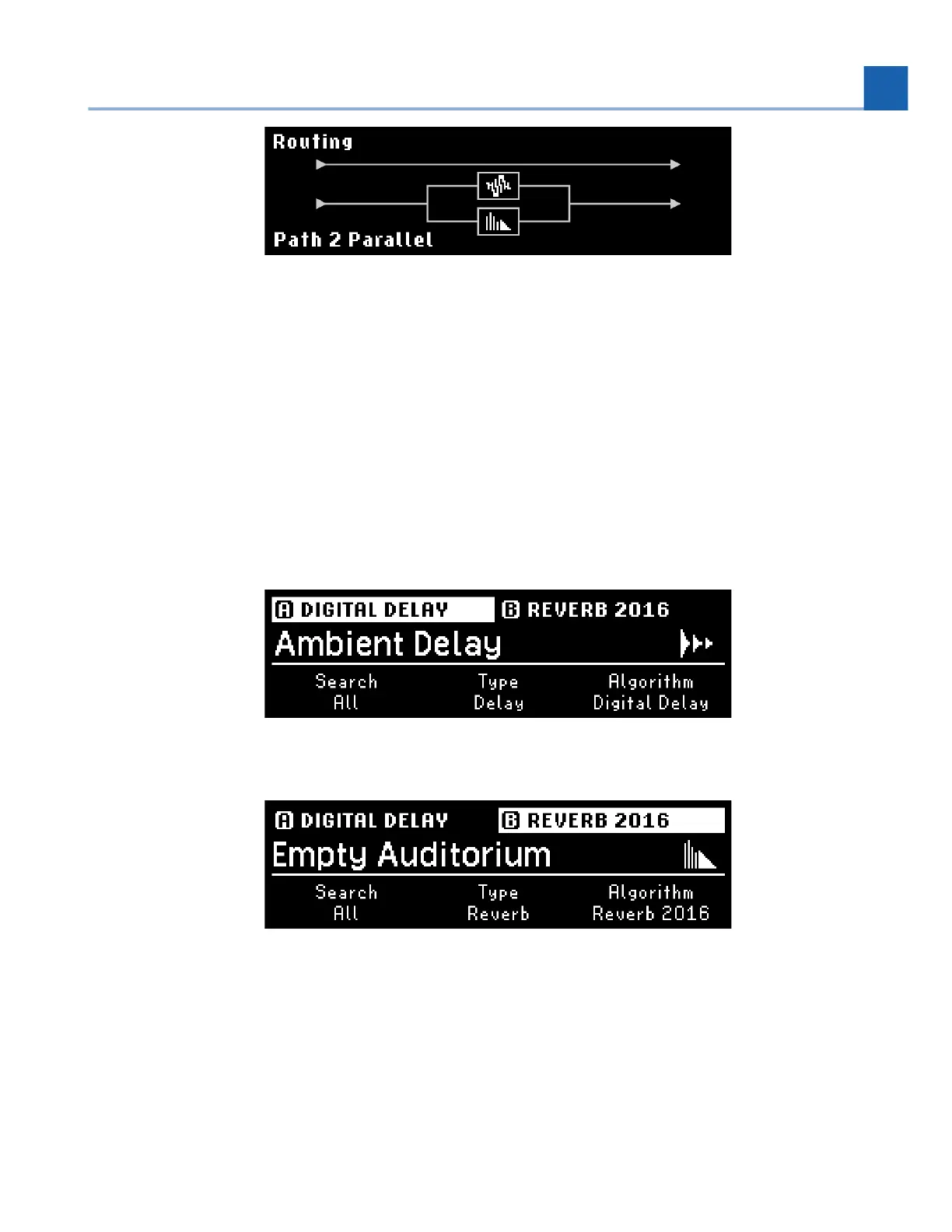
Fig. 6.20 Presets A & B in Parallel on Path 2
6.3. Presets
Presets Edit Mode allows you to quickly hear the effects of different Algorithm Presets on the currently
loaded Program.
Press the Presets Button to enter Presets Edit Mode. Press again to toggle the selection between Presets
A and B.
Fig. 6.21 Preset Edit Mode displaying Preset A
Fig. 6.22 Preset Edit Mode displaying Preset B
The three Quick Knobs can be used to filter the List of Presets:
Quick Knob 1 selects the List through which to search. This includes both Factory Lists and User
Lists, and also narrows down the other two Quick Knobs’ filters.
•
6. EDIT MODES














 To Next Page