Press the Select Knob to cancel the save operation.
6.2. Routing
Routing Edit Mode adjusts the routing of the currently loaded Program.
The H90’s two Presets can be routed to process your signal in series or parallel for each Program. This is
useful for a variety of applications:
If your Program uses a Distortion and Wah Wah Preset you may want to process the distortion in
series with the wah wah, meaning your audio is first processed by the distortion, and then the
distorted signal is processed by the wah wah.
Alternatively, if you are using a Program with Delay and Reverb Presets, you can process your audio
through these two Presets in a parallel path, meaning the audio is sent to the delay and reverb
simultaneously on two paths, and your delay and reverb sounds will not affect each other.
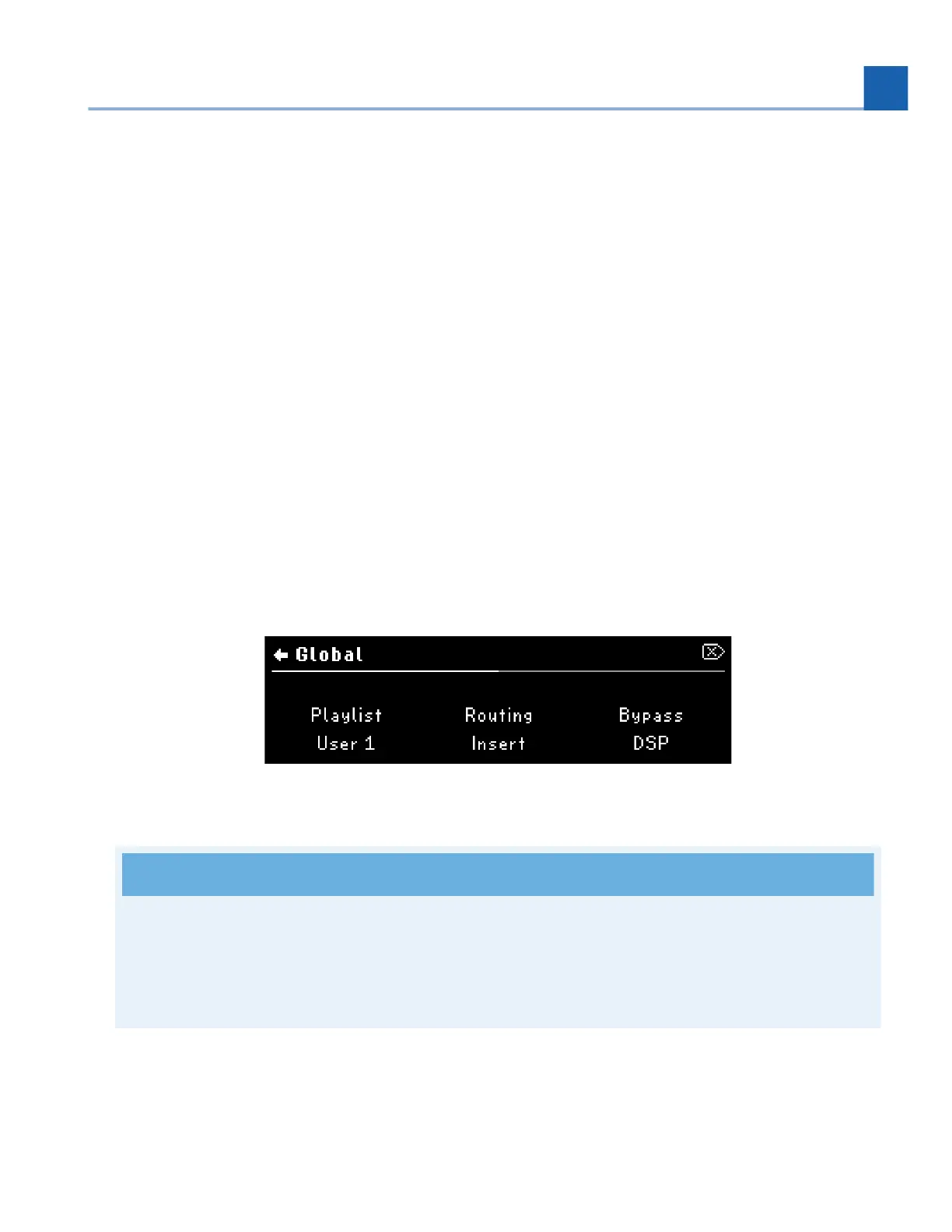
The Routing Edit Mode appears in one of two ways, depending on whether the Global Routing
Configuration is set to Insert or Dual on the System Menu's Global page (Section 7.1).
Fig. 6.4 Configure your Global Routing in the System Menu page.
Note
Changing your routing from Insert to Dual will automatically enable an alternate set of available
Lists as well as your current Playlist. Programs and Lists that are created with Insert routing cannot
be used with Dual routing, and vice versa.
Press the Routing Button to enter Routing Edit Mode. Press any Footswitch to exit.
•
•
•
6. EDIT MODES














 To Next Page