7.4. MIDI
Configure global MIDI settings for your H90. These controls will be enabled regardless of the current
Program loaded.
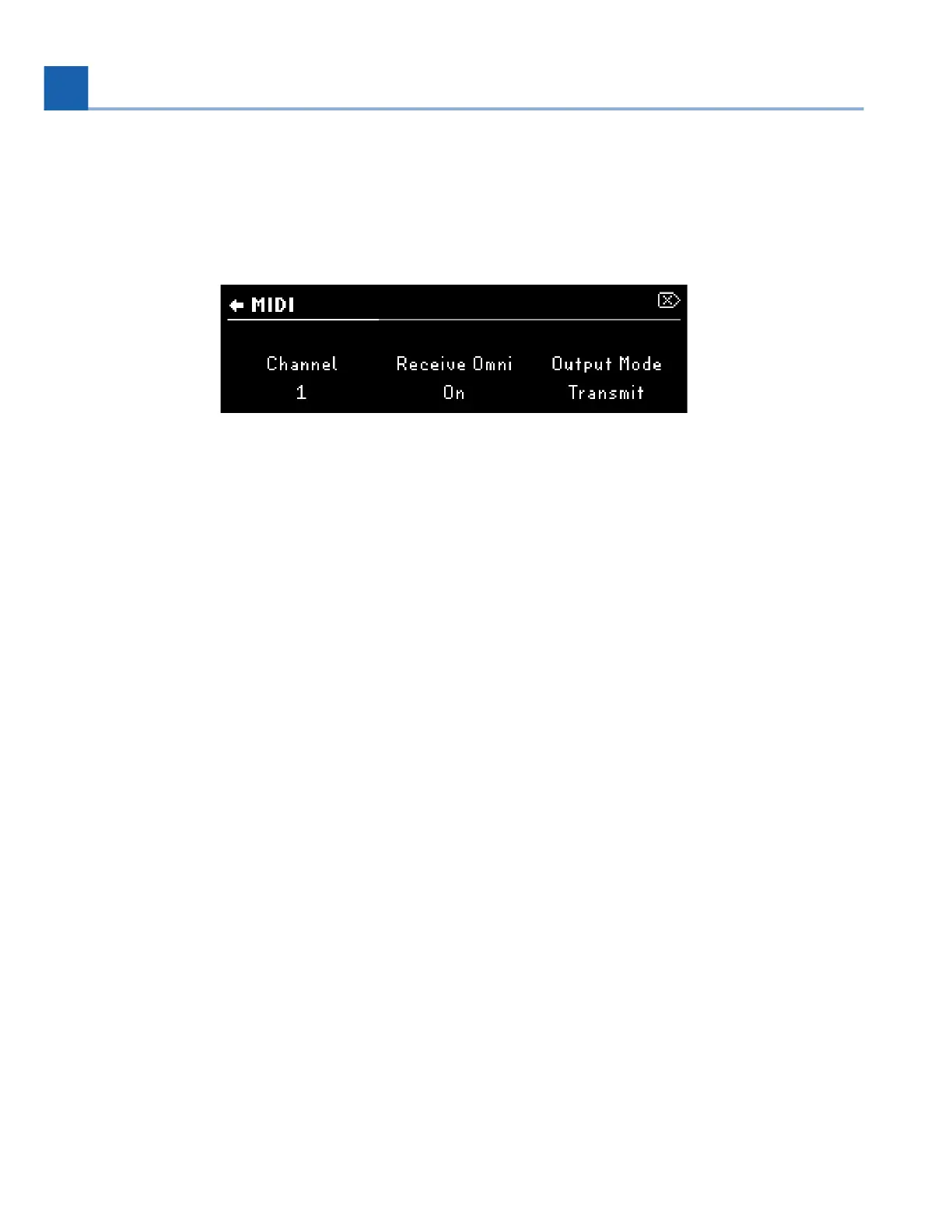
Fig. 7.34 MIDI menu page 1
Channel
Select the MIDI channel (1-16) on which the H90 receives and transmits.
Receive Omni
Turn this on if you’d like the H90 to receive MIDI from all channels simultaneously. This setting overrides the
receive channel, but the H90 will still transmit on the configured channel.
Output Mode
Off: No MIDI information will be transmitted to the MIDI output.
Transmit: H90 will transmit Program Change, CC, and MIDI Clock information from the DIN MIDI output.
MIDI will not be passed thru from the DIN MIDI input.
Thru: MIDI information from the DIN MIDI input will be sent to the DIN MIDI output. H90 will not
transmit MIDI information.
Clock Source
Configure the H90 to use the DIN or USB input as the MIDI clock source. Set Tempo Source to MIDI in the
Tempo Menu to sync the H90 to this clock source.
•
•
•
7. SYSTEM MENU














 To Next Page