P/A/B LED Buttons
In Select/Bank mode, press the LED Buttons to activate/bypass a Program or Preset. In Perform
mode, press the LED Buttons to assign a Performance Parameter to a Footswitch.
Footswitches
In Select/Bank Mode, use the three Footswitches to cue up and load Programs. In Perform Mode,
these are user-programable Footswitches.
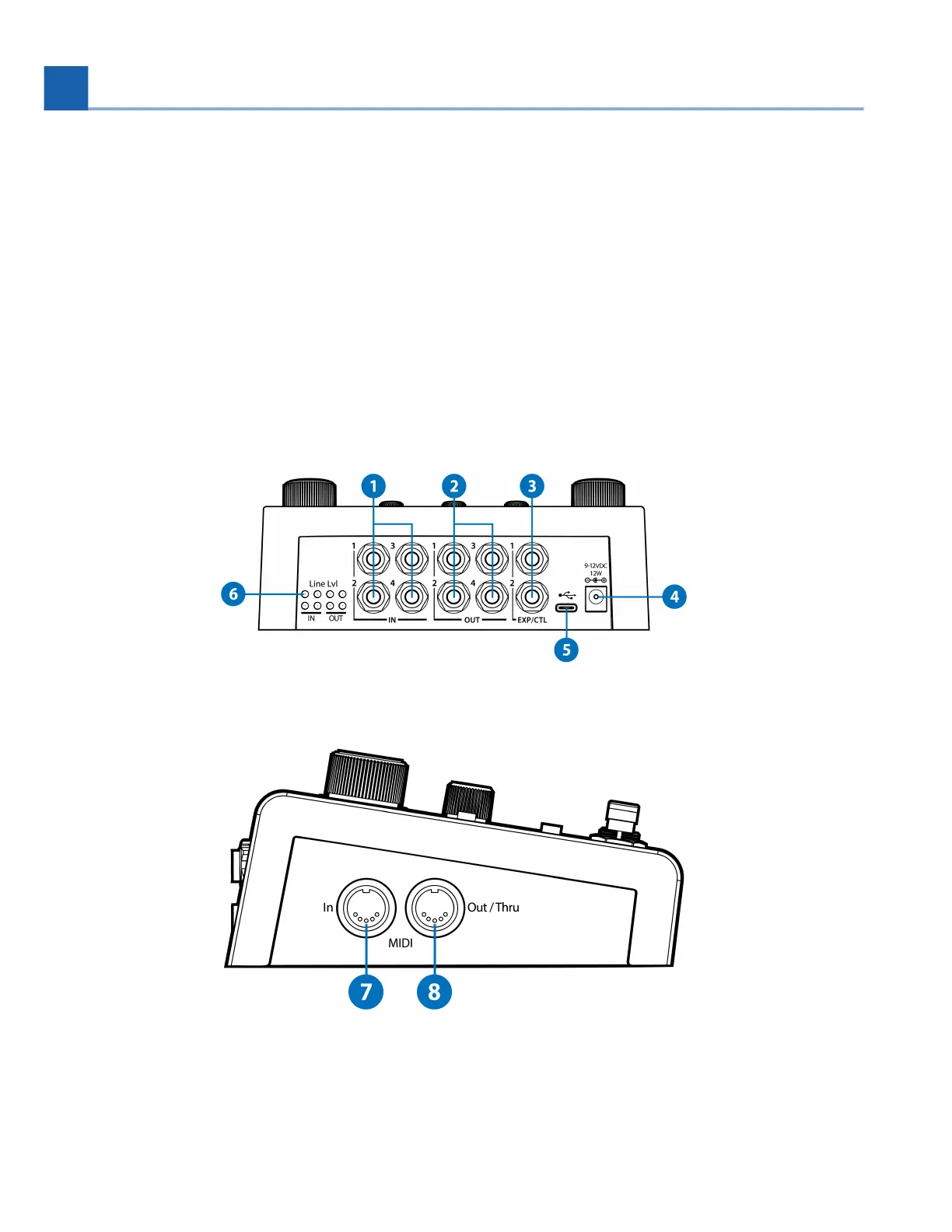
2.2. Rear and Side
Fig. 2.4 H90 Rear
Fig. 2.5 H90 Side
12.
13.
2. HARDWARE














 To Next Page