Tip
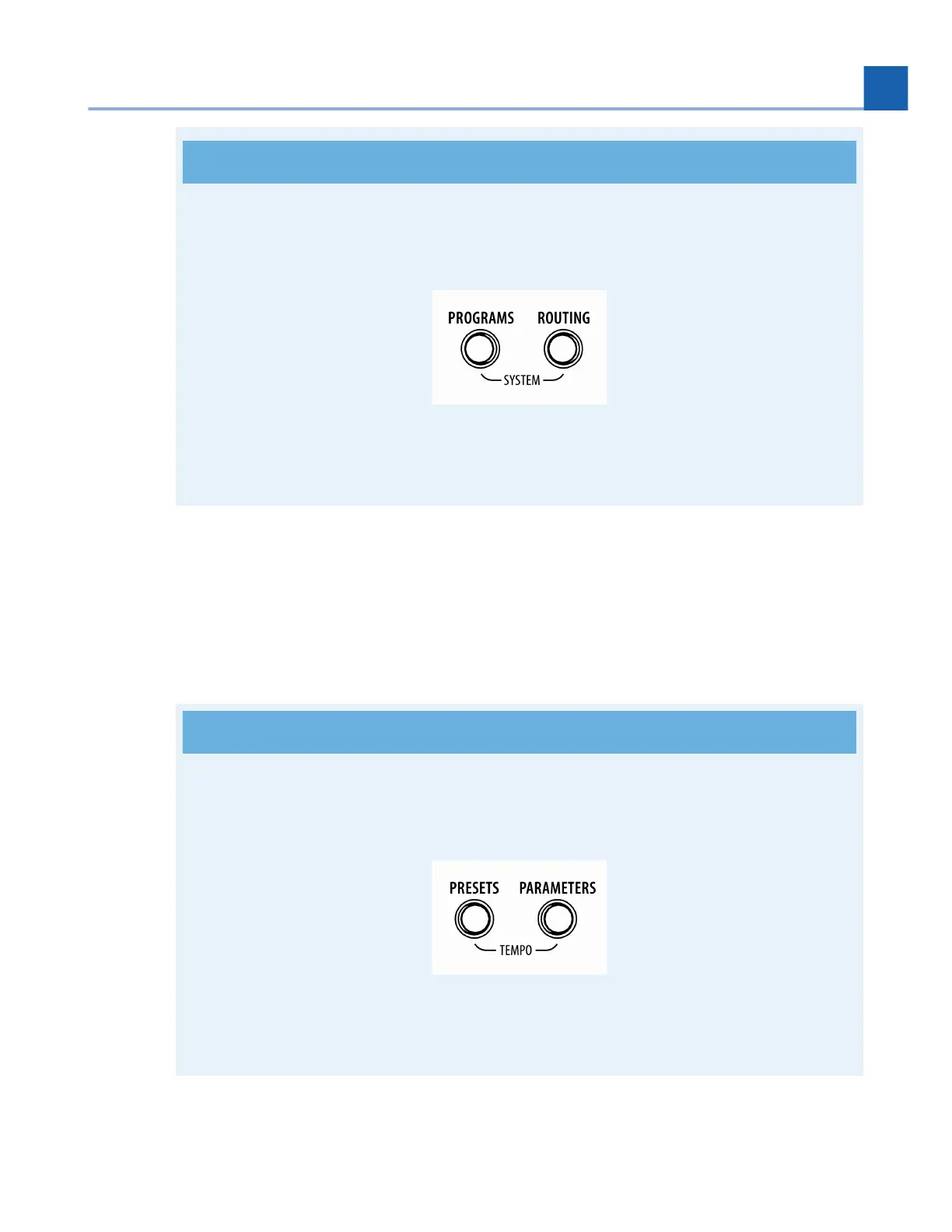
Press and hold the Programs and Routing Buttons simultaneously to access the System
Menu.
Fig. 2.2 Press and hold the Programs and Routing Buttons simultaneously
Presets
Press to enter Preset Edit Mode and browse the Preset Library.
Parameters
Press to enter Parameters Edit Mode to adjust Program and Preset parameters.
Tip
Press and hold the Presets and Parameters Buttons simultaneously to access the Tempo
Menu.
Fig. 2.3 Press and hold the Presets and Parameters Buttons simultaneously
10.
11.
2. HARDWARE














 To Next Page