7. SYSTEM MENU
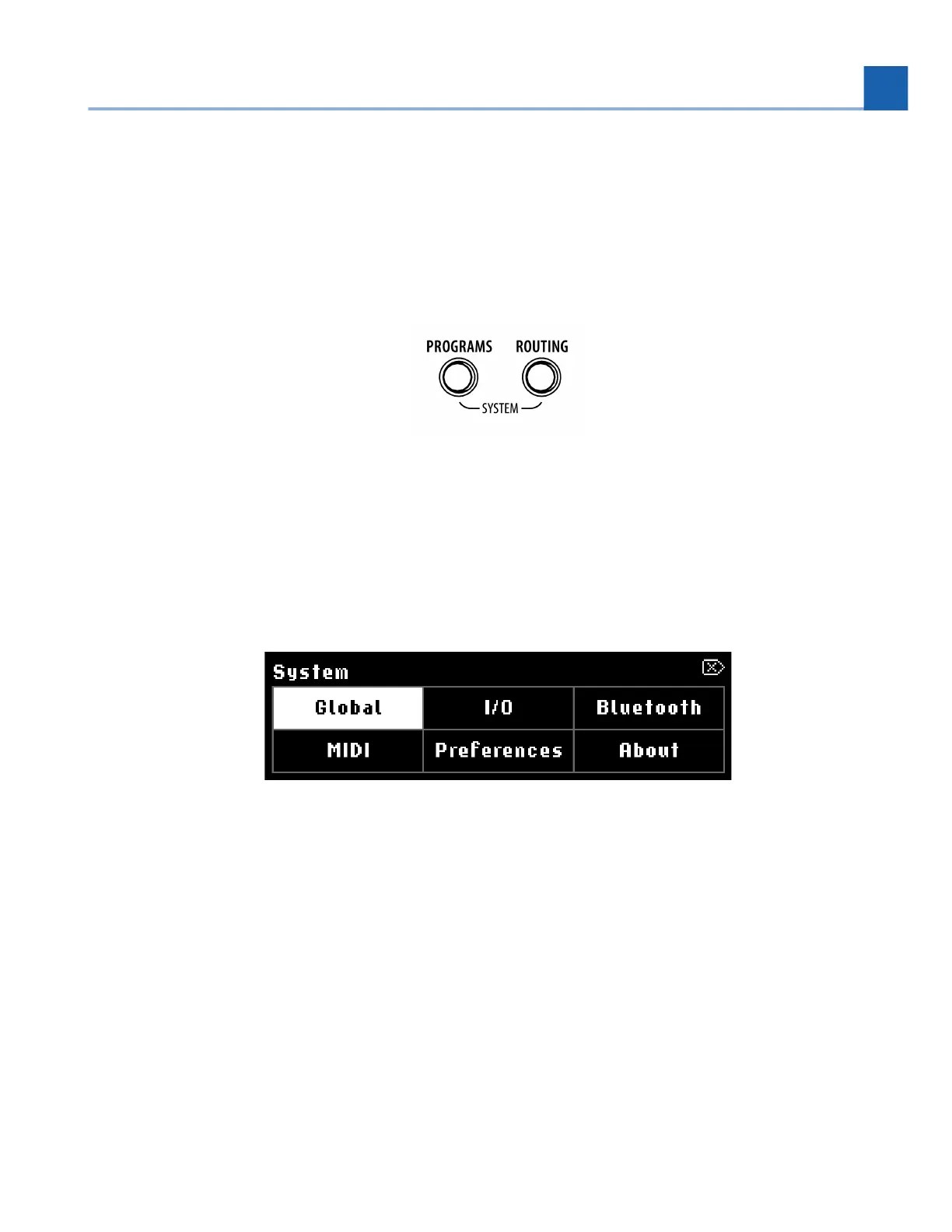
Press and hold the Programs and Routing Buttons simultaneously to enter the System Menu. Press the
Perform Knob to exit.
Fig. 7.1 Press and hold the Programs and Routing Buttons simultaneously
Navigate between pages either by turning the Select Knob, or by pressing the Programs or Routing
Button.
Press the Select Knob to select a page. Press it again to exit that page and go back to the main
System Menu.
Fig. 7.2 System Menu display
•
•
7. SYSTEM MENU














 To Next Page