7.5. Preferences
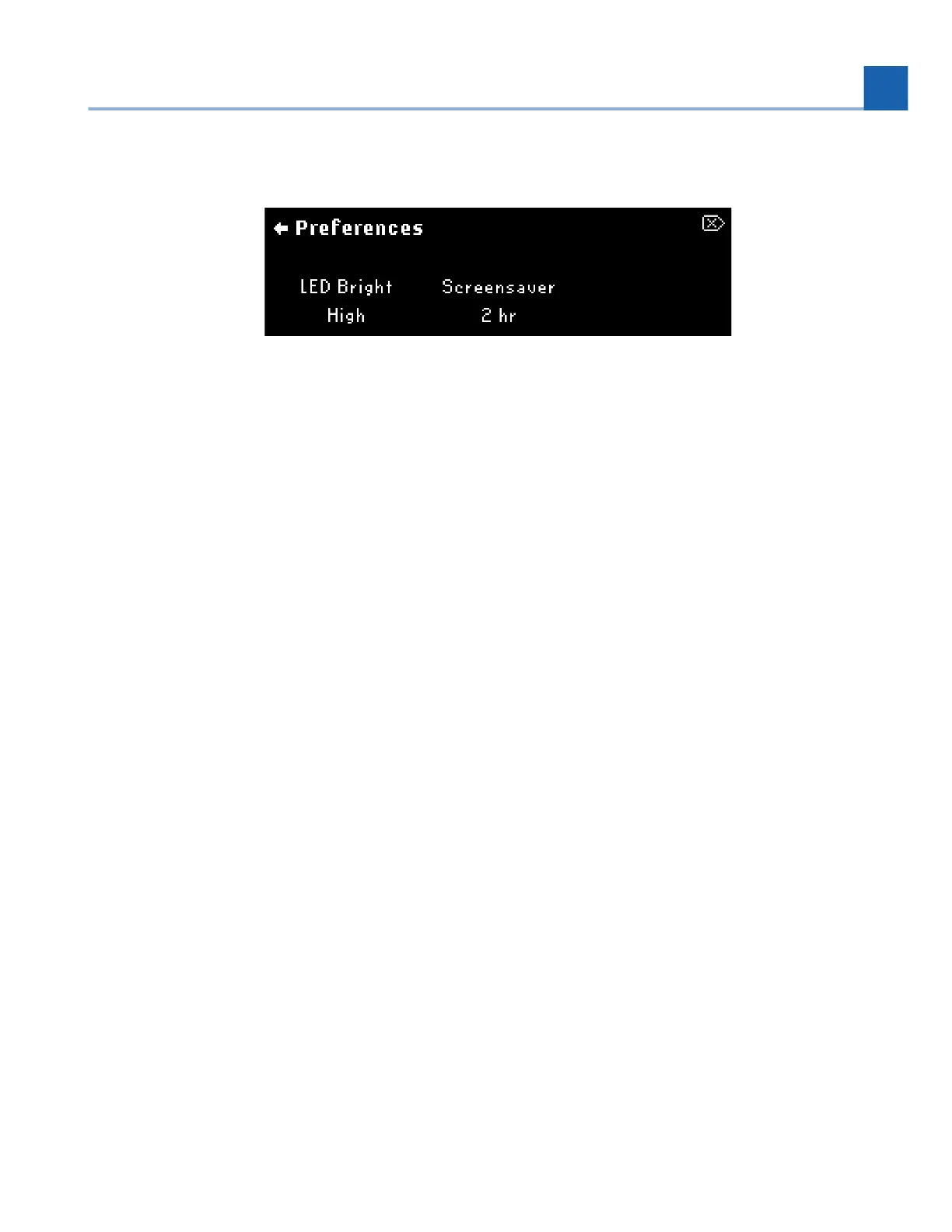
Fig. 7.38 Preferences menu display
LED Bright
Adjust the brightness of the LEDs.
High
Med-High
Low-Med
Low
Screensaver
Configure the amount of time it takes for the screensaver to be enabled. The screensaver will display an H90
animation, and help preserve the longevity of the H90’s OLED screen. Adjustable from 30 minutes to eight
hours.
7.6. About
Displays the H90’s serial number, as well as version numbers for the audio and software.
•
•
•
•
7. SYSTEM MENU














 To Next Page