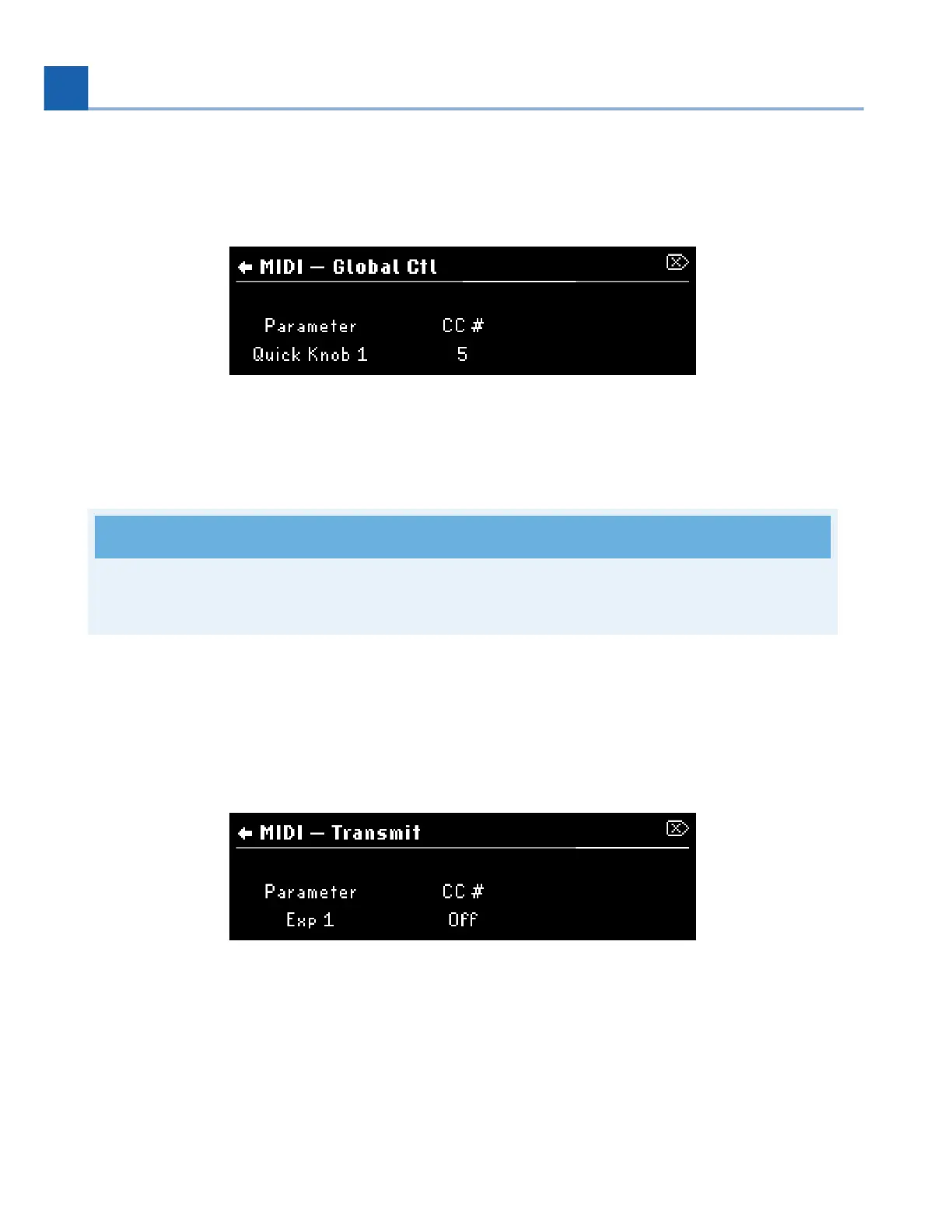
MIDI Global Control allows you to define MIDI control messages that will always affect the H90, regardless
of which Program is loaded. For example, if you always want CC #5 on your MIDI controller to control Quick
Knob 1, you can configure this using the MIDI Global Controls.
Fig. 7.36 MIDI Global Control
Parameter: Use Quick Knob 1 to select a parameter.
CC #: Use Quick Knob 2 to select a CC # to control the currently selected parameter.
Note
Check out the Global Mapping Chart (Section C) for a full list of available mappings.
Transmit
MIDI Transmit allow you to use controllers such as aux switches and expression pedals as MIDI controllers by
having the H90 transmit corresponding MIDI CC messages from the DIN MIDI output.
Fig. 7.37 MIDI Transmit
Parameter: Turn Quick Knob 1 to select a parameter.
CC #: Turn Quick Knob 2 to select a CC # for the currently selected parameter to transmit as MIDI CCs.
•
•
•
•
7. SYSTEM MENU














 To Next Page