9. SOFTWARE UPDATES
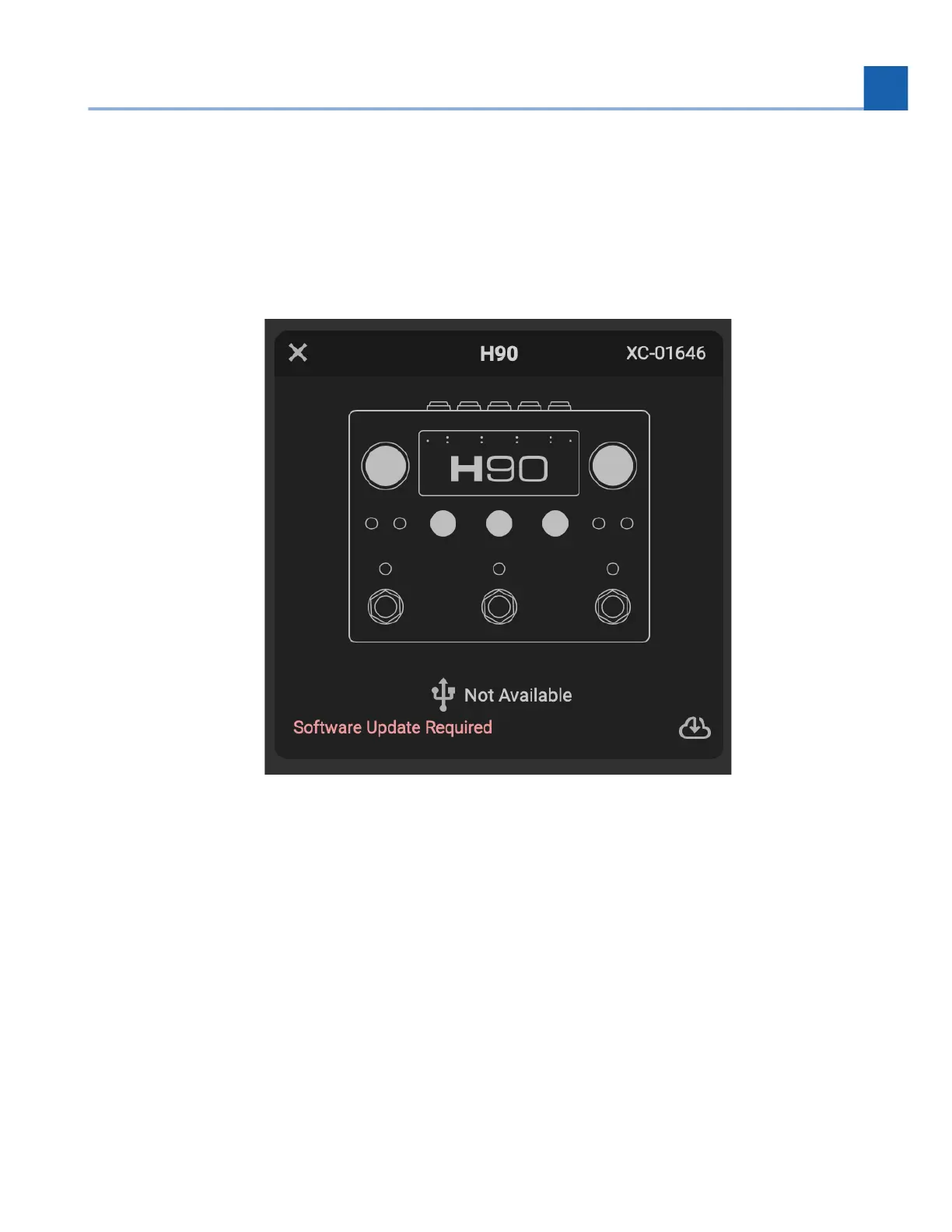
We recommend that you keep your H90’s software up to date. All of your updates will be done using the
H90 Control application, which will notify you whenever a new update is available.
Fig. 9.1 You will be notified when an update is required. Click the cloud icon to update your H90’s
software.
To update your H90’s software:
Visit https://www.eventideaudio.com/my-account/ to register your H90 and download H90
Control.
Once the installer is downloaded, double-click the installer icon and follow the on-screen
installation instructions.
Power on your H90 and connect it your computer via the supplied USB-C to USB-A cable.
Open H90 Control, click “Add Device” in the top right corner, and Select “H90 Pedal”.
•
•
•
•
9. SOFTWARE UPDATES














 To Next Page