If your computer is connected to the internet and your H90’s software is not up to date, you will be
prompted to update your H90.
Follow the on-screen instructions to update.
Warning
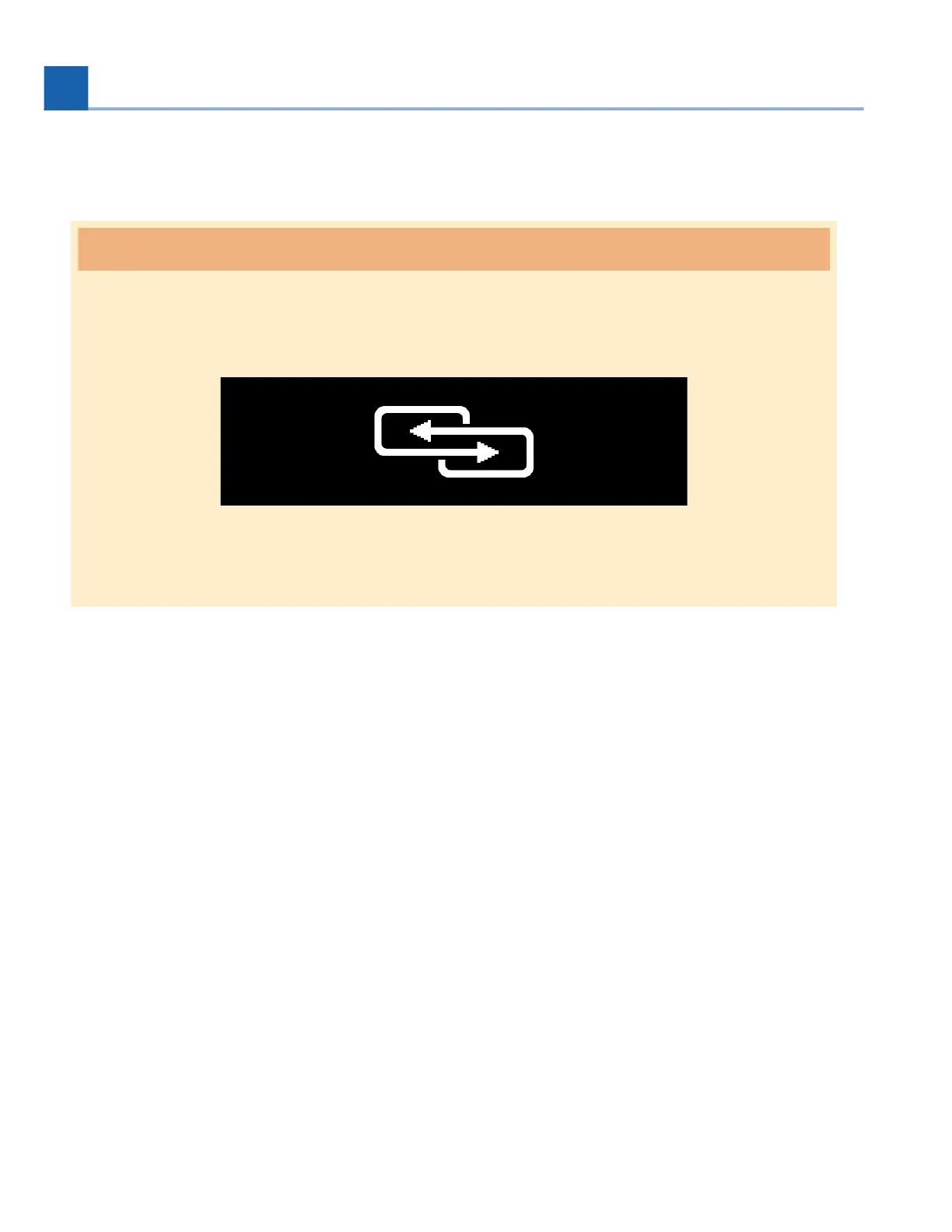
Do not unplug the power supply of your H90 during the update process. The H90’s screen will
display a connection icon to indicate that the update is in progress.
Fig. 9.2 The H90’s connection icon
•
•
9. SOFTWARE UPDATES














 To Next Page