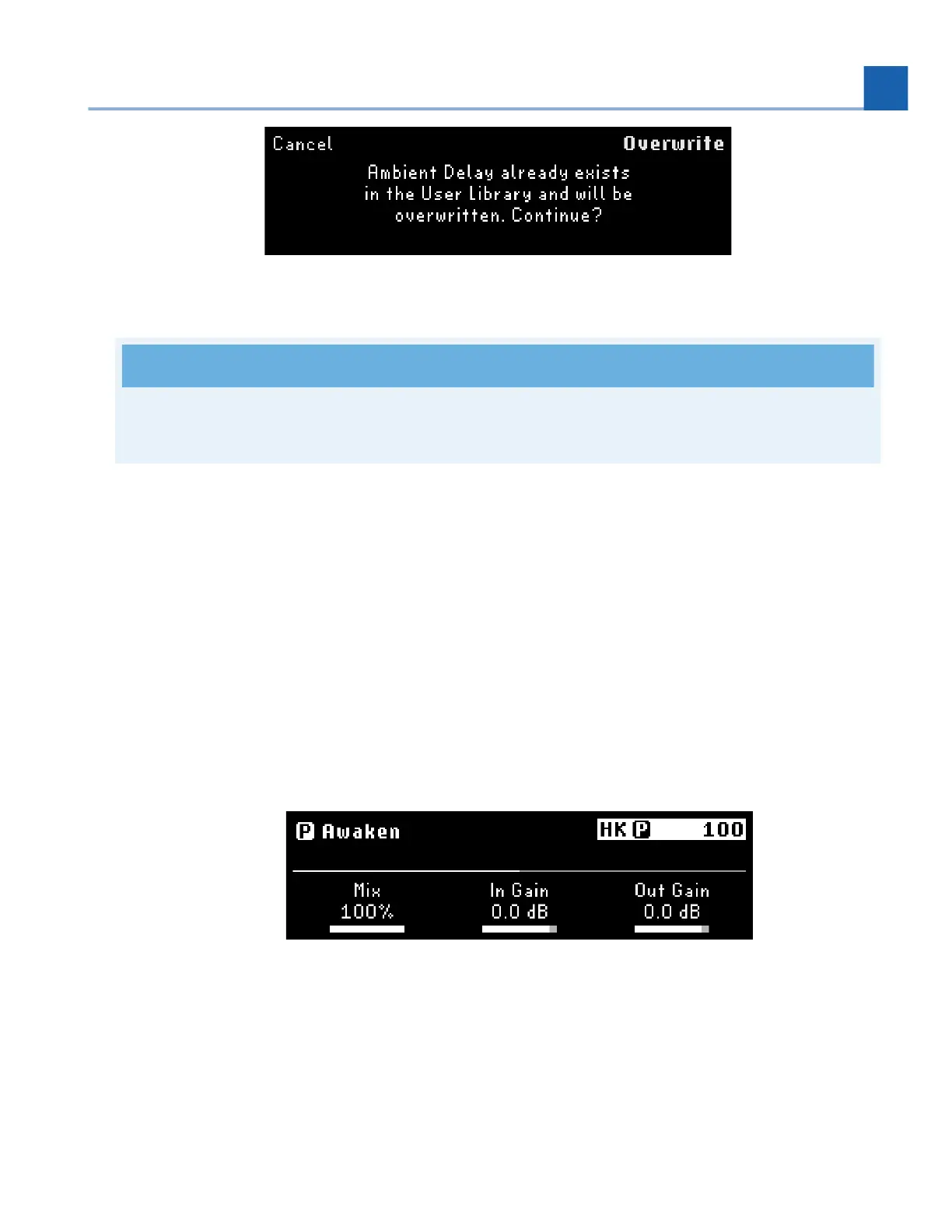
Fig. 6.24 Existing preset prompt
Note
Factory Presets must be renamed and saved as a new User Preset to the Library.
6.4. Parameters
Parameters Edit Mode allows you to adjust and map the Program-level and Preset parameters.
Press the Parameters Button to enter Parameters Edit Mode. Press again to cycle through P/A/B
parameter groups. Turn the Select Knob to scroll through the pages of parameters in the current group.
Adjust the parameters by turning the Quick Knobs.
Press the P LED Button to view the Program’s general parameters. Press it again to bypass/activate
the Program.
Fig. 6.25 Parameter Edit Mode displaying the parameters of the Program
Press the A LED Button to view the parameters for Preset A. Press it again to bypass/activate
Preset A.
•
•
6. EDIT MODES














 To Next Page