Performance Parameter Assignment Options
Program Tap Tempo
5.2.1.2. Map to External Controllers
You may find that you’ll want more than just six footswitches to control the variety of performance
parameters offered by a given Program. For instance, you may want to always control the bypass/active
states of your Programs and Presets using the H90’s footswitches and control the HotSwitches and
algorithm-specific performance parameters from another source. This can be accomplished by mapping
these parameters to an external controller.
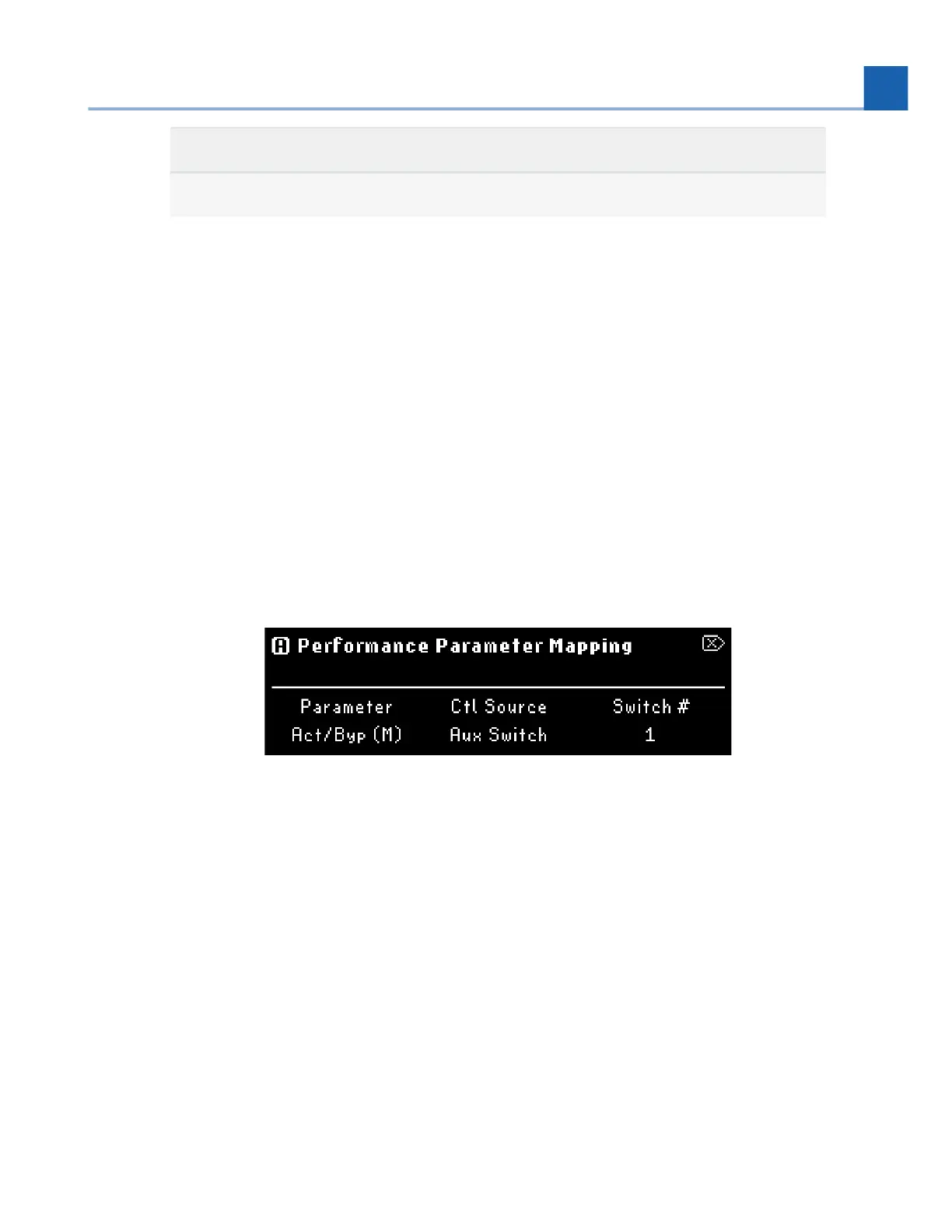
Press and hold the P, A, or B LED Button to begin mapping the P, A, or B performance parameters to
an external auxiliary switch or a MIDI CC message.
Turn Quick Knob 1 to select a parameter.
Turn Quick Knob 2 to select a control source for that parameter.
These maps will be active in Select Mode as well.
Fig. 5.6 Performance Parameter mapping menu
5.2.1.3. Tap Tempo
Tap Tempo on the H90 can work in two ways:
Tempo Sync: Press the Presets and Parameters buttons simultaneously to enable Tempo Sync for a
Preset. The Preset’s time based parameters, such as an LFO or delay time, will be displayed as
rhythmic divisions of the H90’s tempo. The H90’s tempo can be adjust from the Tempo Menu.
•
•
•
•
•
5. PLAY MODES














 To Next Page