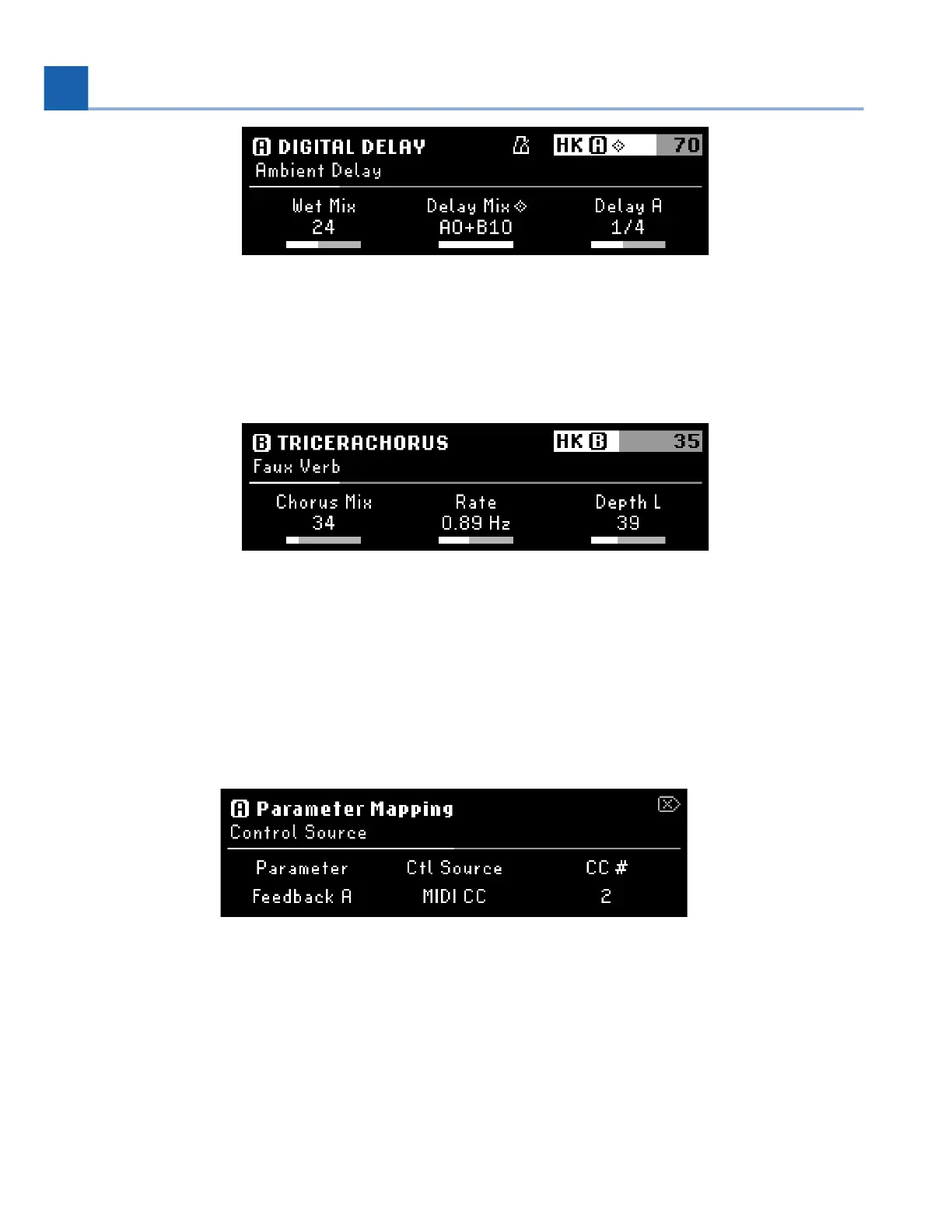
Fig. 6.26 Parameter Edit Mode displaying the parameters for Preset A
Press the B LED Button to view the parameters for Preset B. Press it again to bypass/activate
Preset B.
Fig. 6.27 Parameter Edit Mode displaying the parameters for Preset B
6.4.1. Mapping
The H90 offers a wide variety of parameter mapping for internal and external controllers. All of your
custom parameter mapping will be configured in Parameters Edit Mode.
Fig. 6.28 External Mapping menu
To map a parameter:
Press and hold the Quick Knob that controls the parameter you wish to map.
Turn Quick Knob 2 to select a control source.
•
•
•
6. EDIT MODES














 To Next Page