Any combination of Quick Knob assignments can be made to suit your Program or performance
needs. You can map all of the Quick Knobs to the Parameters of Preset A or B, or mix things up
between both Preset and Program-level parameters.
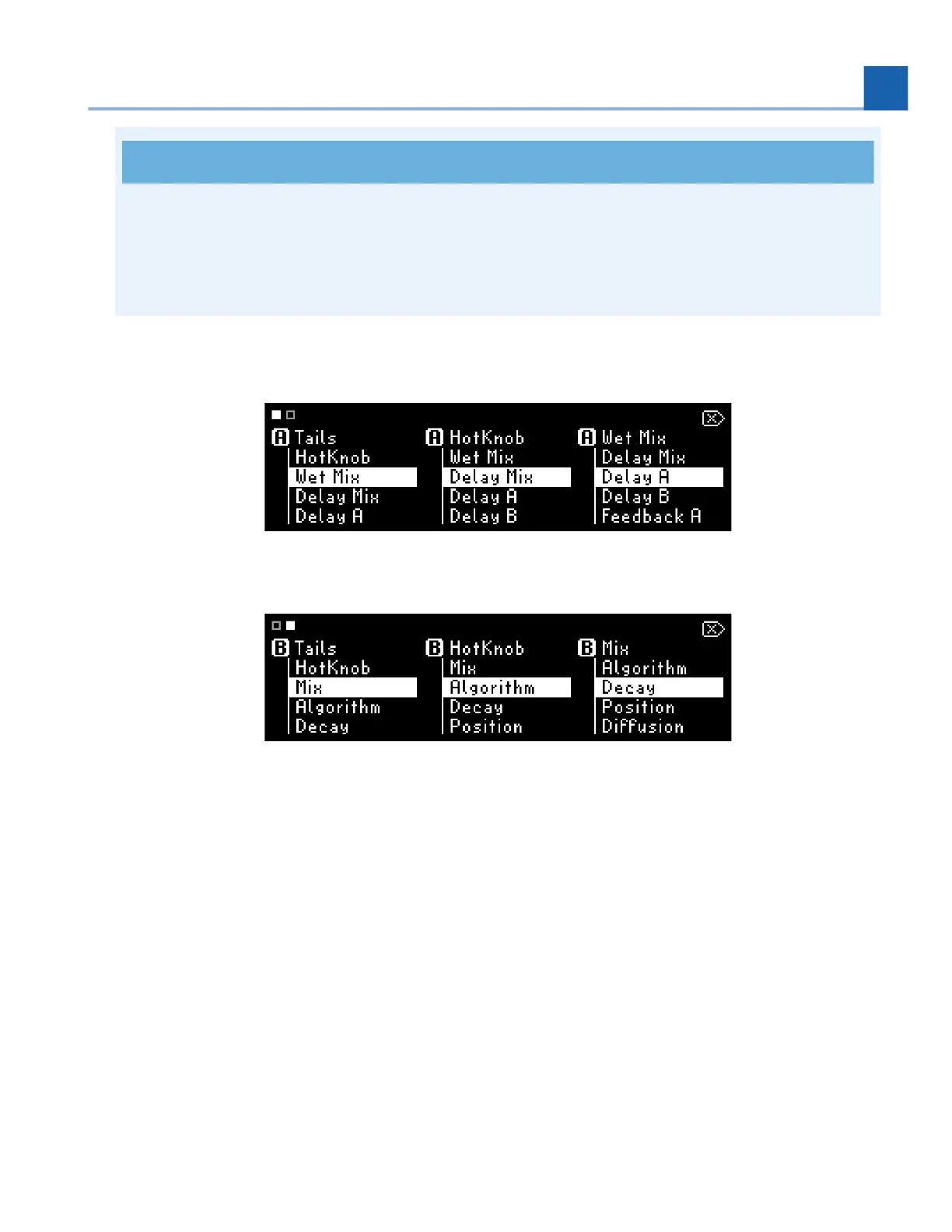
Press and hold any Quick Knob to access the assignment menu.
Fig. 5.8 Page 1 of the Quick Knob assignment menu
Fig. 5.9 Page 2 of the Quick Knob assignment menu; press any Quick Knob to toggle pages.
The square at the top-left of the screen indicates the current Quick Knob assignment page. Press
any Quick Knob to change the page.
The letters P (Program-level parameters), A (Preset A parameters), and B (Preset B parameters)
indicate to which part of the Program the listed parameters belong.
Turn the associated Quick Knob to select which parameter to assign.
Press and hold any Quick Knob, or press the Perform Knob to exit the Quick Knob Mapping menu.
Note that new mappings are not saved until the program is saved.
•
•
•
•
5. PLAY MODES














 To Next Page