These two Global Routing Configurations affect Routing Edit Mode’s available options.
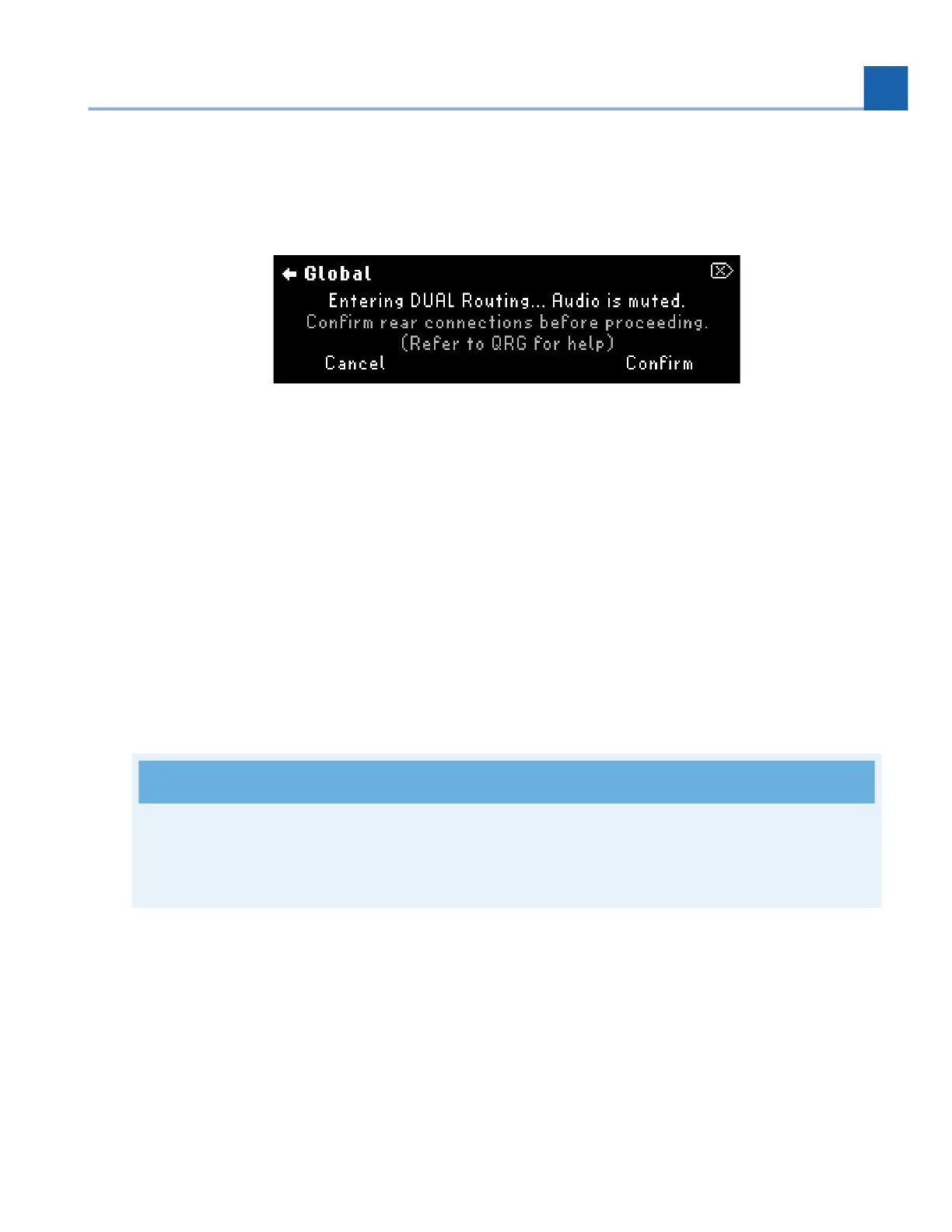
Turn Quick Knob 1 to change the Global Routing Configuration. A prompt will appear to confirm or cancel the
change. Press Quick Knob 3 to confirm, or press Quick Knob 1 to cancel.
Fig. 7.5 A prompt will appear to ensure you’d like to change your routing configuration
Program Bypass Mode
This determines the signal path when the Program is bypassed.
DSP: Keeps signal running through the DSP. Allows bypass tails. Inserts are bypassed when Program is
bypassed.
Relay: Directly connects inputs to outputs with physical relay switches. Disables bypass tails. Inserts are
bypassed when Program is bypassed.
AB Only: Bypassing the Program will only bypass Presets A & B. The inserts will still be active. This setting
is useful for Wet/Dry Amplifier configurations and other setups that rely on the inserts always being
active.
Note
When using Dual Routing, Relay bypass is not possible for Path 2 (I/O 3-4) but can still be used for
Path 1 (I/O 1-2). If no Presets are being used on Path 1, the relay will automatically be enabled.
Spillover Time
This determines how long the bypass tails will be enabled when switching Programs. Configurable from 0 to
30 seconds.
Source Type
•
•
•
7. SYSTEM MENU














 To Next Page