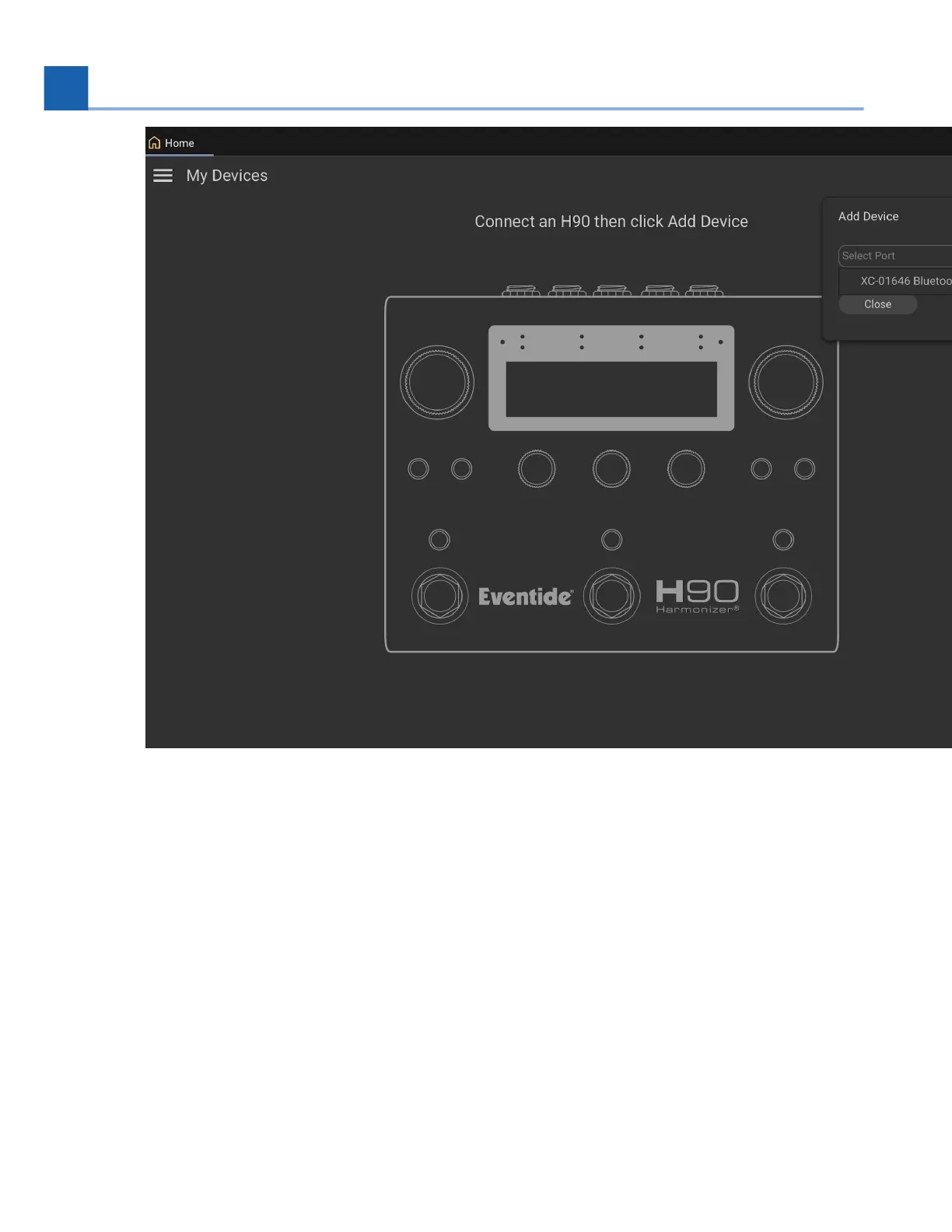
Fig. 7.27 Select the H90 Bluetooth Device to add it.
Select the H90 Bluetooth device, and click “Add”.
Your H90 Bluetooth device will now be connected to your iPad. The right Bluetooth LED on the
H90 will illuminate blue to indicate it is connected to a host.
You can now control your H90 using your iPad with H90 Control.
7.
8.
9.
7. SYSTEM MENU














 To Next Page